

Best Buffer Alternatives 2026: Top Social Media Tools Compared

Buffer is simple. But simple has limits.
If you're hitting Buffer's per-channel pricing wall, or need team approvals without doubling your bill, here are your best options. Running a small business and not sure if you need to leave Buffer at all? See our best social media schedulers for small businesses guide first. Budget picks like Schedchie (€7.99/mo, unlimited accounts) exist too, though it's a newer tool without independent reviews yet. Managing multiple Twitter/X accounts? See our dedicated multi-account Twitter management guide.
Why compare? Get more for less with SocialRails
Post images, videos & carousels to 9 platforms. AI helps with captions.
Cancel anytime
Quick Answer
Why People Leave Buffer
Three reasons come up constantly:
1. Per-channel pricing tracks your account count, not your team
Buffer bills per connected channel, so the bill grows every time you add a profile:
- 5 channels: $25/month on Essentials, $50 on Team
- 10 channels: $50/month on Essentials, $100 on Team
- Channels above 10 are discounted, though Buffer does not publish the rate
2. Team access doubles the per-channel rate
Essentials is single-user with no approvals. Team runs $10/channel against Essentials' $5, so adding collaboration doubles the bill rather than adding a flat fee.
3. The free plan is a trial, not a tier
Buffer Free covers 3 channels and 10 scheduled posts per channel, so it runs out quickly once you are posting consistently.
You manage 8 social accounts and need team approvals. What's Buffer's monthly cost?
💡 Tip: Think carefully before selecting your answer!
Top 7 Buffer Alternatives
Jump to a tool:
- SocialRails - Best Overall Value
- Loomly - Best for Teams
- Hootsuite - Best for Enterprises
- Vista Social - Best for Social Listening
- Later - Best for Visual Brands
- Pallyy - Best Budget Visual Planner
- Sprout Social - Best for Analytics
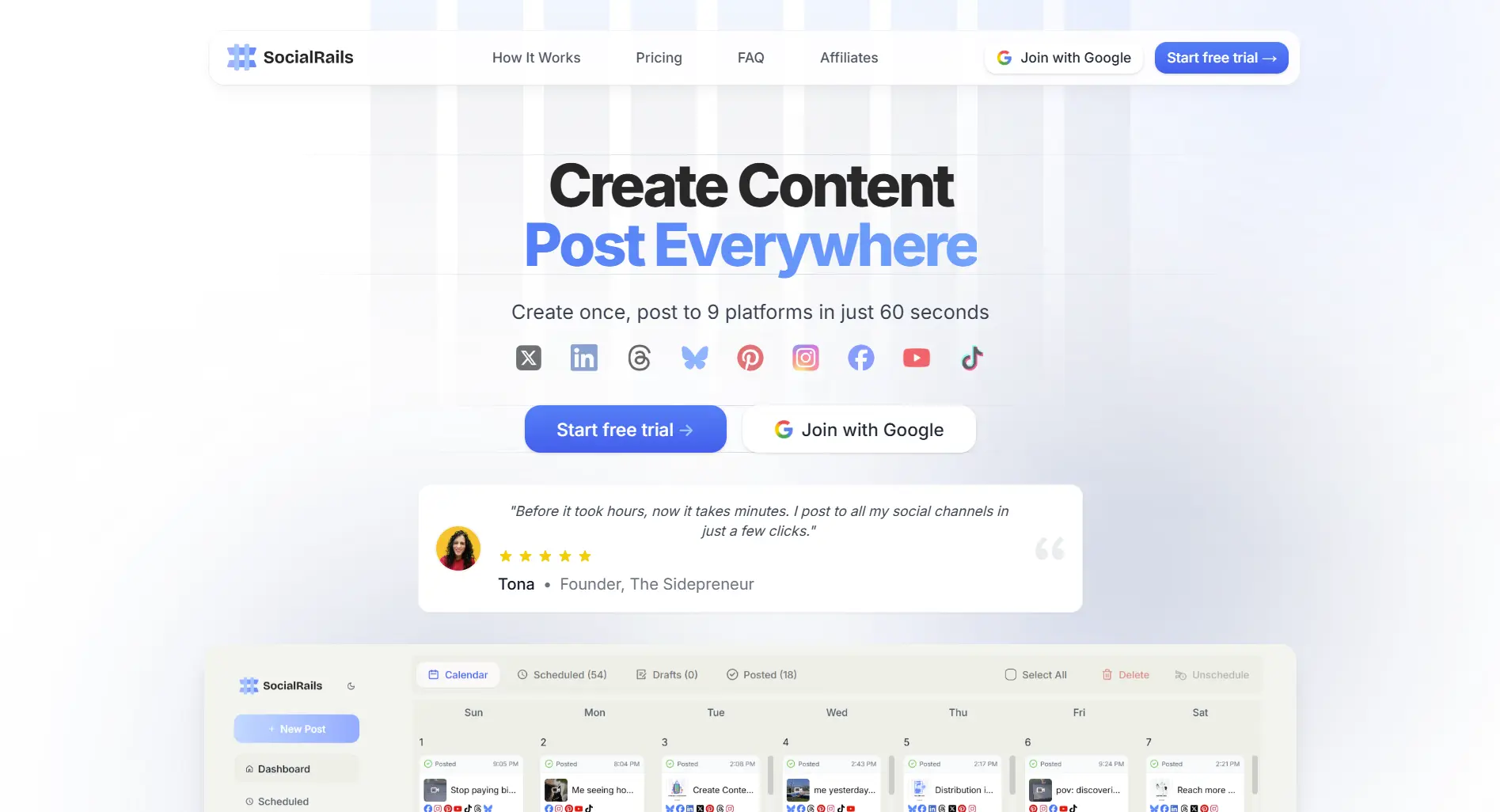
1. SocialRails - Best Overall Value
Price: $29-99/month
Solves Buffer's two biggest problems: per-channel billing and no video templates.
Best for: Anyone tired of writing every post manually.
Start your 3-day SocialRails trial →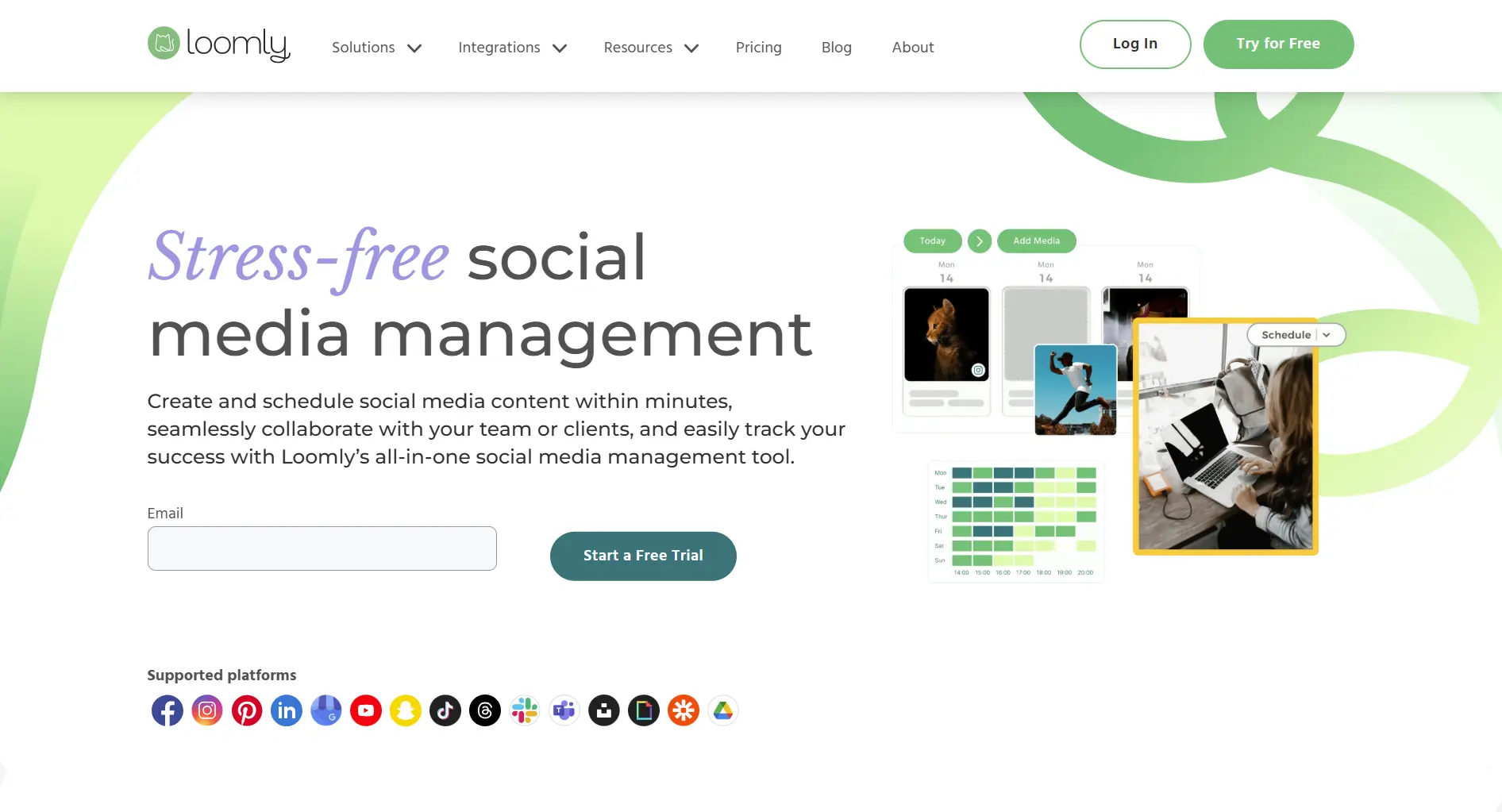
2. Loomly - Best for Teams
Price: $65/month on Starter billed monthly, or $49 billed yearly. Beyond is $332/$249
If your team needs approval workflows, Loomly beats Buffer hands down.
What you get:
- Multi-level approvals (draft → review → publish)
- Post ideas for every day
- Version history
- Client collaboration
Trade-off: No AI content generation, and the jump from Starter to Beyond is steep.
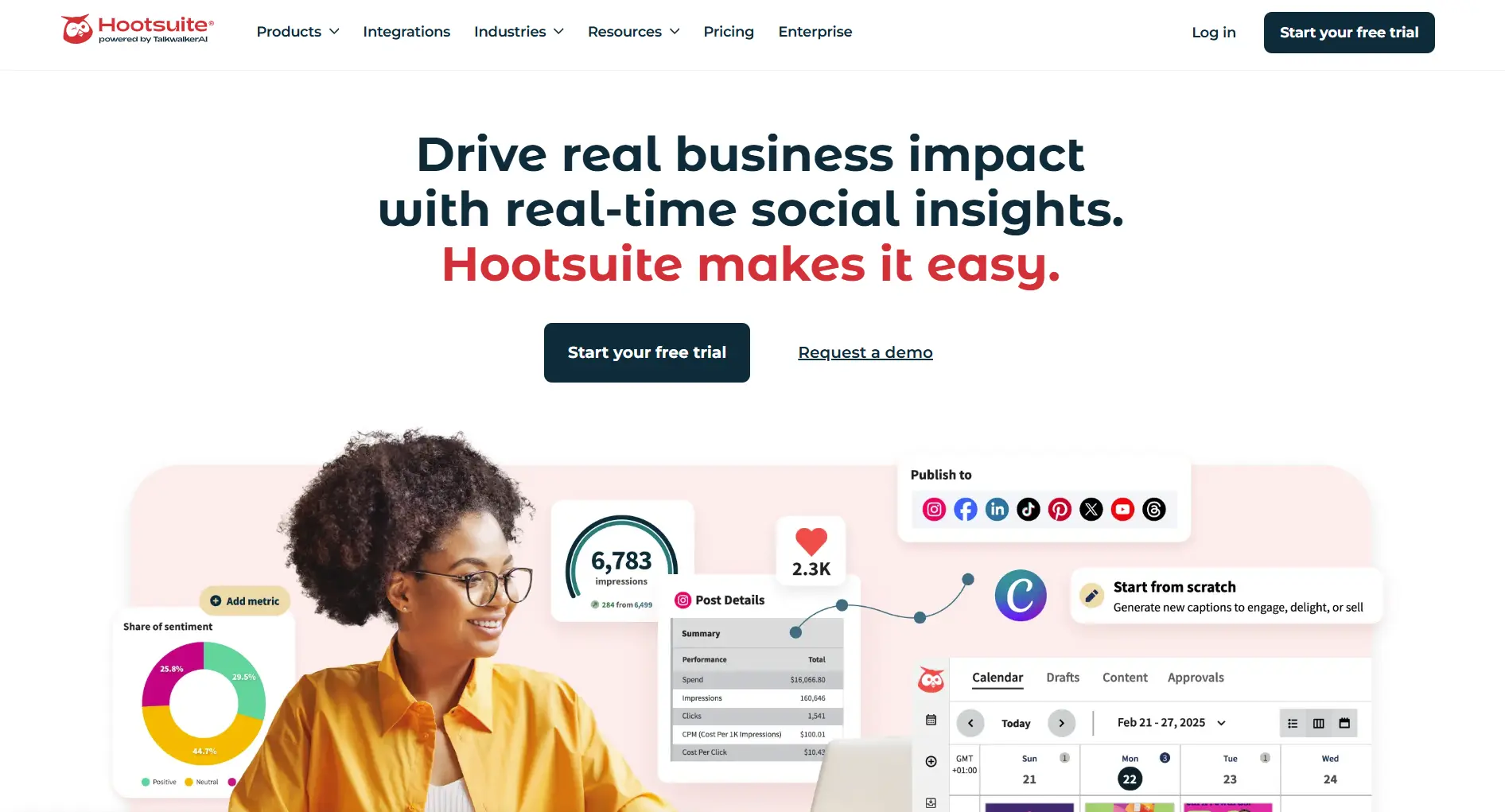
3. Hootsuite - Best for Enterprises
Price: $99-399 per seat/month
Hootsuite has features Buffer doesn't offer at any price:
- Social listening (monitor brand mentions)
- OwlyWriter AI (generates captions)
- Compliance tools
- 150+ integrations
Trade-off: Complex interface. Steep learning curve. Expensive.
Which Buffer alternative has social listening (monitoring brand mentions)?
💡 Tip: Think carefully before selecting your answer!

4. Vista Social - Best for Social Listening
Price: $79-349/month, 14-day trial and no free plan
Vista Social has something Buffer doesn't: social listening included.
What you get:
- Brand mention tracking
- Sentiment analysis
- Competitor monitoring
- 11 platforms (including Reddit, Threads, Bluesky)
- 15 profiles and 2 users on the entry plan
Trade-off: AI credits are limited. Mobile app needs work.
Full comparison →
5. Later - Best for Visual Brands
Price: $18.75-82.50/month, 14-day trial and no free plan
Instagram-first tool with features Buffer lacks:
- Visual grid preview
- Linkin.bio landing pages
- UGC management
- Best time suggestions
Trade-off: Limited outside Instagram. Basic analytics.

6. Pallyy - Best Budget Visual Planner
Price: Free plan, then $15 (Starter) or $25 (Pro)
Similar visual focus to Later at a lower price.
Trade-off: No AI content. Single user on Pro plan.
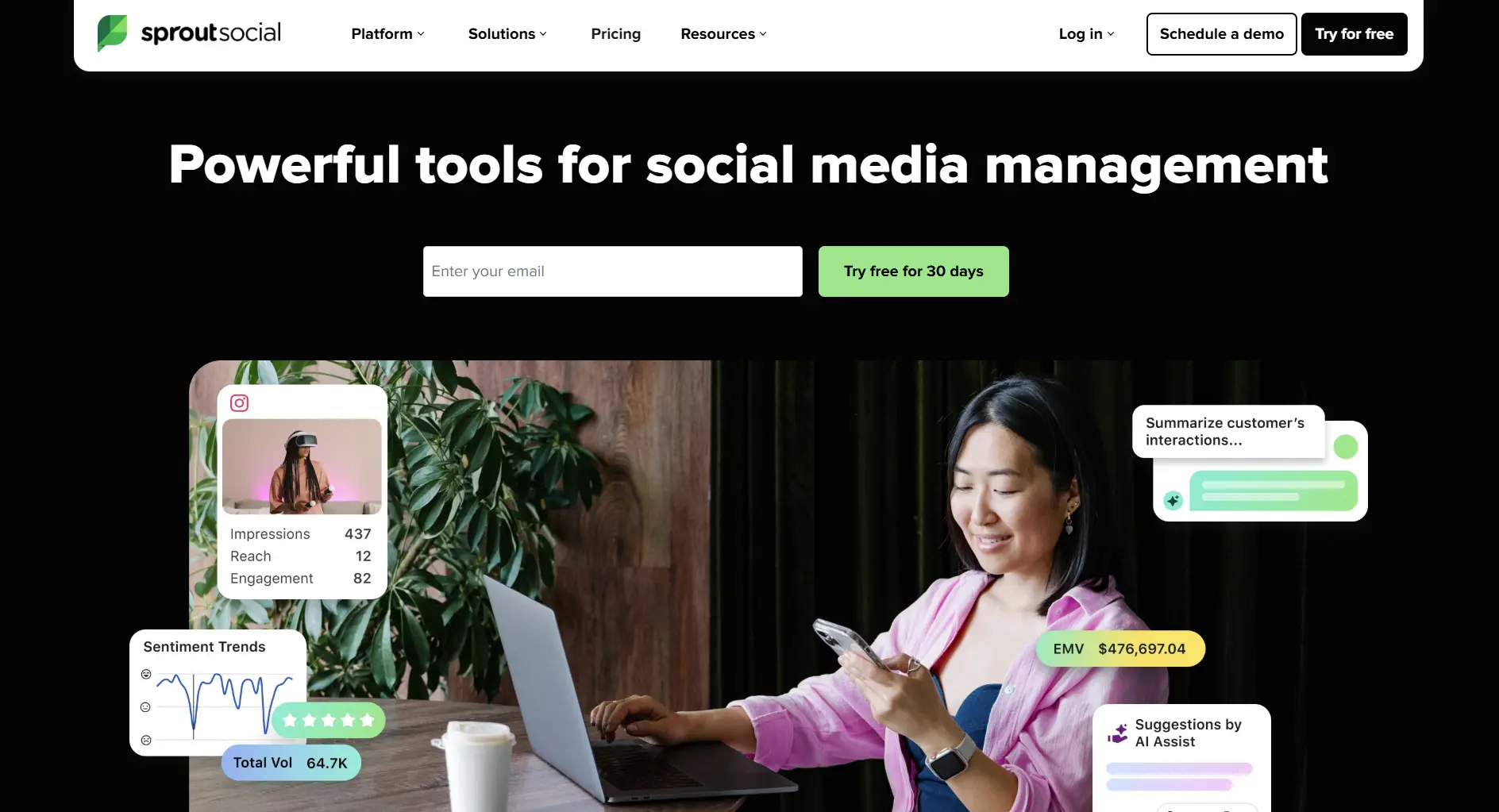
7. Sprout Social - Best for Analytics
Price: $99-399 per seat/month
Enterprise-grade analytics and reporting. Overkill for small teams.
You get:
- Deep cross-platform analytics
- CRM integration
- Team performance tracking
- Social listening
Trade-off: Very expensive. Per-user pricing.
Feature Comparison
You're a solo creator with 5 social accounts. What does Buffer Essentials cost?
💡 Tip: Think carefully before selecting your answer!
What You Actually Pay as Channels Grow
Buffer's model means your bill tracks channel count, not team size, so whether Buffer is expensive depends entirely on how many profiles you connect. Flat-rate tools invert that. Here is the same three setups costed across the alternatives above, at list price on monthly billing, verified 4 August 2026.
Read that top row honestly, because it is the whole decision:
- At 3 channels Buffer is unbeatable. Free covers it, and Essentials is $15. Nothing on this list competes, and if that is your setup you should not switch.
- At 10 channels it is a real contest. Buffer's $50 sits above SocialRails at $29 and Later at $37.50, but well under Hootsuite, Sprout and Loomly.
- Past 15 channels the model turns on you. At 20 channels Buffer is $200 while every flat-rate tool here is under $150, and adding team access doubles the per-channel rate rather than adding a seat fee.
Two caps worth checking before you commit: Hootsuite Standard includes only 10 social accounts, so 20 forces Professional at $199 per seat regardless of team size, and Loomly Starter covers 12, so 20 forces Beyond. Those two jumps are why their right-hand column moves so much more than the others.
How to Switch from Buffer
Step 1: Save your queue before you cancel
There is no universal export between schedulers, so plan to rebuild your queue by hand. Do it while the subscription is still active: your scheduled posts and your analytics history stop being reachable once it lapses, and connecting your accounts to a new tool does not carry either one across.
Step 2: Pick your alternative
Step 3: Set up your new tool
Most alternatives take 15-30 minutes to connect accounts and recreate your posting schedule.
When to Stay with Buffer
Buffer is the right answer more often than a page like this usually admits. Stay if you:
- Run 10 channels or fewer, where Buffer costs $50 or less and most flat-rate tools stop being cheaper
- Only need 3 channels, where the free plan covers you at 10 scheduled posts per channel
- Work solo and don't need approval workflows
- Prefer a small, fast interface over a long feature list
Switch when your channel count passes roughly 15, when you need team approvals without doubling your per-channel rate, or when you want video templates.
Quick Answers
Cheapest Buffer alternative? SocialRails at $29/month. Later has a free plan with limits.
Best for AI content? SocialRails, which includes AI in every plan, or Hootsuite's OwlyWriter from $99 per seat.
Can I import Buffer data? No direct import. Plan 1-2 hours to recreate your schedule.
Best for Instagram? Later for visual planning. SocialRails for AI captions.
Bottom Line
Buffer's simplicity comes with trade-offs. If you need AI content, better team features, or lower costs at scale, alternatives deliver more value.
Our pick: SocialRails at $29/month, with AI content included and 350+ video templates.
Done comparing? Try the Buffer alternative that does more
Post images, videos & carousels to 9 platforms. AI helps with captions. One flat price.
Related
Buffer Content:
Design Tool Comparisons:
AI & Content Tools:
- Beplan Review - Visual scheduler with AI credits
- Beplan Alternatives
- Sintra AI Review - AI content generation platform
- StoryChief Alternatives
- StoryChief Pricing
- Hypefury Alternatives
- Hypefury Pricing
- Highperformr Review - LinkedIn + X with audience analytics (free-$18/mo)
More Comparisons:
Analytics Alternatives:
Related Tool Reviews:
- Planoly Review
- Simplified Review
- Planoly Pricing
- Simplified Pricing
- MavSocial Review
- MavSocial Pricing
- SocialFlow Review
- SocialFlow Pricing
- Cheaper Than Buffer
- Buffer Nonprofit Pricing
Visual Planners:
- UNUM Review
- UNUM Pricing
- UNUM Alternatives
- Sked Social Review
- Sked Social Pricing
- Sked Social Alternatives
- Sked Social vs Later
AI Content Tools:
Tool Reviews:
- Nuelink Review 2026
- SocialPilot Review 2026
- Publer Review 2026
- Later Review 2026
- ContentStudio Review
- SocialBu Review
- Crowdfire Review
- Sprinklr Review
- Circleboom Review
- Social Champ Review
- Lately Review 2026
- Sociality Review 2026
- Lately Pricing
- Sociality Pricing
Buffer vs Alternatives:
- Buffer vs OneUp
- Buffer vs Fedica
- Postiz vs Buffer
- MeetEdgar Review 2026
- Post Planner Review 2026
- Zoho Social Review 2026
WordPress & Niche Tools:
More Alternatives:
- Viraly Review 2026
- Viraly Pricing
- Viraly Alternatives
- Swello Alternatives
- SocialDog Alternatives
- Post Bridge Alternatives
- Viraltag Alternatives
- Postpone Alternatives
- Lomavis Alternatives
- PostFlow Alternatives
- Postly Alternatives
- Quuu Alternatives
- OnlyPult Alternatives
- Nuelink Alternatives
- SocialBee Alternatives
- Metricool Alternatives
- Hootsuite Alternatives
- MavSocial Alternatives
- SocialFlow Alternatives
- Lately Alternatives
- Sociality Alternatives
- Loomly Alternatives
- SocialPilot Alternatives
- Later Alternatives
- Publer Alternatives
- Pallyy Alternatives
- Hopper HQ Alternatives
- MeetEdgar Alternatives
- HeyOrca Alternatives
- Oktopost Alternatives
- Circleboom Alternatives
- Social Champ Alternatives
LinkedIn & Content Distribution:
- Taplio Review
- Taplio Pricing
- Taplio Alternatives
- Repurpose.io Review
- Repurpose.io Pricing
- Repurpose.io Alternatives
Agency & B2B Tools:
- HeyOrca Review
- HeyOrca Pricing
- Oktopost Review
- Oktopost Pricing
- Post Planner Alternatives
- Zoho Social Alternatives
- Statusbrew Alternatives
- RecurPost Alternatives
- Tailwind Alternatives
- Viralpep Alternatives
- Viralpep Review
Was this article helpful?
Let us know what you think!