

Best Social Media Scheduling Tools 2026: 13 Tools Compared (Free & Paid)

TL;DR - Quick Answer
58 min readSocialRails is the best social media scheduling tool overall: scheduling, AI content generation, and hashtag research starting at $29/month
Best Social Media Scheduling Tools 2026: 13 Tools Compared
Picking the right social media scheduling tool can make or break your content strategy. There are hundreds of scheduling tools available, each with different strengths, pricing models, and platform support.
Our top pick: SocialRails is the best social media scheduling tool in 2026 for businesses that want scheduling, AI content generation, and hashtag research in one platform starting at $29/month.
This comparison covers 13 social media scheduling tools across every budget and use case, from free options for solo creators to enterprise platforms for large teams. We evaluated each tool's interface, scheduling features, analytics, and pricing to help you find the right fit. Managing multiple accounts across different platforms? The how to manage multiple social media accounts playbook covers the cross-platform workflow, or if you're focused on one network, see our specialized Twitter account management guide.
For a strategy-focused guide on how to schedule effectively (posting times, content batching, workflow tips), see our social media scheduling strategy guide.
Key Takeaways
- SocialRails is the best social media scheduling tool overall: scheduling, AI content generation, and hashtag research starting at $29/month
- Buffer is the easiest to learn, best for beginners who want simple, reliable scheduling
- Match features to your actual workflow, test 2-3 tools with your real content before committing to annual plans
- You don't always need enterprise tools, Hootsuite and Sprout Social are powerful but overkill (and overpriced) for most small businesses
TL;DR: The 13 Best Schedulers at a Glance
Every price below was verified against the vendor's own pricing page in July 2026. Jump straight to any review:
Jump to a tool: SocialRails · Buffer · Hootsuite · Later · Sprout Social · Vista Social · SocialBee · CoSchedule · Agorapulse · Sendible · MeetEdgar · Loomly · Publer
| Tool | Best For | Rating | Starting Price | Free Plan | Standout Feature |
|---|---|---|---|---|---|
| SocialRails | Best overall | 9.5/10 | $29/mo | No (free trial) | AI content + hashtag research |
| Buffer | Beginners | 8.0/10 | $6/mo per channel | Yes (3 channels) | Simplest interface |
| Hootsuite | Large teams | 7.5/10 | $99/mo | No (30-day trial) | Social listening + 10 platforms |
| Later | Visual content | 7.8/10 | $25/mo | Limited free plan | Visual grid planner |
| Sprout Social | Analytics & reporting | 8.2/10 | $199/mo | No (30-day trial) | Advanced analytics suite |
| Vista Social | Social listening | 7.9/10 | $79/mo | Yes (3 profiles) | Listening included (not add-on) |
| Loomly | Team calendars | 7.3/10 | $65/mo | No (15-day trial) | Plan-based team pricing |
| Publer | Budget AI features | 7.2/10 | $5/mo | Yes (3 accounts) | AI content at budget pricing |
What 10 Accounts Actually Costs
Headline prices hide the real bill, because every tool prices differently. Buffer charges per channel, Hootsuite, Sprout Social, and Agorapulse charge per seat, Publer charges per connected account, CoSchedule bills per profile beyond a base of three, and Later prices by "social set." Normalized to the same job, managing 10 connected accounts on one user with monthly billing at July 2026 rates, the gap is dramatic:
| Tool | Pricing model | Cheapest plan for ~10 accounts | Real monthly cost |
|---|---|---|---|
| SocialRails | Flat | Creator (27 accounts) | $29 |
| Publer | Per account | Professional base + 9 accounts | ≈$41 |
| SocialBee | Flat | Accelerate (10 profiles) | $49 |
| MeetEdgar | Flat | Edgar (25 accounts) | $49.99 |
| Buffer | Per channel | 10 × $6/channel | $60 |
| CoSchedule | 3 + $5/extra | Social Calendar + 7 profiles | ≈$64 |
| Loomly | Flat | Starter (12 accounts) | $65 |
| Vista Social | Flat | Professional (15 profiles) | $79 |
| Hootsuite | Per seat | Standard (10 accounts, 1 seat) | $99 |
| Sendible | Tiered | Plus (18 profiles) | $99 |
| Agorapulse | Per seat | Standard (10 profiles) | $99 |
| Later | Social sets | Scale (6 social sets) | ≈$110 |
| Sprout Social | Per seat | Standard + 5 extra profiles | ≈$324 |
The "≈" figures mark tiers where the vendor's account limits require an estimate, and where a tool bills per seat or annually we show its month-to-month rate (the per-seat tools drop 15-25% on annual billing but still land near the top of this list). The takeaway: a tool's sticker price and its true cost for a modest multi-account setup can differ by 5x or more, so always price your actual account count before committing to an annual plan.
Create content, post everywhere
Create captions, images, and videos with AI. Schedule to 9 platforms in seconds.
Start your free trial
For platform-specific posting recommendations, see our Social Media Post Frequency Guide.
What Makes a Great Social Media Scheduler?
Before looking at specific tools, here are the key criteria for evaluating social media schedulers:
Essential Features
- Multi-platform support for all major social networks
- Bulk scheduling to plan weeks or months of content
- Visual calendar for easy content planning
- Team collaboration features for multiple users
- Analytics and reporting to track performance
- Content creation tools for quick post generation
- Strong CTAs, learn how to write effective social media calls to action that convert
Advanced Capabilities
- AI-powered suggestions for optimal posting times
- Auto-publishing without manual approval
- Hashtag research and suggestion tools (see Flick for the deepest Instagram hashtag analytics)
- Content libraries for asset management
- Custom branding for client work
- API integrations with marketing operations tools
Complete Social Media Scheduler Reviews
1. SocialRails - Best Social Media Scheduling Tool Overall
Rating: 9.5/10
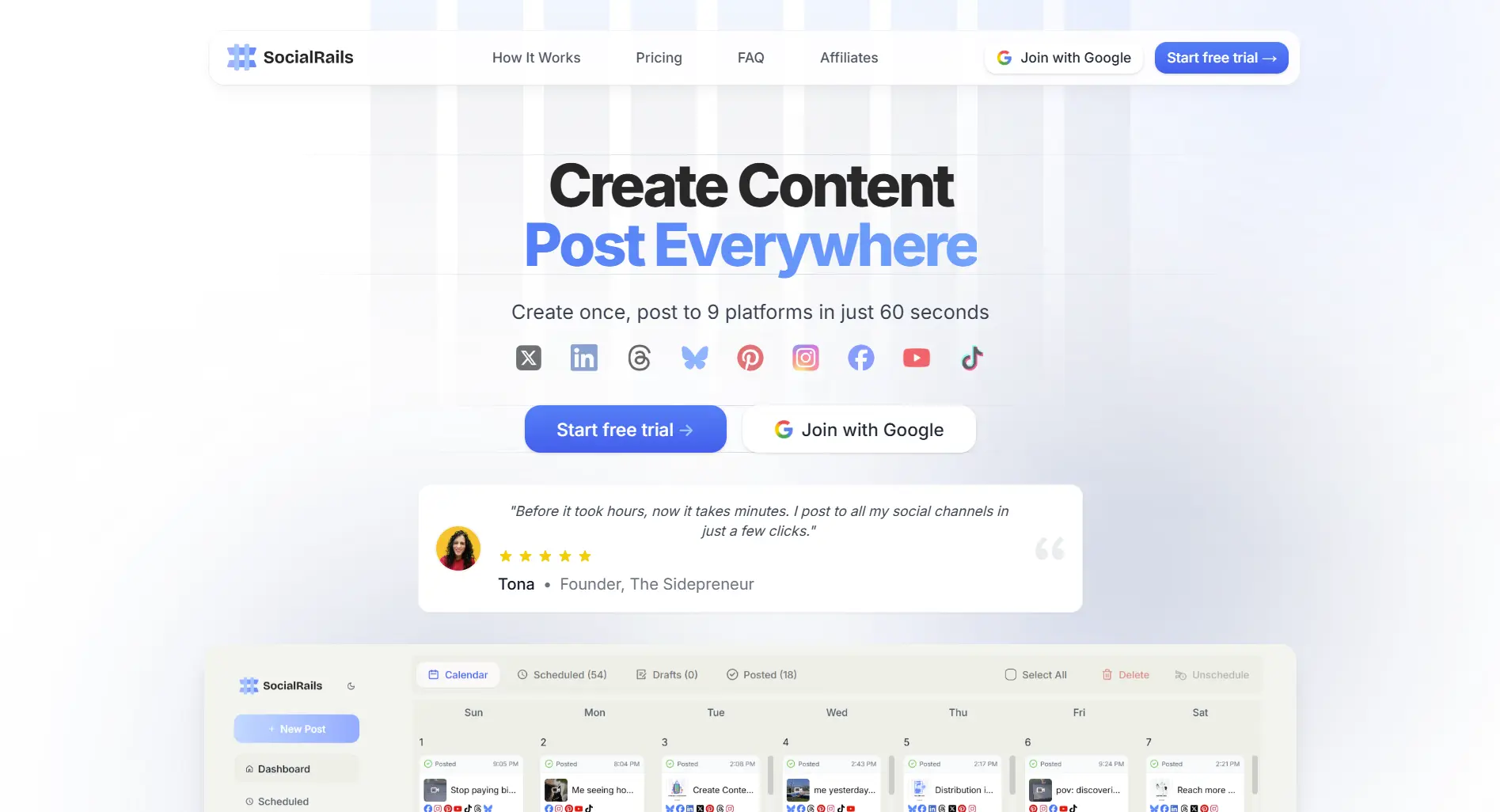
Best For: Small to medium businesses that want scheduling, analytics, and content creation in one tool
Trusted by thousands of businesses and creators worldwide.
Full disclosure: SocialRails is our product. As the team behind it, we have deep expertise in what makes social media scheduling tools work.
What you get:
- 9 social media platforms supported
- AI-powered content generation
- Analytics and reporting
- Team collaboration tools
- Built-in design tools
- Hashtag research and optimization
- Best posting time suggestions
- Unlimited posts on paid plans
Pricing:
- Creator: $29/month - 27 accounts, unlimited posts
- Business: $49/month - 90 accounts, team features
- Agency: $99/month - 225 accounts, priority support
What's good:
- ✅ Competitive pricing with no post limits on paid plans
- ✅ Clean, easy-to-learn interface
- ✅ Built-in content creation and hashtag research
- ✅ Regular feature updates
What's not:
- ❌ Newer platform with less brand recognition than Hootsuite or Buffer
- ❌ Fewer third-party integrations compared to enterprise tools
- ❌ Smaller user community and less documentation available
2. Buffer - Best Social Media Scheduling Tool for Beginners
Rating: 8.0/10
Best For: Small businesses and individuals new to social media scheduling
What you get:
- Clean, simple interface
- Basic scheduling across 8 platforms
- Limited analytics
- Browser extension for easy sharing
- Pablo image creation tool
Pricing: (See full Buffer pricing breakdown)
- Free Plan: 3 social accounts, 10 posts per account
- Essentials: $6/month per channel
- Team: $12/month per channel
Buffer discontinued its flat-rate Agency plan in late 2025; past 10 channels the per-channel rate drops with volume.
What's good:
- ✅ Very user-friendly
- ✅ Good free plan
- ✅ Reliable posting
- ✅ Clean analytics
What's not:
- ❌ Limited advanced features
- ❌ Expensive for multiple accounts (budget alternatives like Schedchie offer unlimited accounts from €7.99/mo, but lack independent reviews)
- ❌ Basic content creation tools
- ❌ No hashtag research
Want to save money? See how you can get more features for less with alternatives cheaper than Buffer that offer better value for growing businesses.
3. Hootsuite - Best Social Media Scheduling Tool for Large Teams
Rating: 7.5/10
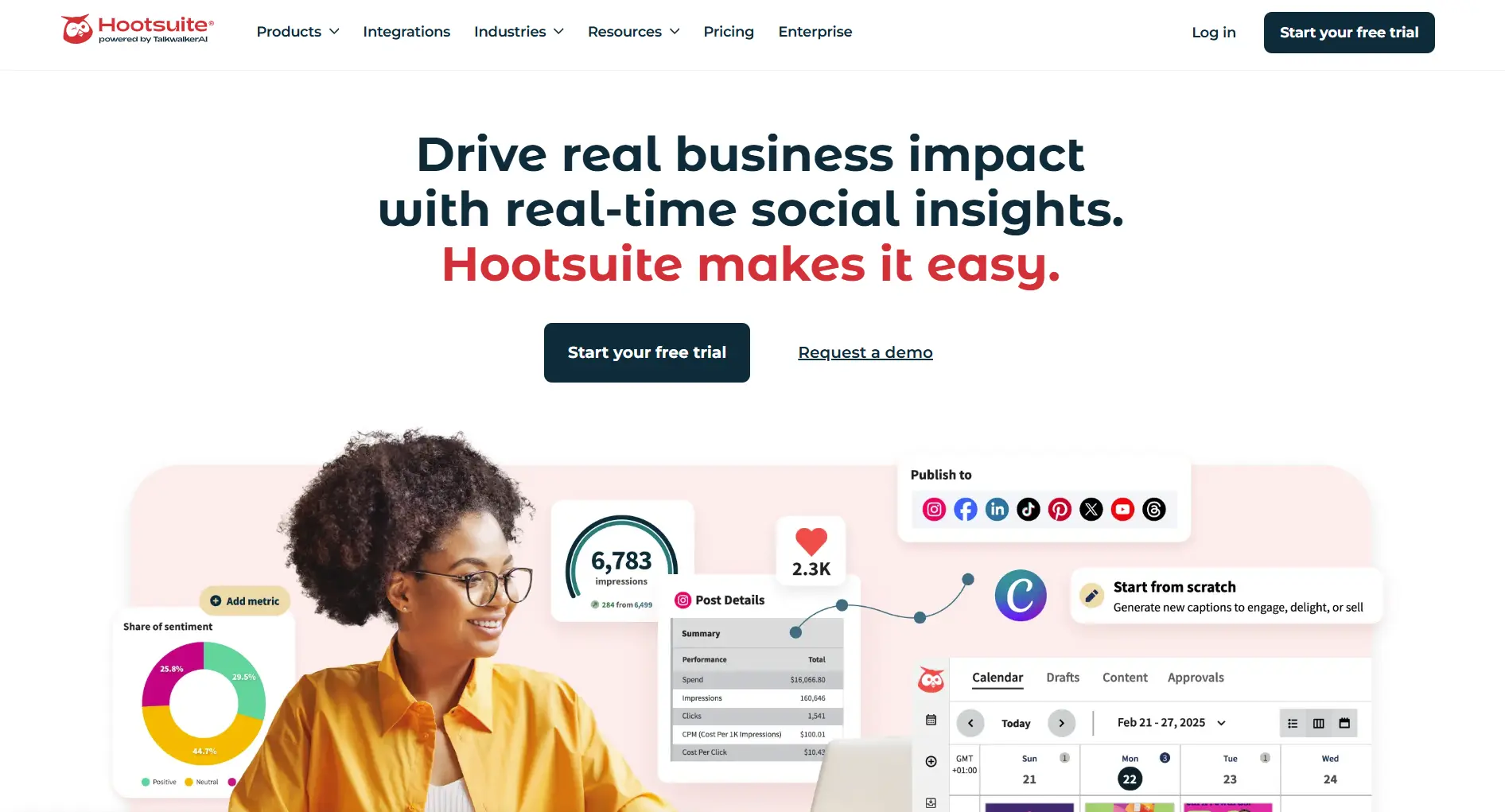
Best For: Large organizations and agencies managing many accounts
What you get:
- Full-featured dashboard
- Advanced team management
- Extensive app marketplace
- Social listening capabilities
- Custom analytics reports
Pricing: (See full Hootsuite pricing breakdown)
- Standard: $99/month per seat (10 accounts)
- Professional: $199/month per seat
- Advanced: $399/month per seat
- Enterprise: Custom pricing
Hootsuite retired the old $249 Team and $739 Enterprise tiers; plans are now billed per seat, and monthly billing runs 20-25% above the annual rates shown.
What's good:
- ✅ Robust feature set
- ✅ Strong analytics
- ✅ Good team collaboration
- ✅ Many integrations
What's not:
- ❌ Expensive, starts at $99/month with no free plan
- ❌ Complex interface with a learning curve
- ❌ Can feel overwhelming for small teams
Looking for a more budget-friendly option? See our cost-effective alternatives cheaper than Hootsuite that offer powerful features without the premium price tag.
4. Later - Best Social Media Scheduling Tool for Visual Content
Rating: 7.8/10

Best For: Brands focused on visual content, especially Instagram
What you get:
- Visual content calendar
- Instagram-focused features
- User-generated content tools
- Link in bio optimization
- Basic video editing
Pricing:
- Starter: $25/month (1 social set)
- Growth: $50/month (2 social sets)
- Scale: $110/month (6 social sets)
Later prices by "social set" (one profile per platform bundled together) rather than by individual account, and replaced the old $80 Advanced tier with Scale.
What's good:
- ✅ Excellent visual planning
- ✅ Strong Instagram features
- ✅ User-generated content tools
- ✅ Good mobile app
What's not:
- ❌ Limited platform support
- ❌ Weak analytics
- ❌ No advanced scheduling features
- ❌ Expensive for small teams
If Later's pricing feels steep, explore our roundup of more affordable options cheaper than Later with similar visual planning capabilities, or browse the best Later alternatives.
5. Sprout Social - Best Social Media Scheduling Tool for Analytics
Rating: 8.2/10
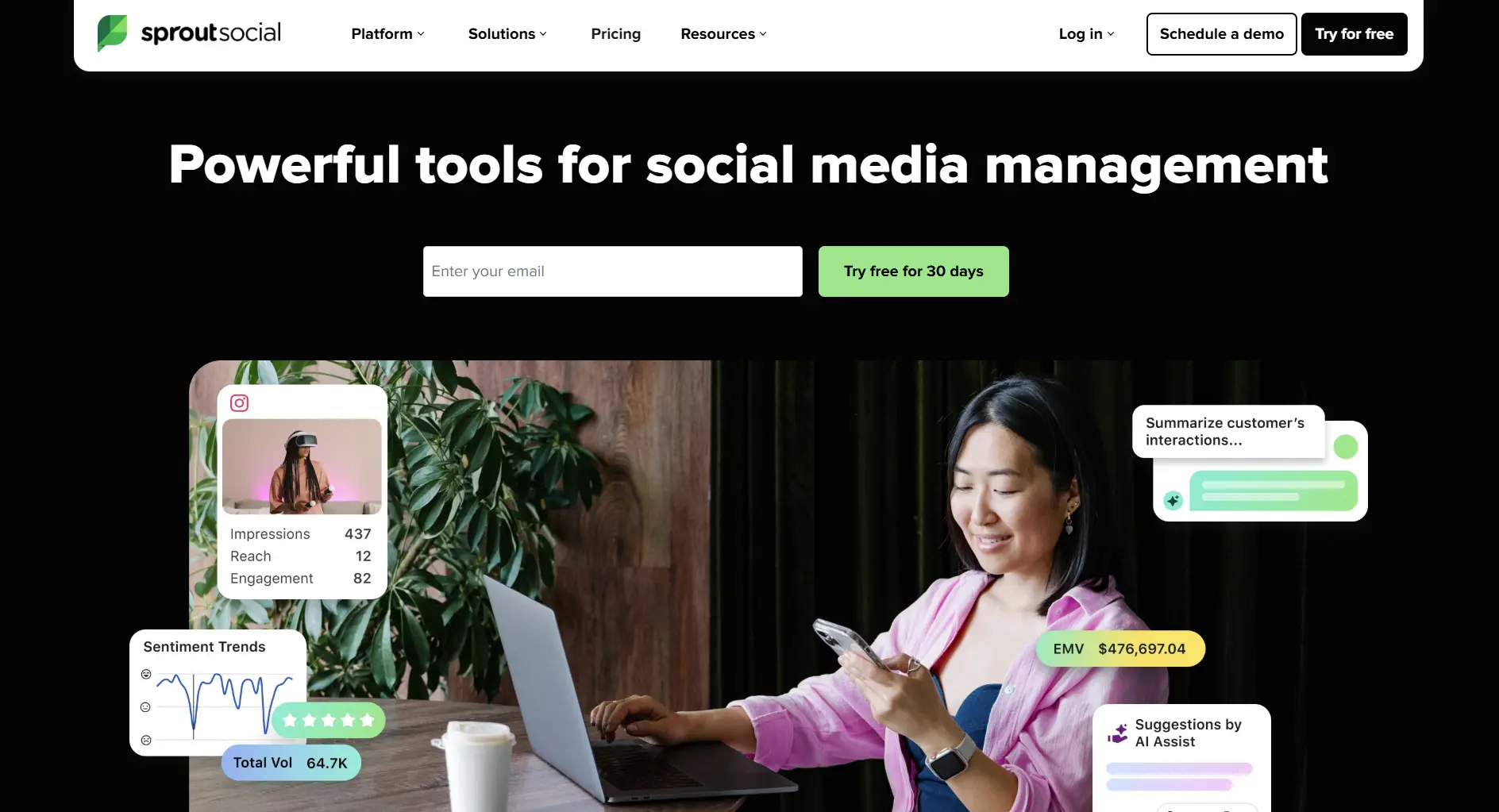
Best For: Businesses prioritizing social media analytics and reporting
What you get:
- Advanced analytics suite
- Social listening tools
- CRM integration
- Team collaboration
- Publishing tools
Pricing: (See full Sprout Social pricing breakdown)
- Standard: $199/month per seat (billed annually)
- Professional: $299/month per seat
- Advanced: $399/month per seat
Sprout also added an entry-level Essentials plan at $79/month per seat. All tiers are billed per seat annually with no monthly-billing option at these rates, which is why a small team's real cost climbs fast.
What's good:
- ✅ Excellent analytics
- ✅ Strong reporting features
- ✅ Good customer support
- ✅ Team collaboration tools
What's not:
- ❌ Very expensive
- ❌ Overkill for small businesses
- ❌ Complex setup
- ❌ Limited free trial
Sprout Social's enterprise pricing not in your budget? Check out our comparison of cost-effective alternatives cheaper than Sprout Social with powerful analytics features, or browse our full guide to Sprout Social alternatives for tools at every price point.
6. Vista Social - Best Social Media Scheduling Tool for Social Listening
Rating: 7.9/10
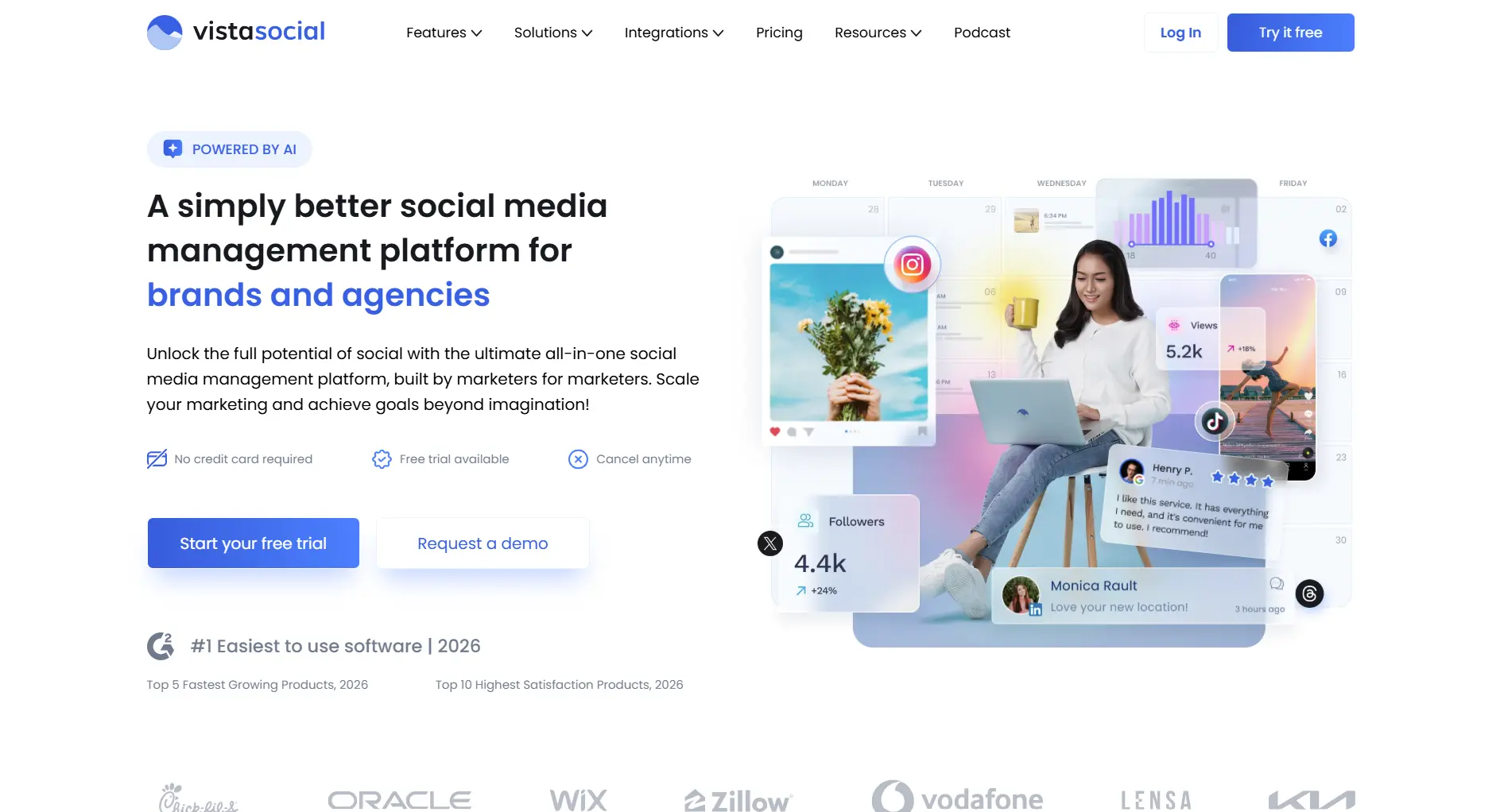
Best For: Teams wanting social listening without enterprise pricing
What you get:
- Social listening included in paid plans
- 11 platforms (including Reddit, Threads, Bluesky)
- AI-powered content assistant
- Team collaboration features
- White-label options
Pricing: (See full Vista Social pricing breakdown)
- Free: $0/month (3 profiles, 1 user)
- Professional: $79/month (15 profiles, 3 users)
- Advanced: $149/month (30 profiles, 6 users)
- Enterprise: Custom pricing (higher-volume Scale and Enterprise plans)
Unlike most tools here, Vista Social keeps a genuinely free plan for 3 profiles; paid plans then start at $79/month, and the old fixed-price top tier is now custom Enterprise pricing.
What's good:
- ✅ Social listening included (not an add-on)
- ✅ Supports emerging platforms
- ✅ Free plan available
- ✅ Good team pricing
What's not:
- ❌ AI credits are limited
- ❌ No content recycling
- ❌ Mobile app needs work
- ❌ Team seats capped at 6 on Advanced (more requires custom pricing)
Want to learn more? Read our Vista Social review or browse Vista Social alternatives.
7. SocialBee - Best Social Media Scheduling Tool for Content Categories
Rating: 7.6/10
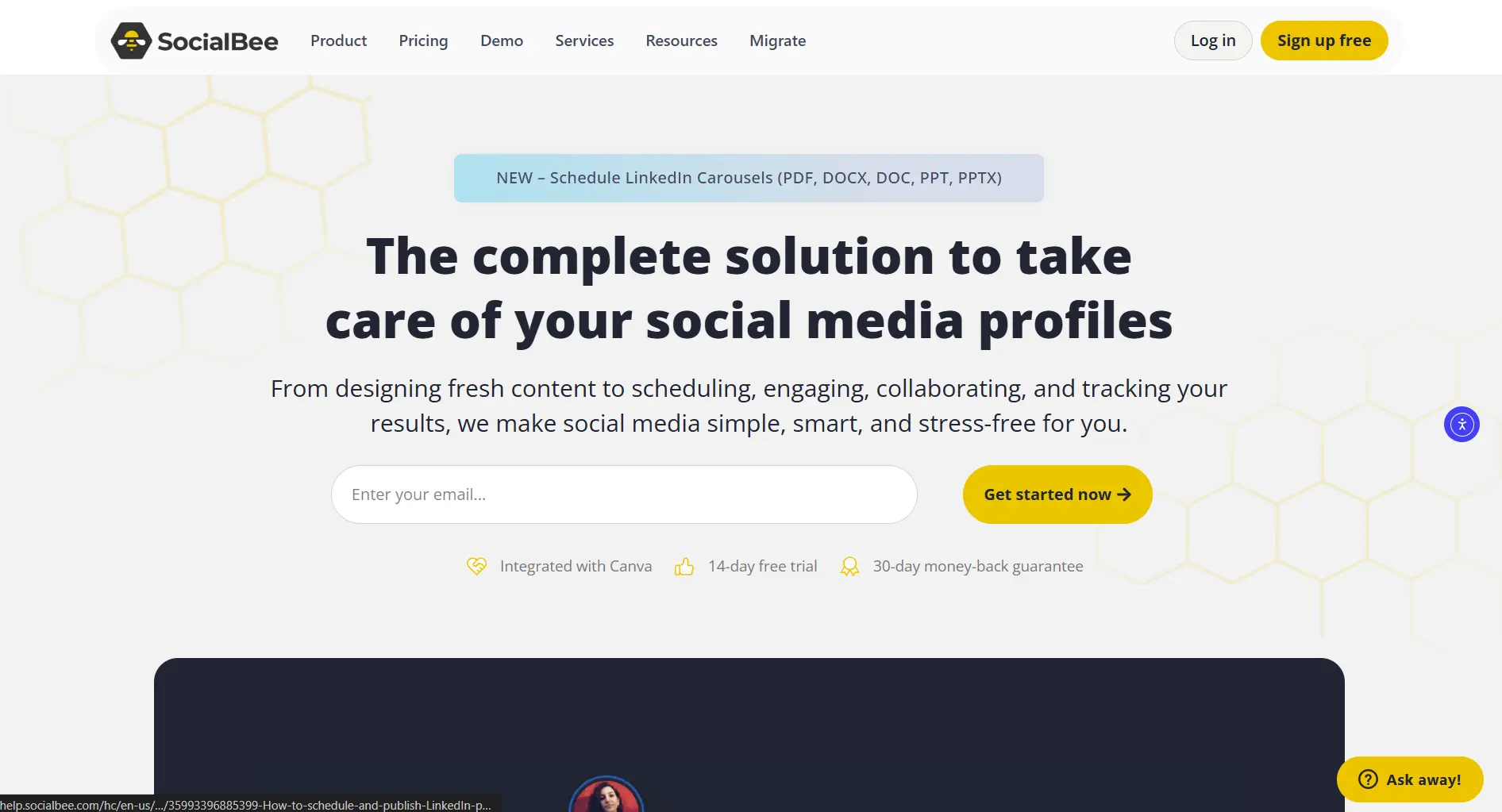
Best For: Businesses wanting to organize content by categories
What you get:
- Content categorization
- Evergreen content recycling
- RSS feed integration
- Basic analytics
- Team collaboration
Pricing:
- Bootstrap: $29/month (5 profiles)
- Accelerate: $49/month (10 profiles)
- Pro: $99/month (25 profiles)
What's good:
- ✅ Good content organization
- ✅ Content recycling features
- ✅ Reasonable pricing
- ✅ RSS integration
What's not:
- ❌ Limited analytics
- ❌ Basic design tools
- ❌ Fewer platform integrations
- ❌ Learning curve for categories
8. CoSchedule - Best Social Media Scheduling Tool for Content Marketing
Rating: 7.4/10
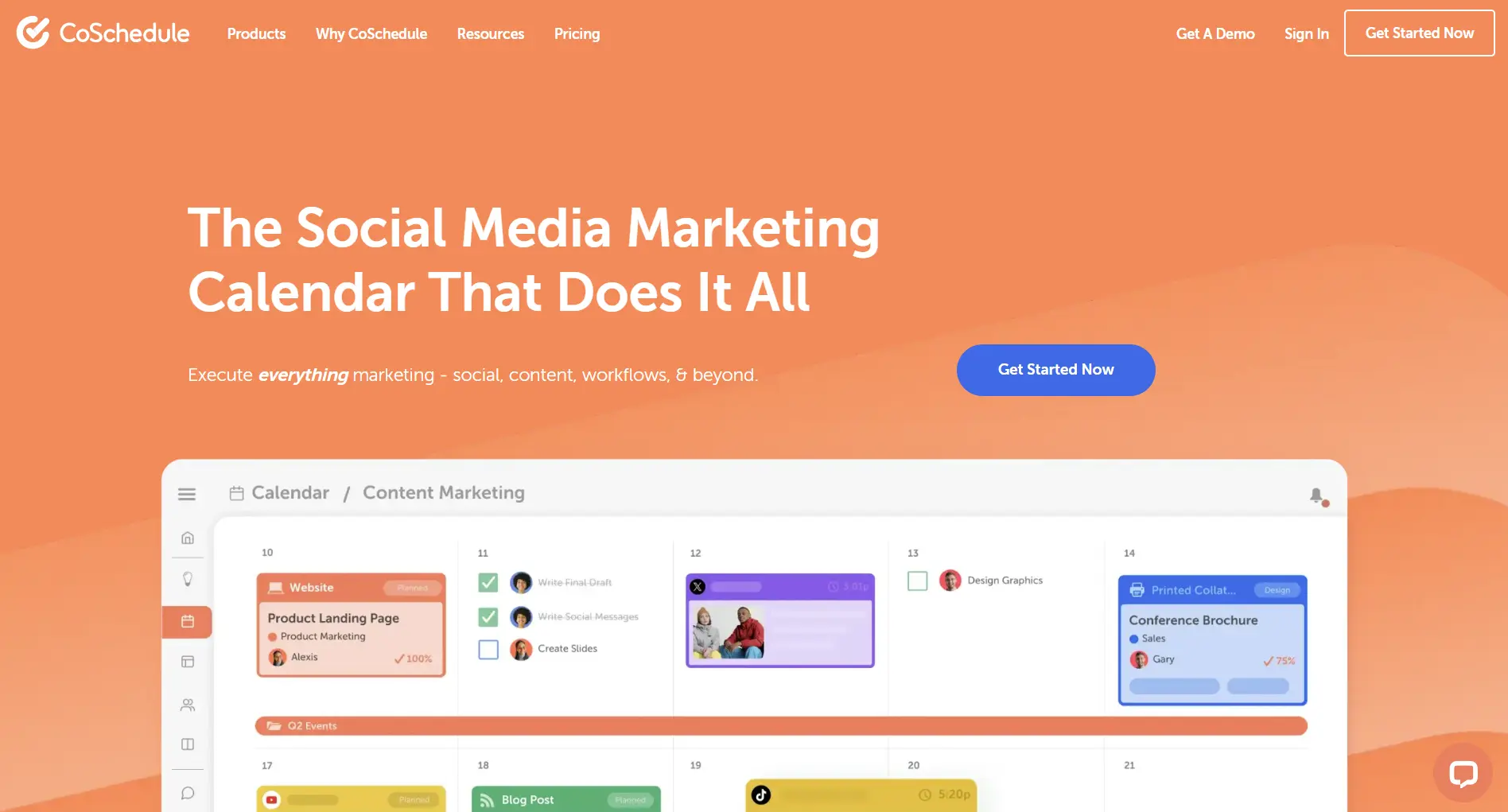
Best For: Content marketing teams needing editorial calendar integration
What you get:
- Editorial calendar integration
- Content planning tools
- Team workflow management
- Marketing project management
- Basic social scheduling
Pricing: (See full CoSchedule pricing breakdown)
- Free Calendar: Limited features
- Social Calendar: $29/month per user (3 profiles; each extra profile $5/month)
- Marketing Suite: Custom quote (contact sales)
CoSchedule's $29 Social Calendar covers only 3 profiles, so a 10-profile setup actually runs about $64/month once you add the $5-per-profile extras.
What's good:
- ✅ Great for content marketing
- ✅ Editorial calendar features
- ✅ Project management tools
- ✅ Team collaboration
What's not:
- ❌ Social features are secondary
- ❌ Limited platform support
- ❌ Can be overwhelming
- ❌ Expensive for pure social needs
See our Hootsuite alternatives roundup for a detailed breakdown.
9. Agorapulse - Best Social Media Scheduling Tool for Engagement
Rating: 7.7/10
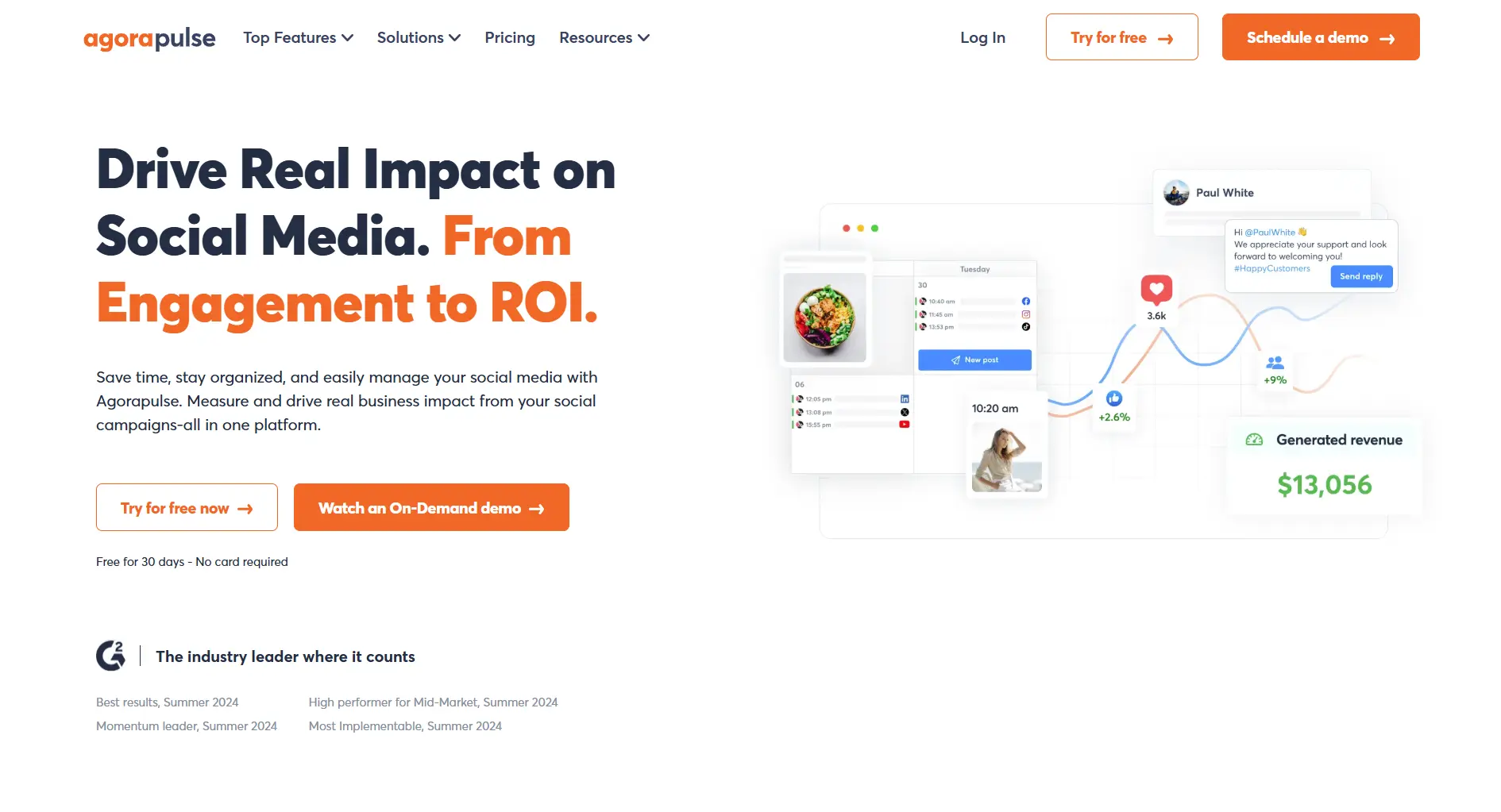
Best For: Businesses focused on social media engagement and community management
What you get:
- Unified inbox for all platforms
- Advanced engagement tools
- Competitor analysis
- Team collaboration
- Detailed analytics
Pricing: (See full Agorapulse pricing breakdown)
- Standard: $79/month per user (10 profiles, billed annually)
- Professional: $119/month per user
- Advanced: $149/month per user
- Custom: Tailored pricing (unlimited profiles)
Agorapulse cut its list prices sharply in 2026: the old $129/$199/$329 tiers are now roughly $79/$119/$149 per user on annual billing.
What's good:
- ✅ Excellent engagement tools
- ✅ Unified inbox
- ✅ Good analytics
- ✅ Team features
What's not:
- ❌ Higher price point
- ❌ Complex interface
- ❌ Limited content creation
- ❌ No free plan
Looking to reduce your social media management costs? See budget-friendly options cheaper than Agorapulse that still offer excellent engagement features.
10. Sendible - Best Social Media Scheduling Tool for Agencies
Rating: 7.4/10
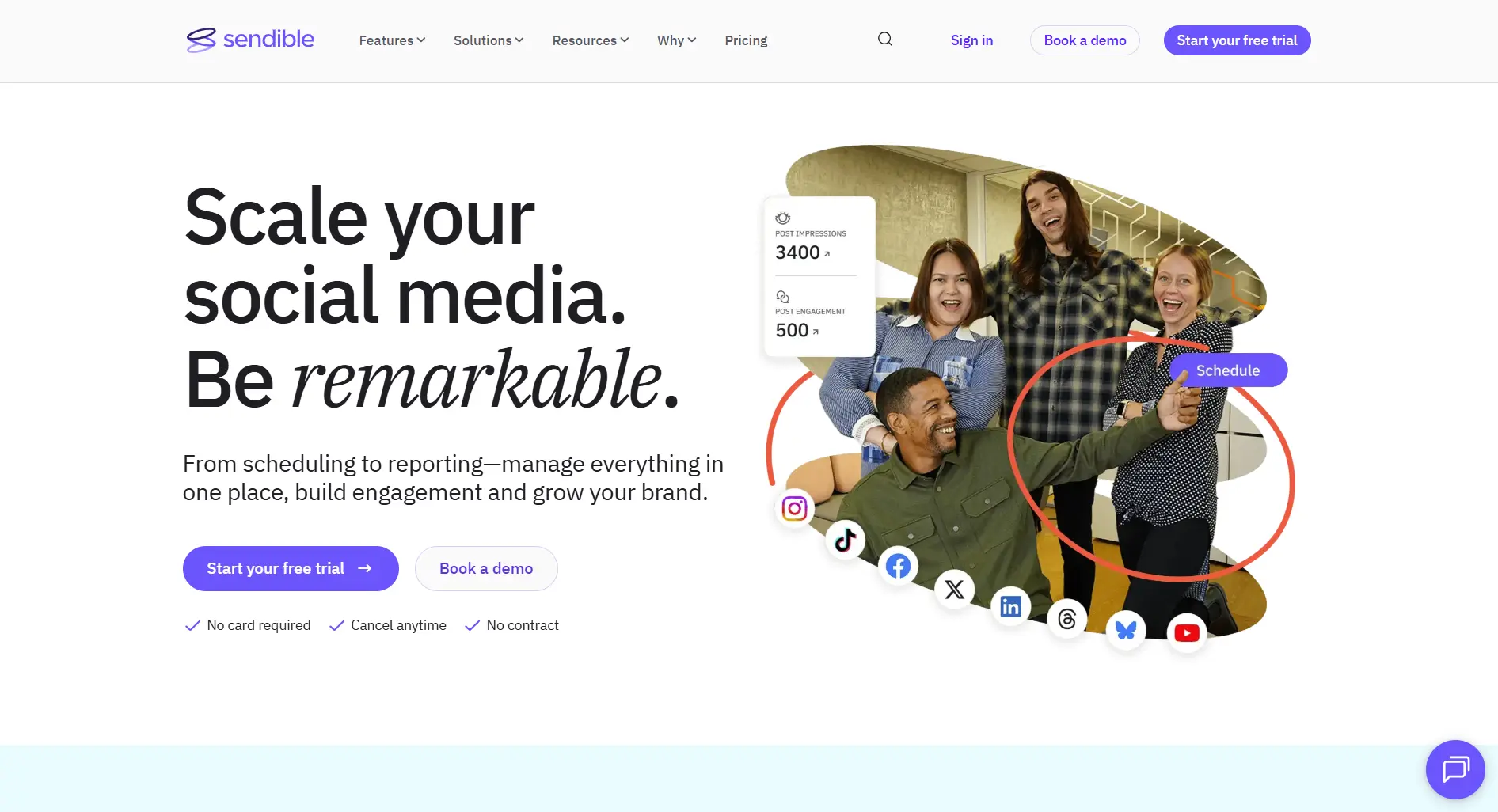
Best For: Social media agencies managing multiple client accounts
What you get:
- White-label reporting
- Client management tools
- Content suggestion engine
- Team collaboration
- Custom branding
Pricing: (See full Sendible pricing breakdown)
- Core: $35/month (6 profiles)
- Plus: $99/month (18 profiles)
- Premium: $199/month (42 profiles)
- Elite: $299/month (90 profiles)
Sendible renamed its lineup to Core/Plus/Premium/Elite in 2026 and retired the standalone White Label tier; white-label reporting is now an add-on that arrives on the Elite and Enterprise plans.
What's good:
- ✅ Good for agencies
- ✅ White-label options
- ✅ Client management
- ✅ Content suggestions
What's not:
- ❌ Complex pricing structure
- ❌ Learning curve
- ❌ Limited free features
- ❌ Expensive for small teams
See our Sendible pricing breakdown for a detailed look at plan features.
11. MeetEdgar - Best Social Media Scheduling Tool for Content Recycling
Rating: 7.0/10
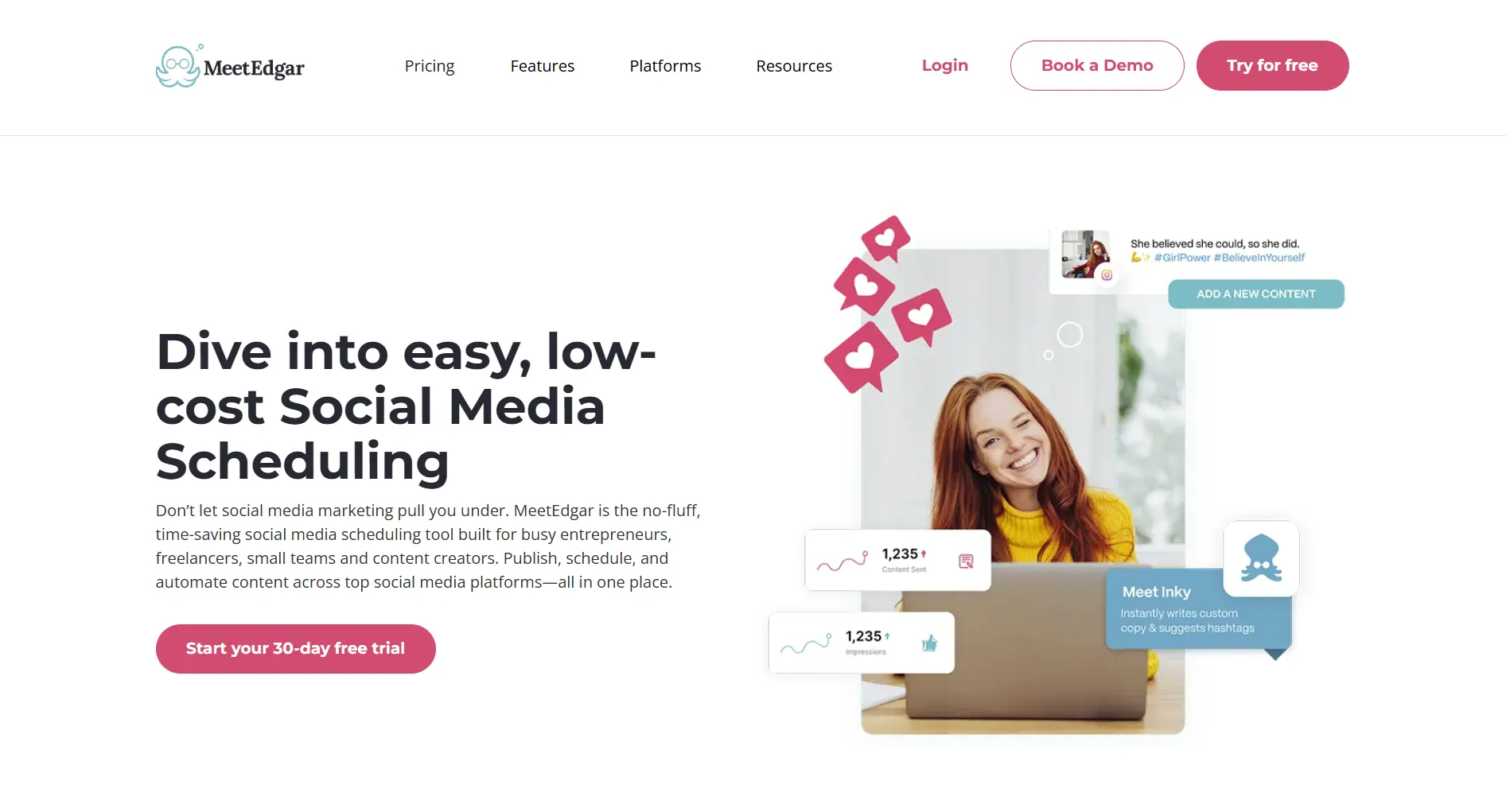
Best For: Businesses wanting to automatically recycle evergreen content
What you get:
- Automatic content recycling
- Content library management
- Category-based scheduling
- Browser extension
- Basic analytics
Pricing: (See full MeetEdgar pricing breakdown)
- Eddie: $29.99/month (5 accounts)
- Edgar: $49.99/month (25 accounts)
What's good:
- ✅ Excellent content recycling
- ✅ Evergreen content management
- ✅ Set-and-forget approach
- ✅ Good for repurposing
What's not:
- ❌ Limited platform support
- ❌ One pricing tier only
- ❌ Basic analytics
- ❌ No team features
12. Loomly - Best Social Media Scheduling Tool for Team Calendars
Rating: 7.3/10
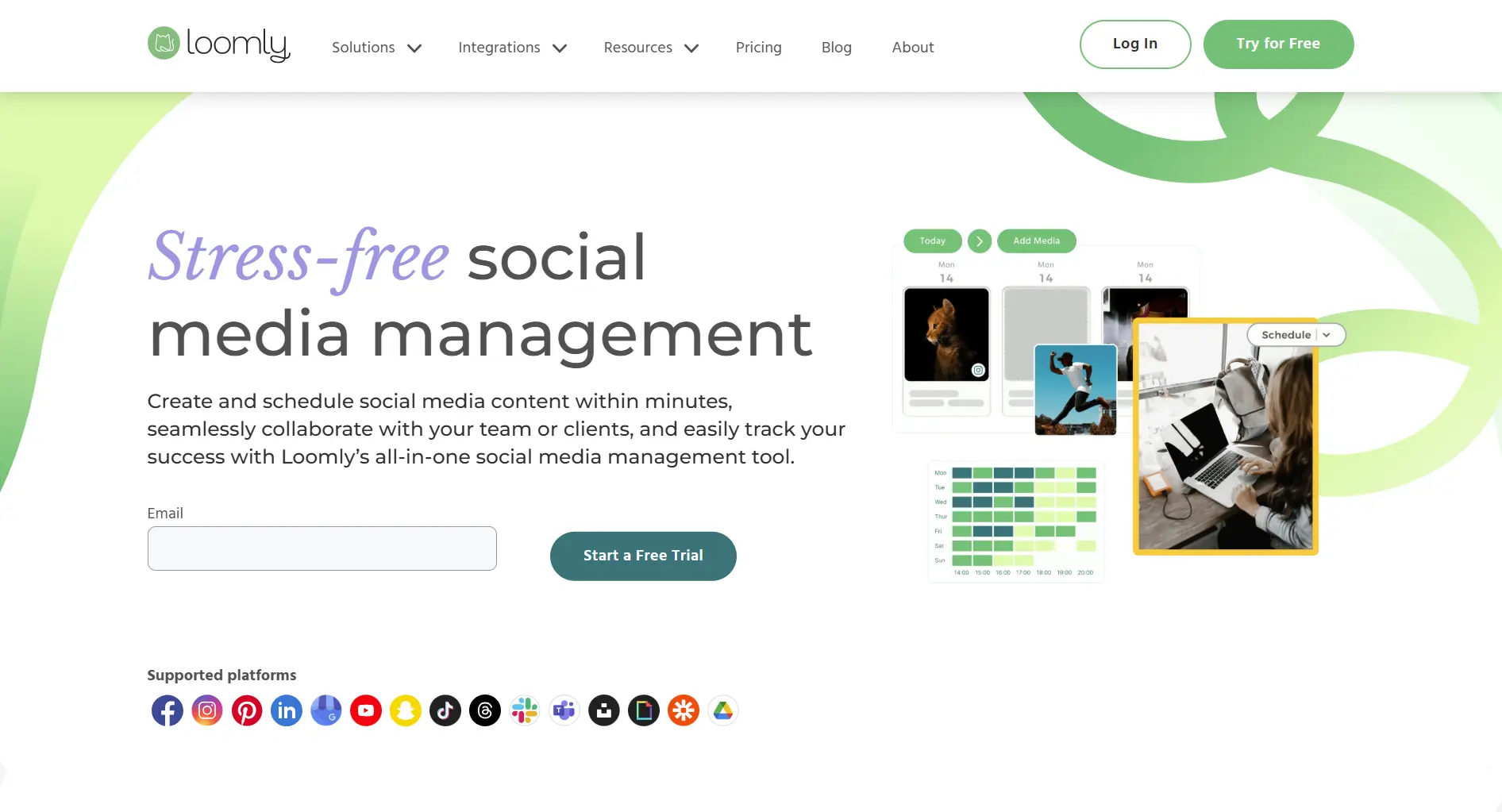
Best For: Teams wanting a clean calendar interface with approval workflows
What you get:
- Visual content calendar
- Post idea suggestions
- Approval workflows
- Multi-channel scheduling
- Basic analytics
Pricing:
- Starter: $65/month (3 users, 12 accounts; $49/month billed annually)
- Beyond: $332/month (unlimited users, 60 accounts; $249/month billed annually)
- Enterprise: Custom pricing (61+ accounts)
Loomly replaced its old four-tier lineup (Base/Standard/Advanced/Premium) with just Starter and Beyond in 2026, raising the entry price from $32 to $65.
What's good:
- ✅ Plan-based pricing (no per-channel fees)
- ✅ Clean calendar UX
- ✅ Built-in post ideas for inspiration
- ✅ Strong approval workflows
What's not:
- ❌ No social listening
- ❌ No AI content tools
- ❌ No free plan
- ❌ Basic analytics compared to Sprout Social
13. Publer - Best Social Media Scheduling Tool for Budget AI Features
Rating: 7.2/10
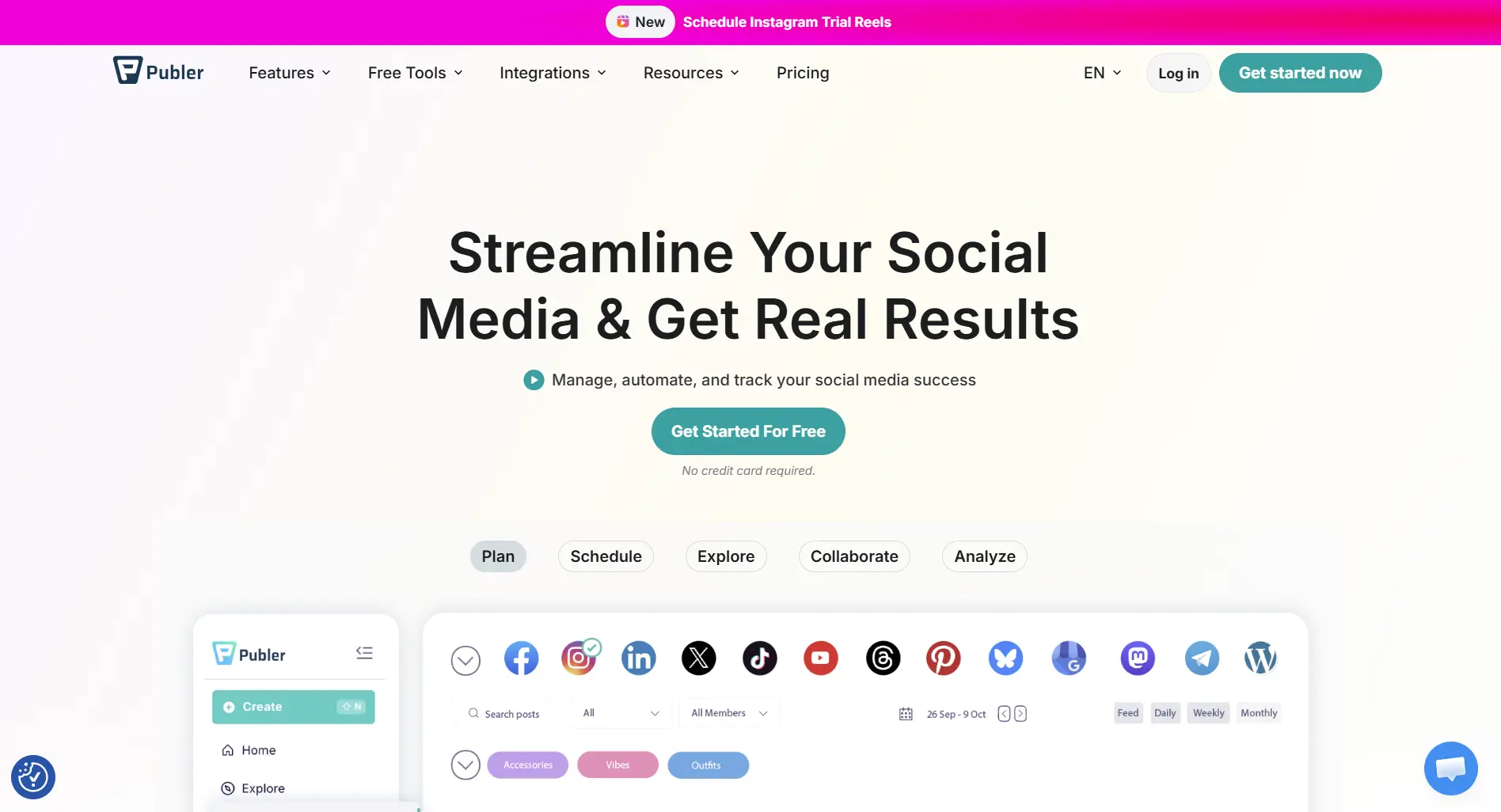
Best For: Budget-conscious creators wanting AI content tools
What you get:
- AI content assistant
- Content recycling
- Multi-platform scheduling
- Basic analytics
- Browser extension
Pricing:
- Free: $0/month (3 accounts, excludes X/Twitter)
- Professional: from $5/month (1 account + $4/month per extra account)
- Business: from $10/month (adds analytics and unlimited AI; $7/month per extra account)
Publer switched to per-account pricing: the old flat $12 and $21 plans are gone, so a 10-account setup on Professional runs about $41/month.
What's good:
- ✅ AI content tools starting at $5/month
- ✅ Free plan available
- ✅ Content recycling included
- ✅ Budget-friendly for small creators
What's not:
- ❌ Dated interface compared to newer tools
- ❌ Limited team features
- ❌ Basic analytics
- ❌ Slower customer support
Also Worth Considering: PostPulse for Developers and Automation
PostPulse is a different kind of scheduler: instead of a dashboard, it gives you an API. It fits developers, SaaS products, no-code builders and AI agents that need to publish to social platforms programmatically.
What you get:
- One REST API for Instagram, TikTok, YouTube, LinkedIn, X, Threads, Bluesky, Facebook Pages and Telegram
- n8n node, Make.com app and an MCP server for AI agents
- Webhook callbacks when a post publishes or fails
- White-label option with branded OAuth, so your own customers connect accounts inside your product
Pricing (September 2026):
- Pay-as-you-go: $0.20 per published post
- Subscription: $5/month per connected account
- White-label: $200/month + $1 per active account
If you want a visual calendar and AI content tools, pick a dashboard scheduler from the list above. If scheduling needs to live inside your own app or automation, PostPulse is built for that job.
Choosing the Right Social Media Scheduler
For Small Businesses (1-10 employees)
Recommended: SocialRails or Buffer
- Focus on ease of use and value
- Need basic scheduling and analytics
- Limited budget for social media tools
For Medium Businesses (11-50 employees)
Recommended: SocialRails Business or Agorapulse
- Need team collaboration features
- Require advanced analytics
- Want engagement management tools
For Large Enterprises (50+ employees)
Recommended: Hootsuite or Sprout Social
- Need extensive team management
- Require advanced reporting
- Have budget for enterprise features
For Agencies
Recommended: Sendible, SocialRails Agency, or HeyOrca
- Need client management features
- Require multiple account support
- Want team collaboration and reporting
For B2B Enterprise
Recommended: Oktopost or Sprout Social
- Need employee advocacy features
- Want CRM integration
- Require lead attribution tracking
For Visual-Heavy Brands
Recommended: Later or SocialRails
- Focus on Instagram and Pinterest
- Need visual content calendar
- Want image editing capabilities
Free vs Paid Social Media Schedulers
Free Options Worth Considering
- Buffer Free - 3 channels, 10 posts each
- Vista Social Free - 3 profiles, 1 user
- Meta Business Suite - Free scheduling for Facebook and Instagram (unlimited)
When to Upgrade to Paid
- Need more than 3 social accounts
- Want unlimited post scheduling
- Require team collaboration features
- Need advanced analytics and reporting
- Want priority customer support
Feature Comparison: Side by Side
| Feature | SocialRails | Buffer | Hootsuite | Later | Sprout Social | Vista Social | Loomly | Publer |
|---|---|---|---|---|---|---|---|---|
| Starting price | $29/mo | $6/channel | $99/mo | $25/mo | $199/mo | $79/mo | $65/mo | $5/mo |
| Free plan | ❌ | ✅ | ❌ | Limited | ❌ | ✅ | ❌ | ✅ |
| Platforms supported | 9 | 11 | 10 | 6 | 9 | 11 | 9 | 8 |
| Bulk scheduling | ✅ | ✅ | ✅ | ✅ | ✅ | ✅ | ✅ | ✅ |
| Visual calendar | ✅ | ✅ | ✅ | ✅ | ✅ | ✅ | ✅ | ✅ |
| Team collaboration | ✅ | Paid only | ✅ | Paid only | ✅ | ✅ | ✅ | Limited |
| Social listening | ❌ | ❌ | ✅ | ❌ | ✅ | ✅ | ❌ | ❌ |
| AI content tools | ✅ | ✅ | ✅ | ✅ | ✅ | ✅ | ❌ | ✅ |
| Content recycling | ❌ | ❌ | ❌ | ❌ | ❌ | ❌ | ❌ | ✅ |
| White-label reports | ❌ | ❌ | Enterprise | ❌ | ✅ | ✅ | ❌ | ❌ |
Need content recycling? See SocialBee or MeetEdgar below.
How to Evaluate a Social Media Scheduler
Step 1: Identify Your Needs
- How many social media accounts do you manage?
- What platforms do you need to support?
- Do you need team collaboration features?
- What's your budget for social media tools?
- How important are analytics and reporting?
Step 2: Test Free Trials
- Sign up for free trials of your top 3 choices
- Test the user interface and ease of use
- Try scheduling posts across different platforms
- Evaluate customer support responsiveness
- Check analytics and reporting capabilities
Step 3: Consider Long-term Value
- Will the tool grow with your business?
- Are updates and new features regularly added?
- How responsive is customer support?
- What do current users say in reviews?
Common Mistakes When Choosing a Scheduler
Picking Based on Price Alone
The cheapest option isn't always the best value. A $6/month tool that doesn't support TikTok is worthless if TikTok is a key platform for you. Match features to your actual needs first, then compare pricing.
Not Testing With Your Actual Workflow
Screenshots and feature lists only tell part of the story. Sign up for free trials and test with your real content, your team, and your platforms. A tool that looks great in a demo might frustrate you in daily use.
Ignoring Platform Support Changes
Social media APIs change frequently. Some tools lose platform support (or add it) without much notice. Check that your scheduler supports all your current platforms and has a track record of adding new ones.
Overlooking Team and Approval Features
Solo creators can skip this, but if you have even 2 people posting, you need approval workflows, user roles, and activity logs. Retrofitting these later usually means switching tools.
Locking Into Annual Plans Too Early
Many tools offer discounts for annual billing. But committing to 12 months before you've used a tool for at least a month is risky. Start monthly, then switch to annual once you're confident.
2026 Social Media Scheduling Trends
AI-Powered Features
- Automated content suggestions
- Optimal posting time recommendations
- Smart hashtag research
- Performance predictions
Better Visual Tools
- Built-in design capabilities
- Video editing features
- Template libraries
- Brand asset management
Advanced Analytics
- Cross-platform reporting
- ROI tracking
- Competitor analysis
- Predictive analytics
Integration Capabilities
- CRM connections
- Email marketing syncing
- E-commerce platforms
- Workflow automation
How to Pick the Right One
There's no single "best" scheduler, it depends on your situation. Here's a quick decision framework:
Choose based on your biggest priority:
- Lowest cost for solo use: Buffer Free or SocialRails Creator ($29/month)
- Easiest to learn: Buffer, its interface is the simplest in this list
- Best for visual brands (Instagram/Pinterest): Later or Pallyy
- Best for teams that need approval workflows: Sprout Social or Agorapulse
- Best for agencies managing clients: Sendible or HeyOrca
- Best for content recycling: SocialBee or MeetEdgar
- Best analytics depth: Sprout Social (if budget allows) or Vista Social (more affordable)
- Most platforms supported: Vista Social and Buffer (11 platforms each); Vista is the only one here covering Reddit, Buffer the only one covering Mastodon
- Best social media scheduling tool overall: SocialRails (9.5/10), offering scheduling, AI content, hashtag research, and analytics starting at $29/month
Our suggestion: Start with a free plan or trial from 2-3 tools on this list. Test them with your actual content and workflow for at least a week before committing. The best social media scheduling tool is the one your team will actually use consistently.
Next Steps
- Try SocialRails, no credit card required
- Use our Free Tools, hashtag generators, posting time calculator, and more
- Read our scheduling strategy guide, learn how to get the most out of any scheduler
- Contact Support, get personalized recommendations
Platform-Specific Scheduling Guides
Looking for scheduling tips for specific platforms?
- Best LinkedIn Scheduler - LinkedIn-specific scheduling tools and API limitations
- Best Instagram Post Scheduler - Schedule Reels, carousels, Stories through the Instagram Graph API
- LinkedIn Analytics Tools - Track LinkedIn performance
- Best Time to Post on LinkedIn - Optimal posting times
- Social Media Scheduling Strategy Guide - How to plan, batch, and automate your posting workflow
By Use Case
Looking for a scheduler that fits a specific workflow?
- Best Social Media Scheduling Tools for Agencies (multi-client workspaces, approvals, white-label reports)
- Best Social Media Tools for Marketing Teams (in-house team collaboration, shared calendars, approvals)
- Best Social Media Management Tools for Enterprises (SSO, SOC 2, multi-brand governance)
- Best Social Media Tools for Franchises (per-location workspaces, brand-locked templates)
- Best Social Media Schedulers for Small Businesses (affordable, AI-powered, beginner-friendly)
- Best Social Media Schedulers for E-Commerce (Instagram product tagging, Shopify integration, shoppable posts)
- Best Social Media Schedulers for Law Firms (partner approvals, LinkedIn depth, bar-compliant workflows)
- Best Social Media Schedulers for Real Estate Agents (AI listing captions, open house automations, photo-to-Reel)
- Best Bulk Social Media Schedulers (CSV upload, AI bulk generation, evergreen recycling)
More Tool Reviews & Comparisons
Want to dive deeper into a specific tool? We've reviewed and compared dozens of social media schedulers:
Popular Tool Reviews: Buffer | Hootsuite | Later | Sprout Social | Vista Social | Agorapulse | Sendible | SocialBee | MeetEdgar | CoSchedule | Loomly | Publer | Beplan | Sintra AI | Viralpep
Find Cheaper Alternatives: Cheaper than Hootsuite | Cheaper than Buffer | Cheaper than Sprout Social | Cheaper than Later | Cheaper than Agorapulse | Cheaper than Viralpep
Browse our hubs: All Alternatives Guides: cheaper-than and tool-specific alternative roundups in one place. All Pricing Guides: side-by-side plan breakdowns for every major scheduler.
Frequently Asked Questions
What is the best social media scheduling tool in 2026?
SocialRails is the best social media scheduling tool in 2026. It offers AI-powered content generation, hashtag research, scheduling across 9 platforms, and analytics starting at $29/month. It scored 9.5/10 in our comparison of 13 scheduling tools.
What is the best free social media scheduling tool?
Buffer Free is the best free social media scheduling tool with 3 channels and 10 posts each. Vista Social Free (3 profiles, 1 user) and Meta Business Suite (unlimited Facebook and Instagram scheduling) are also strong free options. For more features, SocialRails starts at $29/month with AI content and hashtag research.
Which social media scheduling tool supports the most platforms?
Vista Social and Buffer each support 11 platforms; Vista uniquely covers Reddit while Buffer uniquely covers Mastodon. Hootsuite supports 10 platforms. SocialRails and Sprout Social each support 9 platforms. Most scheduling tools cover Facebook, Instagram, X/Twitter, LinkedIn, Pinterest, TikTok, and YouTube.
Do I need a paid social media scheduling tool?
Not necessarily. Free plans from Buffer or Vista Social work well if you manage 3 or fewer accounts and need basic scheduling. Upgrade to a paid tool like SocialRails when you need more accounts, unlimited posts, AI content tools, team collaboration, or advanced analytics.
What's the difference between native scheduling and third-party tools?
Native scheduling (like Meta Business Suite for Facebook/Instagram) is free but limited to one platform ecosystem. Third-party scheduling tools like SocialRails let you manage multiple platforms from one dashboard, offer cross-platform analytics, and provide features like bulk scheduling, AI content generation, and optimal timing suggestions.
Can social media scheduling tools auto-post to Instagram?
Yes. Most modern scheduling tools including SocialRails can auto-publish to Instagram through Meta's API, including feed posts, Stories, Reels, and carousels. You need an Instagram Business or Creator account for auto-publishing to work.
Which social media scheduling tool is best for small businesses?
SocialRails is the best social media scheduling tool for small businesses, offering scheduling, AI content generation, and hashtag research from $29/month. Buffer is the easiest to learn with a free plan, and Later is ideal if your content is visual-heavy.
Does Hootsuite still have a free plan?
No. Hootsuite discontinued its free plan. Their plans now start at $99/month (Professional) with a 30-day free trial available. If you need a free scheduling tool, consider Buffer, Vista Social, or Meta Business Suite instead.
What is the cheapest social media scheduling tool with unlimited posts?
SocialRails Creator at $29/month is the best value for unlimited posts across 10 connected accounts, including AI content tools and hashtag research. Buffer Essentials at $6/month per channel offers unlimited posts for individual channels but lacks AI features.
Free Social Media Tools to Get Started
Before committing to any scheduler, try these free SocialRails tools:
- Social Media Planner - Plan your content strategy
- Best Posting Time Calculator - Find optimal posting times
- Hashtag Generator Suite - Generate hashtags for all platforms
- Character Counter Suite - Optimize post length
- All Free Tools - Complete social media toolkit
For businesses considering professional social media management, explore our social media marketing packages pricing guide to understand typical costs and what's included.
Platform-specific scheduling tools: If you focus on a single platform, specialized tools can outperform general schedulers. See our Tweet Hunter review for X/Twitter growth with AI and CRM, or our Flick review for Instagram hashtag research and scheduling.
Industry-specific scheduler hubs: Different industries need different scheduling workflows. See our social media scheduler for agencies, social media scheduler for real estate, social media scheduler for lawyers, social media scheduler for coaches, social media scheduler for photographers, and social media scheduler for restaurants pages for the right fit per industry.
Role-specific scheduler hubs: Different roles need different framing. See our social media scheduler for brands (in-house brand teams), social media scheduler for small business (2-20 person teams), social media scheduler for creators (multi-platform creators), social media scheduler for solopreneurs (one-person businesses), social media scheduler for freelancers (independent contractors), social media scheduler for founders (build-in-public founders), and social media scheduler for influencers (brand-deal creators).
Looking for direct alternatives? Compare options in our Buffer alternatives, Hootsuite alternatives, SocialPilot alternatives, Agorapulse alternatives, Planable alternatives, Metricool alternatives, Publer alternatives, Sendible alternatives, and Pallyy alternatives roundups.
Was this article helpful?
Let us know what you think!