

Postcron Review 2026: Features, Pricing, Pros & Cons

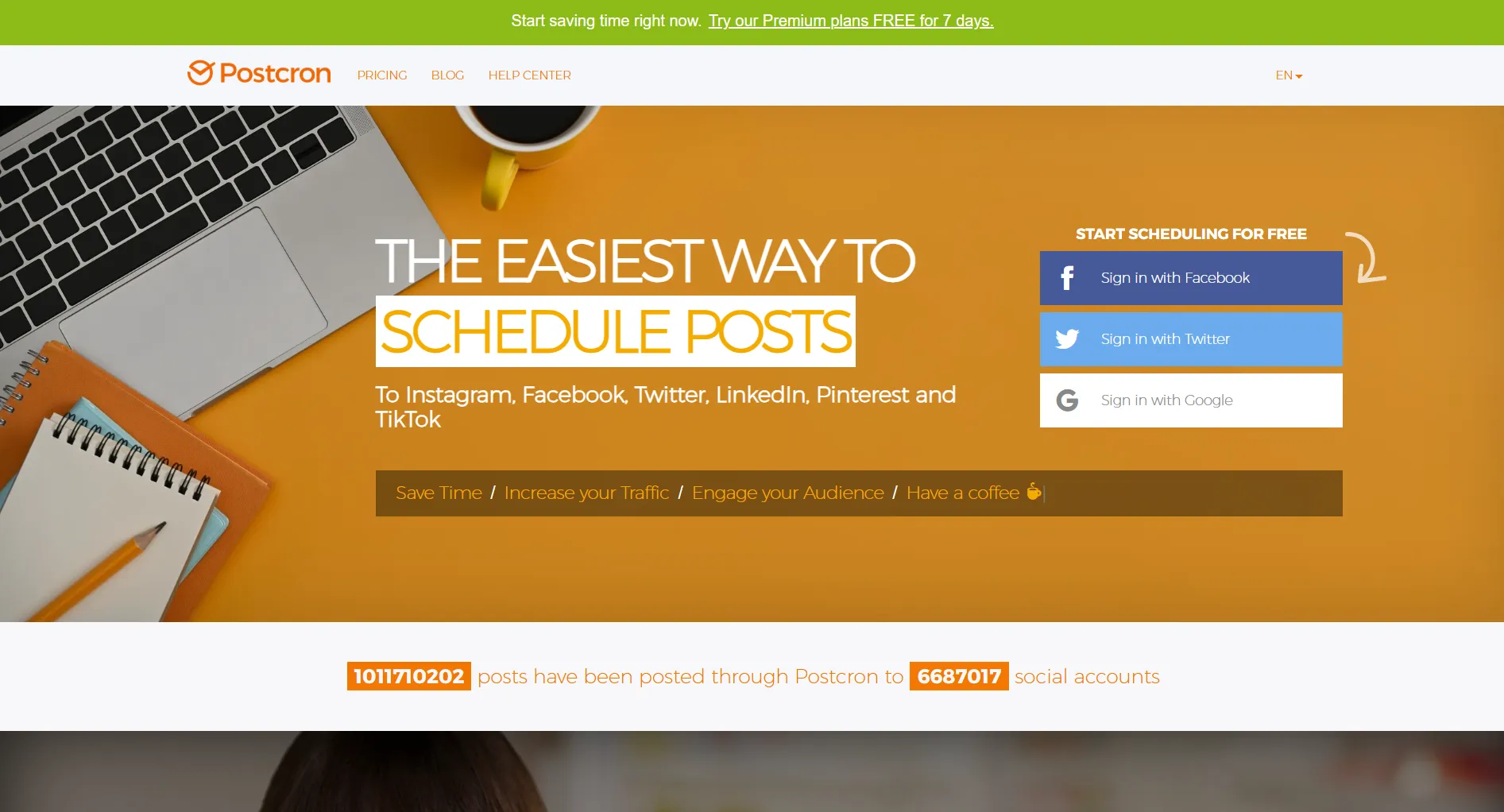
Bottom line: Postcron is the cheapest scheduler at $8/month. Works for basic posting. No AI, no TikTok, no analytics on the base plan.
Create content, post everywhere
Create captions, images, and videos with AI. Schedule to 9 platforms in seconds.
Start your free trial
Rating Summary
Best for: Solo creators on tight budgets who only need basic scheduling.
Skip if: You need TikTok, AI content, or team features.
Pricing
Important: Personal plan has zero analytics. You can't see what's working.
What's the biggest limitation of Postcron's $8 Personal plan?
💡 Tip: Think carefully before selecting your answer!
What Works
Low Price
$8/month for 11 accounts. That's ~$0.73 per account.
High Account Limits
Simple Interface
- Quick setup
- Clean navigation
- No learning curve
Platforms Covered
- Facebook Pages & Groups
- Instagram Business
- Twitter/X
What's Missing
No AI Content
You write every caption manually. No suggestions, no optimization, no help.
No TikTok or Threads
Missing the platforms with highest organic reach right now.
No Free Plan
Only 7-day trial. Buffer offers free forever.
Personal Plan Gaps
You want to schedule TikTok videos. Can Postcron help?
💡 Tip: Think carefully before selecting your answer!
Pros & Cons
Price Jumps
Growing teams hit big cost jumps fast.
Who Should Use Postcron
Good Fit
- Solo creators starting out
- Very tight budget
- Only use Facebook, Instagram, Twitter, LinkedIn, Pinterest
- Don't need performance data (or will upgrade)
Bad Fit
- Need TikTok or Threads
- Want AI to help write posts
- Growing team
- Need analytics without upgrading
You're an agency with 8 team members managing 40 accounts. Best Postcron plan?
💡 Tip: Think carefully before selecting your answer!
Compared to Alternatives
Quick Answers
Worth $8/month? For basic scheduling only, yes. But upgrade to Entrepreneur ($24) if you need analytics.
Free plan? No. 7-day trial only.
Good for agencies? Not really. Team features are limited and pricing jumps are steep.
TikTok support? No.
Better alternatives? Buffer (free) for simplicity. SocialRails ($29) for AI content.
The Verdict
Postcron works if:
- Budget is your top priority
- You only need basic scheduling
- TikTok isn't part of your strategy
Consider alternatives if:
- You need AI content help
- TikTok matters to your brand
- You want a free option (Buffer)
Try SocialRails for unlimited AI content at $29/month.
Create content, post everywhere
Create captions, images, and videos with AI. Schedule to 9 platforms in seconds.
Start your free trialRelated
- Postcron Pricing
- Postcron Alternatives
- Postcron vs Buffer
- Postcron vs Hootsuite
- Buffer Review
- Best Social Media Schedulers
Was this article helpful?
Let us know what you think!