

Sprinklr Review 2026: Features, Pricing, Pros & Cons

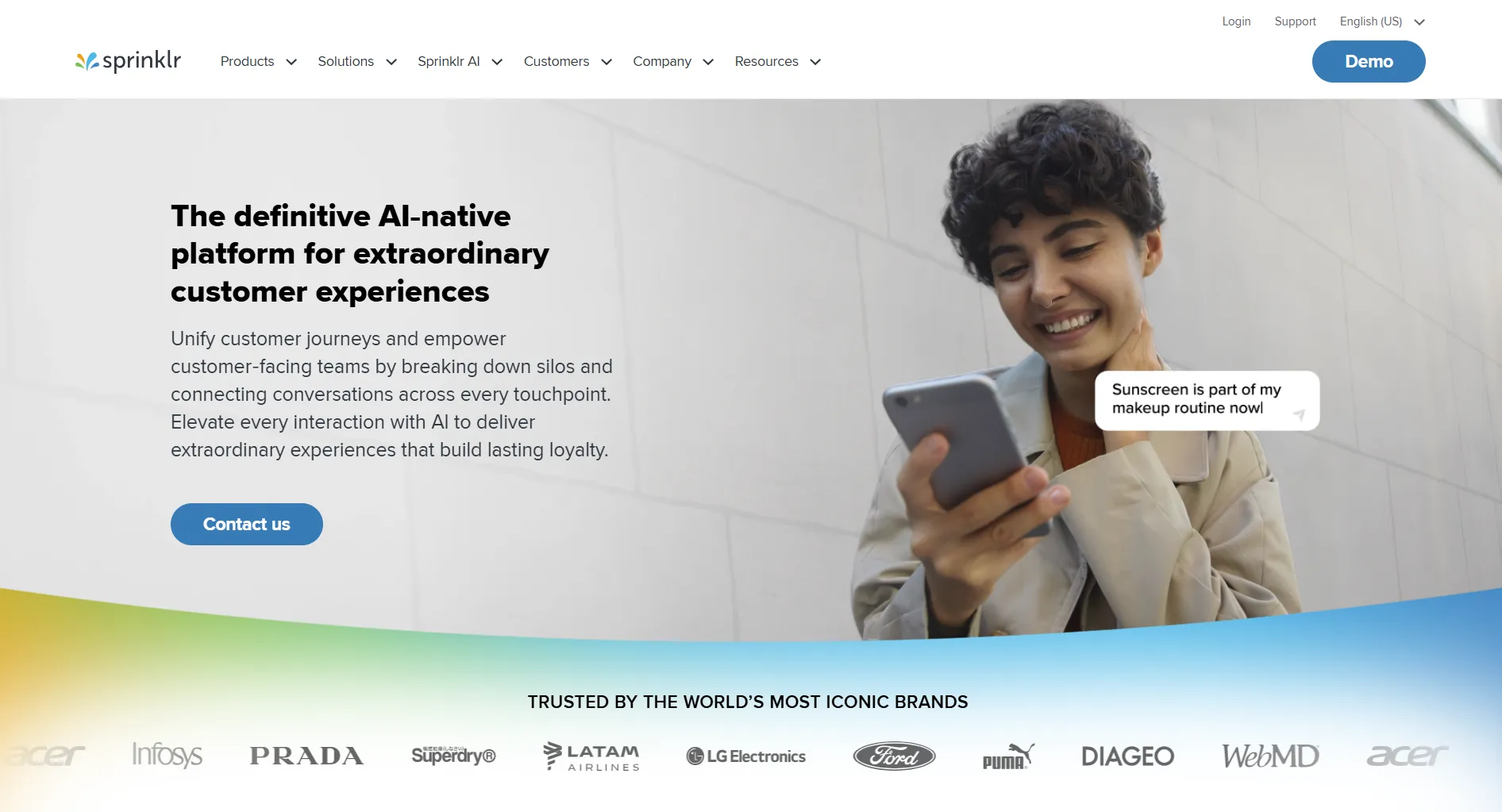
Quick answer: Sprinklr is an enterprise customer-experience platform, not a social media scheduler. The published Advanced tier of Sprinklr Social is $299 per seat per month, billed annually, which works out at about $3,588 per seat per year. It unifies social, messaging, voice, email and live chat in one system, which nothing else does as completely. Implementation is measured in months. It makes sense for large organisations with real compliance and multi-channel service requirements, and is hard to justify for anyone buying a scheduler.
Jump to: Pricing | Strengths | Weaknesses | Pros and cons | Who it suits | Alternatives | FAQ
Create content, post everywhere
Create captions, images, and videos with AI. Schedule to 9 platforms in seconds.
Start your free trial
Quick Summary
Our editorial assessment, not a measured score:
Best for: Fortune 500 companies and large enterprises needing unified customer experience across 30+ channels with enterprise security.
Not ideal for: small and medium businesses, startups, or anyone whose actual requirement is scheduling and publishing rather than multi-channel customer service. For SMBs, see SocialBee Review or Loomly Review.
Pricing at a Glance
A caveat on all of these numbers. $299 per seat per month is the published Advanced figure for Sprinklr Social. Most Sprinklr deals are not bought off that page: they are multi-product, quote-based and negotiated, so the price a given company pays is not something anyone outside the contract can state. Treat the table as a floor for budgeting, not as a quote. Any guide that gives you a precise Sprinklr contract value is guessing.
Key difference: Sprinklr is 10-100x more expensive than most social media tools. It's a full enterprise platform, not a simple scheduler. If your team sits in the mid-market (100-1,000 employees) and you're weighing Sprinklr against lighter options, see our Sprinklr alternatives for mid-market breakdown before committing to a procurement cycle.
Sprinklr Social's published Advanced tier is $299 per seat per month. What does that cost a 10-seat team per year?
What Sprinklr Does Well
Unified Platform
Everything in one system:
- Social media management
- Customer service
- Marketing campaigns
- Advertising
- Insights and listening
Verdict: Excellent unification. No other tool connects as many channels.
Channel Coverage
Verdict: Most complete channel coverage available.
Enterprise Features
Verdict: True enterprise-grade security and compliance.
AI Capabilities
Sprinklr AI includes:
- Smart recommendations
- Sentiment analysis
- Automated routing
- Predictive analytics
- Conversational AI
Verdict: Advanced AI, but focused on customer service and insights rather than content creation.
How many channels does Sprinklr support?
What Sprinklr Lacks
Prohibitive Pricing
The published Advanced tier is:
- $299 per seat per month
- Conditional on annual billing
- Roughly $3,588 per seat per year
- Priced per seat, so cost scales directly with headcount
For most businesses this is out of reach, and correctly so: it is priced for organisations whose inbound conversation volume justifies a dedicated platform.
Implementation is a project, not a signup
Sprinklr does not publish an implementation timeline, and it would not mean much if it did, because the work scales with how many modules you buy and how many existing systems you connect. What is consistent is the shape of it:
- Rollout is measured in months rather than days, and is normally run with Sprinklr professional services rather than by your team alone
- Training is substantial, because the surface area is large
- Someone internally has to own the platform on an ongoing basis
Budget for the internal cost of that, not just the licence. It is the part that surprises buyers.
AI aimed at service, not content
Sprinklr's AI is genuinely strong, but it is pointed at a different problem from the one a content team has:
- Sentiment analysis, routing and case triage are the focus
- Content generation is not where the investment has gone
- Writing and creative production remain largely manual
If your bottleneck is producing posts rather than handling inbound conversations, you are paying enterprise CXM prices for capability you will not use. SocialRails includes AI generation on a monthly credit allowance (150 credits on Creator at $29, 1,000 on Business at $49, 3,000 on Agency at $99), which is a different shape of product at a different scale of spend.
Where is Sprinklr's AI investment actually aimed?
Overkill for Most Needs
Enterprise features you might not need:
- Multi-language governance
- Global compliance frameworks
- Complex approval workflows
- Advanced security certifications
Pros and Cons Summary
What reviewers consistently say
Earlier versions of this page carried quotations attributed to G2 and Capterra. They were not verifiable, so they have been removed. What follows is the pattern that recurs across public review sites, described as a pattern rather than dressed up as individual quotes.
Praised consistently: the breadth of the unified platform, and the quality of the assigned support and customer-success staff. Both are the things buyers say justified the outlay.
Criticised consistently: three things, in roughly this order. The cost, which reviewers frequently describe as needing executive-level justification. The length and complexity of implementation. And the learning curve, which is the direct consequence of the breadth that the same reviewers praise.
If you want quotes you can attribute, read them on G2, Capterra or TrustRadius directly, where each carries a named reviewer, a date and a company size. Those three fields are what make a software review worth anything, and they are exactly what a pasted quote strips out.
Who Should Use Sprinklr
Ideal Users
Fortune 500 Companies
- $100M+ revenue
- 50+ social media staff
- Global operations
- Complex compliance needs
Large Enterprises
- 1,000+ employees
- Multiple brands
- Multi-country presence
- $100,000+/year budget
Regulated Industries
- Healthcare (HIPAA)
- Financial services
- Government
- Highly regulated sectors
Who Should Look Elsewhere
Everyone Else
- Small businesses
- Medium businesses
- Startups
- Agencies under 50 people
- Anyone whose requirement is publishing rather than inbound service at volume
Sprinklr vs Alternatives
Compare alternatives: Sprout Social Review, Hootsuite Review.
What is the cost of Sprinklr that buyers most often underestimate?
FAQ
Is Sprinklr worth the price?
How much does Sprinklr actually cost?
Does Sprinklr have a free trial?
Is Sprinklr good for small businesses?
How does Sprinklr compare to Hootsuite?
How long does Sprinklr implementation take?
Does Sprinklr generate content with AI?
Bottom Line
Sprinklr delivers the most complete unified CXM platform available.
Choose Sprinklr if:
- You're a Fortune 500 company
- You have $100,000+/year budget
- You need 30+ channel unification
- You require enterprise compliance
- You have 50+ social media staff
- You can staff and fund an implementation project measured in months
Choose an alternative if:
- You're a small-medium business
- Budget is under $50,000/year
- You need quick implementation
- You want AI-assisted content production rather than service automation
- You prefer monthly payments
For scheduling and AI-assisted content at a different scale of spend, consider SocialRails, from $29 to $99 per month depending on plan.
Create content, post everywhere
Create captions, images, and videos with AI. Schedule to 9 platforms in seconds.
Start your free trialRelated
Sprinklr Content
Enterprise Visual Platforms
- Dash Social Review - Vision AI platform
- Dash Social Pricing - $999+/month
- Dash Social Alternatives
- Cheaper Than Dash Social
Enterprise Alternatives
- Sprout Social Review
- Sprout Social Pricing
- Hootsuite Review
- Hootsuite Pricing
- Khoros Review
- Khoros Pricing
- Meltwater Review
- Meltwater Pricing
- Pulsar Platform Review 2026
For SMBs
- SocialBee Review
- Buffer Review
- Loomly Review
- ContentStudio Review
- SocialBu Review
- Crowdfire Review
- Best Social Media Schedulers
Free Tools
Was this article helpful?
Let us know what you think!