

SocialBee Review 2026: Features, Pricing, Pros & Cons

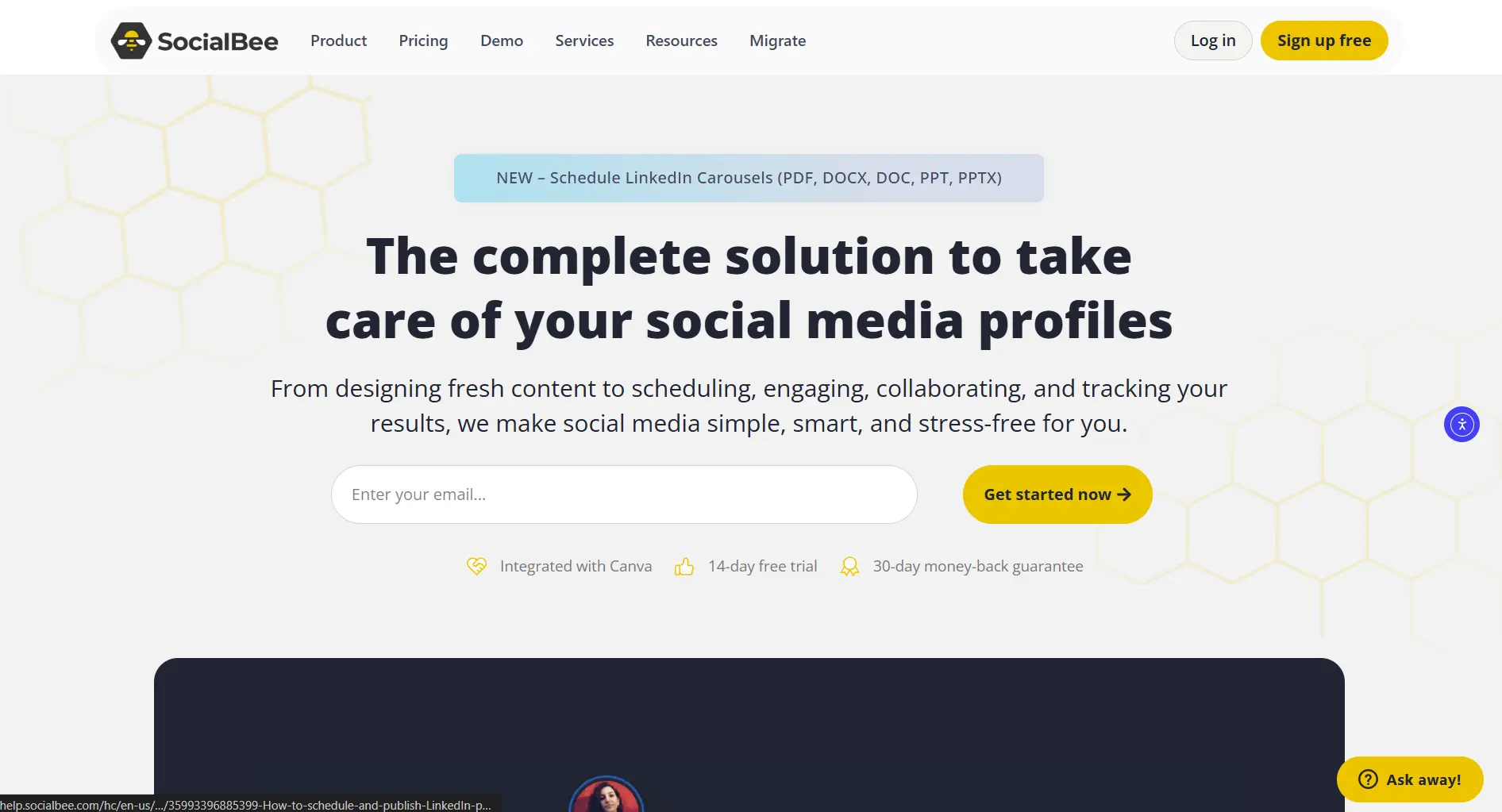
SocialBee is a social media scheduler built around content recycling. At $29/month for 5 profiles, it targets creators who want evergreen content on autopilot.
Here's what it actually delivers. If you want to see SocialBee against other category-queue and CSV bulk tools side by side, check our best bulk social media schedulers roundup.
Create content, post everywhere
Create captions, images, and videos with AI. Schedule to 9 platforms in seconds.
Start your free trial
Quick Summary
Best for: Solo creators and small teams with evergreen content who want automatic recycling.
Not ideal for: Teams needing multiple users on basic plans, video creators, or enterprises needing social listening. For team collaboration, see our SocialBee vs Hootsuite comparison. For approval workflows, check SocialBee vs Planable.
Pricing at a Glance
Key difference: Content recycling included in all plans. Unlike Hootsuite, SocialBee doesn't charge extra for this core feature.
How much would a solo creator with 8 profiles pay for SocialBee vs Hootsuite?
What SocialBee Does Well
Content Recycling (The Main Feature)
This is why people choose SocialBee.
How it works:
- Create posts and assign to categories
- Set schedules per category (tips at 9am, promos at 2pm)
- Posts automatically cycle through your queue
- Evergreen content posts indefinitely
Verdict: Excellent for evergreen content automation.
AI Copilot
Get AI assistance with:
- Caption generation
- Post ideas by category
- Content variations
- Hashtag suggestions
Verdict: Capable AI, though not as extensive as dedicated AI tools.
Category-Based Scheduling
Organize your content strategically:
- Tips and advice
- Promotional content
- Curated articles
- User testimonials
- Behind-the-scenes
Verdict: Logical system that keeps content balanced.
Scheduling & Publishing
Supported platforms:
- Facebook, Instagram, Twitter, LinkedIn
- Pinterest, TikTok, YouTube
- Google Business Profile
Auto-publishing, best time suggestions, bulk import included.
Verdict: Reliable publishing to all major platforms.
RSS Feed Integration
Automatically share content from:
- Your blog
- Industry news sites
- Partner content
- Curated sources
Verdict: Great for content curation workflows.
What's SocialBee's main differentiator from other schedulers?
What SocialBee Lacks
No Video Templates
You'll need external tools for:
- Video creation
- Templates
- Motion graphics
For video tools, consider SocialRails with 350+ templates.
Single User on Basic Plans
Bootstrap and Accelerate only allow 1 user. Team collaboration requires Pro ($99/month).
Limited Analytics History
No Social Listening
Can't monitor:
- Brand mentions
- Competitor activity
- Industry keywords
- Sentiment
For monitoring, you'd need Hootsuite or Sprout Social.
Learning Curve
The category system takes time to set up properly. Expect 1-2 hours to configure optimally.
Real User Feedback
What Users Love
"Content recycling saves me 10+ hours per month. I create once, it posts forever." — G2 Review
"The category system keeps my content balanced. No more posting too many promos." — Capterra Review
Common Complaints
"Setting up categories takes time. Wish there were more templates." — TrustRadius Review
"Single user on Accelerate is limiting. Had to upgrade to Pro just for 2 team members." — G2 Review
Who Should Use SocialBee?
Perfect For:
Not Ideal For:
You're a blogger who reposts evergreen content weekly. Is SocialBee worth it?
SocialBee costs $29/month for 5 profiles. What's the per-profile cost?
SocialBee vs Competitors
For a detailed comparison of recycling tools, see SmarterQueue vs SocialBee.
Pricing Deep Dive
Is SocialBee Worth $29/month?
Yes, if:
- You have evergreen content to recycle
- You value category organization
- You work solo
- You need AI caption help
No, if:
- You need video creation
- You want team access on basic plans
- You prefer simplicity over features
Cost Per Feature
Full pricing breakdownGetting Started
Free Trial
14 days, no credit card required.
What to test:
- Set up 3-4 content categories
- Import some evergreen posts
- Configure recycling schedules
- Test AI Copilot for captions
- Evaluate if the system fits your workflow
Setup Time
More setup than Buffer, but the automation saves time long-term.
Final Verdict
Score: 4.2/5
SocialBee excels at one thing: content recycling. If you have evergreen content and want it posting automatically, nothing at this price does it better.
The trade-offs:
- No video creation tools
- Single user on basic plans
- Setup takes time
- No social listening
Bottom Line
Create content, post everywhere
Create captions, images, and videos with AI. Schedule to 9 platforms in seconds.
Start your free trialQuick Answers
Is SocialBee legit? Yes. Established company with strong reviews on G2 and Capterra.
Is SocialBee worth it? For evergreen content recycling, yes. For video or team needs, consider alternatives.
What's the best SocialBee plan? Bootstrap ($29) for solo. Pro ($99) if you need team access.
Does SocialBee have a free plan? No. 14-day free trial only.
Is SocialBee better than Hootsuite? For recycling and price, yes. For listening and enterprise features, no.
Related
SocialBee Guides:
SocialBee Comparisons:
- Vista Social vs SocialBee
- MeetEdgar vs SocialBee
- SocialBee vs Hootsuite
- SocialBee vs Buffer
- SocialBee vs Loomly
- SocialBee vs Later
AI Content Tools:
- Predis Review - AI social media generator
- Predis Pricing - Credit-based AI pricing
- Predis Alternatives
Small Business Tools:
- Enji Alternatives - Small business marketing tools
- Enji Pricing - Flat-rate $29/mo
Competitor Reviews:
- OneUp Review - Content recycling + GMB support
- SocialOomph Review - RSS automation specialist with evergreen queues
- Viraltag Review - Pinterest-focused scheduler
- Post Bridge Review - Budget flat-rate pricing
- Quuu Review - Content curation tool
- OnlyPult Review - Budget scheduler
- FeedHive Review
- Nuelink Review
- Hootsuite Review
- Loomly Review
- Later Review
- Metricool Review
- Lately Review - AI content repurposing
- Sociality Review - Social listening included
- Sprout Social Review
- Circleboom Review
- Social Champ Review
- RecurPost Review 2026 - Another content recycling tool
- Statusbrew Review 2026 - Unified inbox specialist
- ContentStudio Review
- SocialBu Review
- Crowdfire Review
- Sprinklr Review
Content Recycling Tools:
Best Schedulers:
Reading reviews across the category? Read reviews of every major scheduler.
Open the hubWas this article helpful?
Let us know what you think!