

OneUp Review 2026: Features, Pricing, Pros & Cons

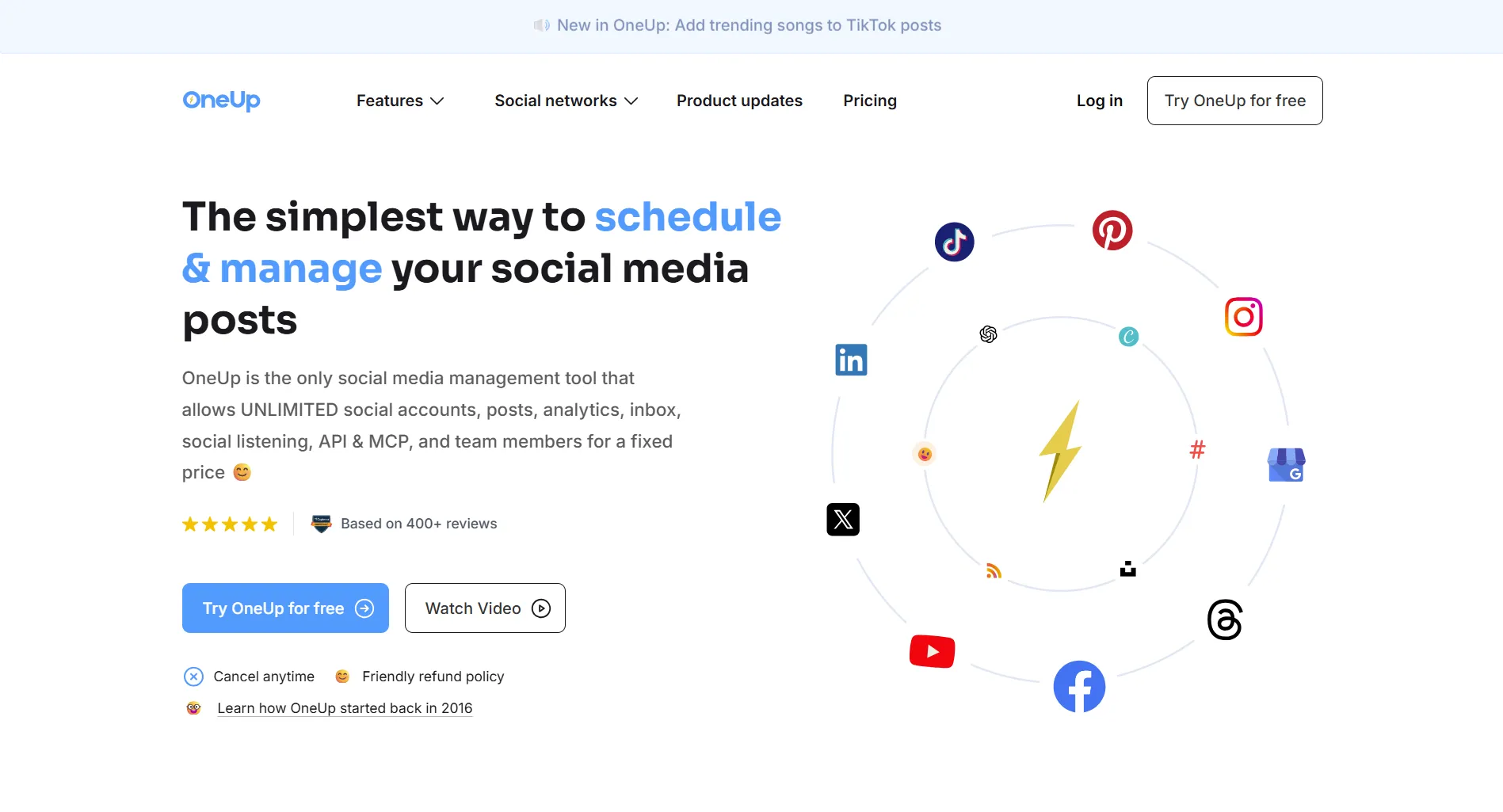
OneUp is a social media scheduler focused on post recycling and Google Business Profile support. Starting at $12/month for 10 accounts, it targets small businesses and agencies managing multiple clients.
Here's what it actually delivers.
Official links: OneUp website · Pricing page · G2 reviews
Create content, post everywhere
Create captions, images, and videos with AI. Schedule to 9 platforms in seconds.
Start your free trial
Quick Summary
Best for: Small businesses, agencies, and anyone needing automatic post recycling or strong Google Business Profile support.
Not ideal for: Enterprises needing advanced analytics, teams wanting polished UI, or users needing robust social listening. For team collaboration, see our Buffer vs OneUp comparison.
Pricing at a Glance
Big difference: The Business plan offers unlimited everything for a flat $240/month. Unlike per-user pricing tools like Sprout Social ($249/user), OneUp's Business plan doesn't scale with team size.
How much would a 10-person agency pay for OneUp vs Sprout Social?
What OneUp Does Well
Content Recycling
Automatically re-share your best content:
- Set posts to repeat on a schedule
- Evergreen content stays active
- No manual reposting needed
- Customize recycling frequency
Verdict: Excellent. If post recycling matters, OneUp excels here.
Google Business Profile Support
Verdict: Strongest GMB support in the mid-tier market. Agencies managing local businesses love this.
Platform Coverage
Supported platforms:
- Facebook (including personal profiles and groups)
- Instagram (posts, Stories, Reels, carousels)
- Twitter/X (including threads)
- Pinterest, TikTok, Google Business
- Reddit, Bluesky, Snapchat, Threads, YouTube
Verdict: Wide coverage including newer platforms like Bluesky and Threads.
RSS Feed Automation
Verdict: Useful for content curation. Saves time finding content to share.
What's OneUp's standout feature compared to competitors?
What OneUp Lacks
Limited Analytics
Missing features:
- Deep engagement analysis
- Competitor benchmarking
- ROI tracking
- Detailed video metrics
Analytics available as add-on but still basic compared to Sprout Social or Hootsuite.
Dated Interface
UI concerns noted by users:
- Design feels outdated
- Mobile app less polished than desktop
- Some features harder to find
Not a dealbreaker, but noticeable compared to Buffer or Later's modern designs.
Basic Social Listening
No advanced listening tools for:
- Brand mention tracking
- Sentiment analysis
- Crisis detection
- Competitive monitoring
If listening is critical, look at Sprout Social, Brandwatch, or Fedica.
Occasional Publishing Issues
Some users report:
- Posts occasionally not publishing
- Video optimization delays
- Facebook group limitations
Pros and Cons Summary
User Feedback Themes
Based on reviews from G2, Capterra, and Software Advice.
Common Praise
- Content recycling saves time on evergreen posts
- GMB support works well for multi-location businesses
- Responsive customer support
- Good value for the price
Common Complaints
- Interface feels dated compared to newer tools
- Analytics are basic without the add-on
- Occasional publishing delays reported
- Mobile app less polished than desktop
Based on real reviews, what's the most common praise for OneUp?
Who Should Use OneUp
Ideal Users
Small Businesses
- Local businesses with GMB presence
- Need post recycling for consistency
- Budget under $100/month
- Managing 10-30 accounts
Agencies
- Multiple local business clients
- Need flat-rate pricing
- Value GMB features
- Want content recycling
Content Marketers
- Heavy on evergreen content
- Need RSS automation
- Want to repurpose content
- Don't need advanced analytics
Who Should Look Elsewhere
Enterprises needing advanced analytics or social listening
Teams wanting polished modern interface
Brands requiring detailed competitor monitoring
OneUp vs Alternatives
FAQ
Is OneUp worth the price?
Yes, for businesses needing content recycling or strong GMB support. At $12/month for 10 accounts, it offers solid value. The Business plan at $240/month is excellent for agencies needing unlimited accounts.
Does OneUp have a free plan?
No permanent free plan, but they offer a 7-day free trial with no credit card required.
Is OneUp good for agencies?
Yes, especially for agencies managing local businesses. The flat-rate Business plan ($240/month for unlimited accounts) and strong GMB support make it agency-friendly.
How does OneUp compare to Buffer?
OneUp is better for content recycling and GMB. Buffer is better for team collaboration and has a more polished interface. Buffer charges per channel, OneUp charges per plan. See our full comparison.
Does OneUp have AI features?
OneUp includes AI caption generation, but not full content creation like dedicated AI tools. For unlimited AI content creation, consider SocialRails.
Bottom Line
OneUp delivers reliable scheduling with standout recycling features.
Choose OneUp if:
- Content recycling is important to you
- You manage Google Business Profiles
- You want flat-rate pricing for teams
- You need wide platform coverage
Choose an alternative if:
- You need advanced analytics
- You want a polished modern UI
- Social listening is critical
- You need robust AI content generation
For AI-powered content at similar pricing, consider SocialRails at $29-99/month.
Create content, post everywhere
Create captions, images, and videos with AI. Schedule to 9 platforms in seconds.
Start your free trialRelated
OneUp Content
Similar Reviews
- RecurPost Review - Another recycling-focused tool
- Publer Review - Budget scheduling option
- SocialBee Review - Content categories approach
- Metricool Review - Strong analytics
- Later Review 2026 - Visual-first scheduler
- Buffer Review - Simplest interface
Tool Comparisons
Best-Of Guides
Was this article helpful?
Let us know what you think!