

Nuelink Review 2026: Features, Pricing, Pros & Cons

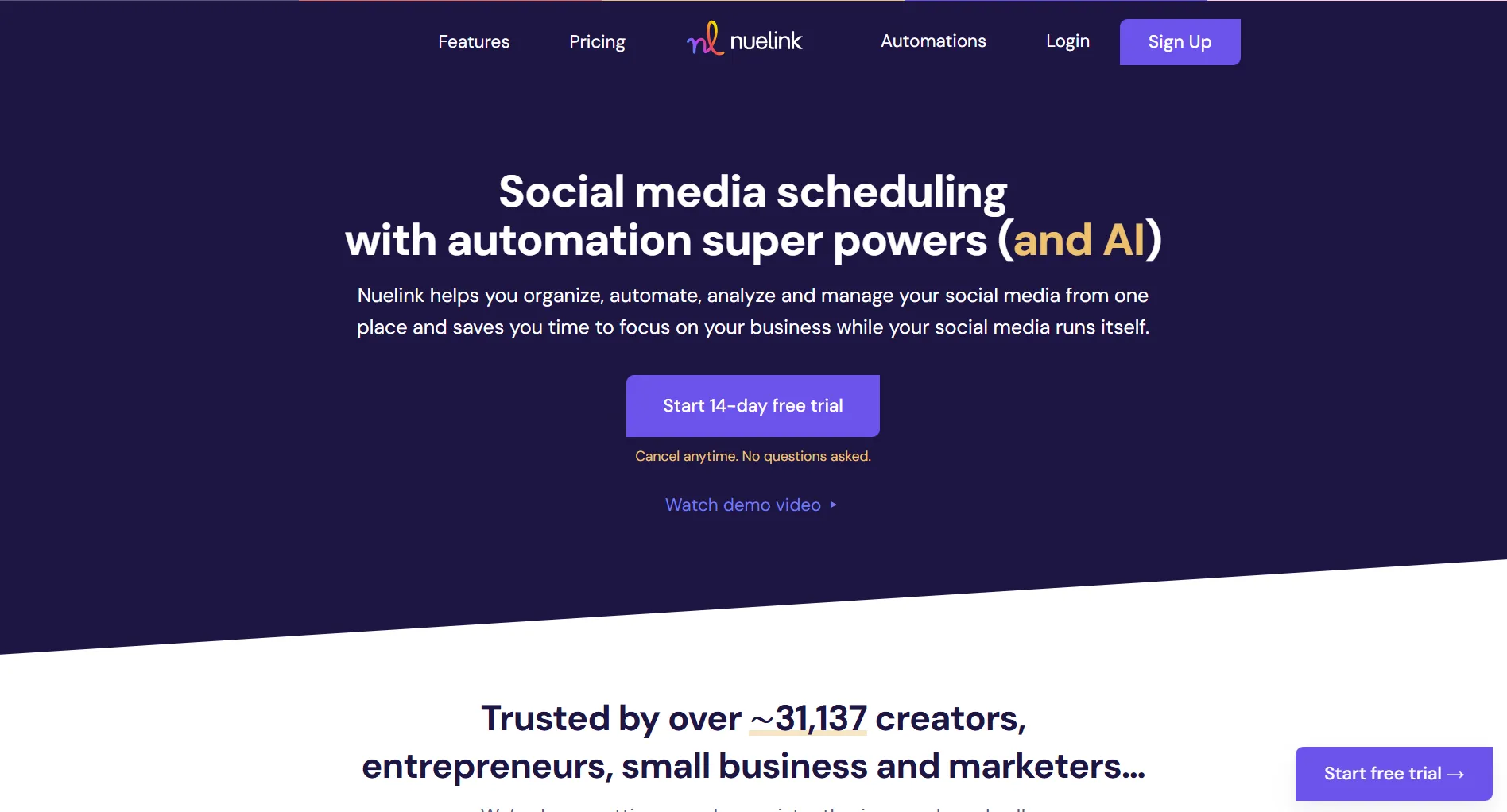
Nuelink is a social media automation tool that auto-imports content from WordPress, YouTube, and e-commerce stores. At $18/month for solo creators, it's one of the most affordable automation-focused options.
Here's what it actually delivers.
Create content, post everywhere
Create captions, images, and videos with AI. Schedule to 9 platforms in seconds.
Start your free trial
Quick Summary
Best for: Creators and businesses wanting to automate content from existing sources (blogs, YouTube, podcasts, e-commerce).
Not ideal for: Teams needing unlimited AI content, unified inbox, or mobile app.
Pricing at a Glance
Big difference: Automation-first approach. Unlike Buffer or Later, Nuelink focuses on auto-importing content from existing sources.
What makes Nuelink different from other scheduling tools?
What Nuelink Does Well
Content Automation
Auto-import and publish from:
- WordPress blogs (new posts become social content)
- YouTube videos (auto-share new uploads)
- RSS feeds (podcasts, newsletters)
- Shopify/Etsy/WooCommerce products
- CSV uploads for bulk scheduling
Verdict: Excellent. Set it once, content publishes automatically.
Platform Support
Verdict: Above average. Supports newer platforms like Threads and Bluesky.
AI Writing Assistant
Nue AI features:
- Caption generation
- Hashtag suggestions
- Multiple post variations
- Optimal timing recommendations
Verdict: Useful but limited by monthly credits (100-1,000 depending on plan).
Evergreen Content
Verdict: Strong evergreen content management.
You have a WordPress blog and YouTube channel. What can Nuelink automate?
What Nuelink Lacks
No Unified Inbox
Missing features:
- Comment management
- DM responses
- Message routing
- Response templates
Nuelink is publish-only. Can't engage with followers.
Limited AI Credits
AI credits per plan:
- Standard: 100/month
- Premium: 200/month
- Business: 500/month
- Agency: 750/month
- Agency Plus: 1,000/month
When depleted, you write manually until next month.
No Mobile App
No native iOS or Android app.
- Mobile-optimized website only
- Can't quick-post on the go
- No push notifications
Basic Analytics
Limited to:
- Post performance metrics
- Basic engagement data
- No competitive analysis
- No sentiment tracking
Pros and Cons Summary
What Users Say
Common Praise
Users frequently mention:
- Fast content scheduling, auto-import saves significant time
- Affordable pricing, much cheaper than enterprise alternatives
- Clean interface, easy setup and navigation
- WordPress/YouTube integration, auto-posting works reliably
Common Complaints
Users frequently mention:
- AI credit limits, credits run out before month ends
- No engagement tools, can't respond to comments or DMs
- Pinterest limitations, missing pin titles and alt text fields
- No mobile app, web-only access limits on-the-go posting
What's Nuelink's main strength according to users?
Who Should Use Nuelink
Ideal Users
Content Creators
- Bloggers with WordPress sites
- YouTubers wanting auto-share
- Podcasters with RSS feeds
- Newsletter writers
E-commerce Businesses
- Shopify store owners
- Etsy sellers
- WooCommerce shops
- Product-based businesses
Solopreneurs
- Budget-conscious
- Content-heavy strategy
- Don't need engagement tools
- Value automation over features
Who Should Look Elsewhere
Community Managers needing to respond to comments
Enterprise Teams requiring advanced analytics
Mobile-First Users wanting app-based posting
AI-Heavy Teams needing unlimited content generation
Nuelink vs Alternatives
FAQ
Is Nuelink worth the price?
Yes, for automation-focused users. At $18/month, it's cheaper than most competitors while offering unique auto-import features from WordPress, YouTube, and e-commerce platforms.
Does Nuelink have a free plan?
No. Nuelink offers a 14-day free trial but no permanent free plan. Standard starts at $18/month ($12/month annually).
Is Nuelink good for agencies?
Yes, for content automation. Agency plans support 10-30 users and 100-300 channels. However, lacks unified inbox for client engagement management.
How does Nuelink compare to Buffer?
Nuelink focuses on automation (auto-import from blogs, YouTube). Buffer is simpler and has a free plan but no automation. Choose Nuelink for automation, Buffer for simplicity.
Can Nuelink replace Hootsuite?
For scheduling and automation, yes, at 80% lower cost. For social listening and enterprise features, no. Evaluate which features you actually use.
Bottom Line
Nuelink delivers excellent automation at affordable prices.
Choose Nuelink if:
- You have a WordPress blog or YouTube channel
- You run an e-commerce store
- You want content automation
- You value affordability
- You don't need engagement tools
Choose an alternative if:
- You need unlimited AI content
- You want to manage comments/DMs
- You require a mobile app
- You need advanced analytics
For AI-powered content at similar pricing, consider SocialRails at $29-99/month.
Create content, post everywhere
Create captions, images, and videos with AI. Schedule to 9 platforms in seconds.
Start your free trialRelated
Nuelink Content
- Nuelink Pricing 2026
- Nuelink Alternatives
- Nuelink vs Buffer
- Nuelink vs Later
- Nuelink vs Hootsuite
- Cheaper Than Nuelink
AI Content Tools
- Predis Review - AI social media generator
- Predis Pricing - Credit-based AI
- Predis vs Buffer
Similar Reviews
- SocialOomph Review - RSS automation specialist at $0-55/month
- Quuu Review - Content curation
- OnlyPult Review - Budget option
- SocialBee Review
- Metricool Review
- RecurPost Review
- Crowdfire Review
Tool Comparisons
Best-Of Guides
Want a second opinion on another tool? Browse honest reviews of every tool.
Open the hubWas this article helpful?
Let us know what you think!