

Planoly Review 2026: Features, Pricing, Pros & Cons

Quick verdict: Planoly is the original Instagram visual planner. Best grid preview in the business. But Instagram-first approach limits multi-platform growth.
Create content, post everywhere
Create captions, images, and videos with AI. Schedule to 9 platforms in seconds.
Start your free trial
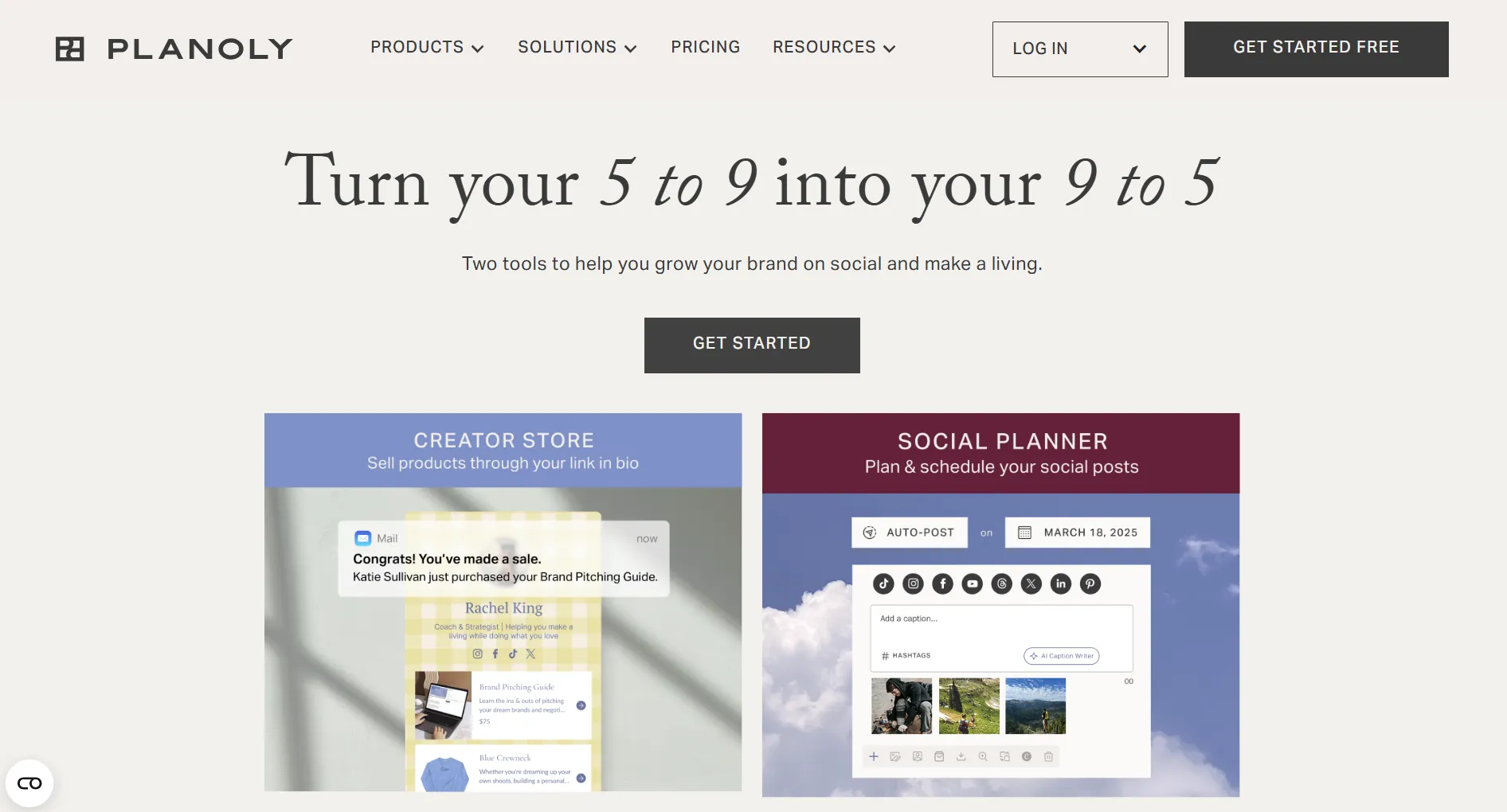
Quick Summary
Pricing at a Glance
Full breakdown: Planoly Pricing Guide
What is Planoly best known for?
💡 Tip: Think carefully before selecting your answer!
What Planoly Does Well
Instagram Grid Preview
Planoly's signature feature is unmatched:
- Visual grid planner - See how posts look together before publishing
- Drag-and-drop arrangement - Rearrange until perfect
- Color coordination - Plan aesthetic cohesion
- Preview mode - See exactly how your profile will look
This is what made Planoly famous. If Instagram aesthetics matter to your brand, this feature alone may justify the cost.
Clean, Intuitive Interface
Planoly keeps things simple:
- Uncluttered design
- Easy navigation
- Quick learning curve (15-20 minutes)
- Pleasant to use daily
Mobile App
Solid mobile experience:
- Schedule on-the-go
- Grid preview on mobile
- Push notifications
- Quick uploads from camera roll
AI Caption Writer
Helps with caption creation:
- Suggests caption improvements
- Fights writer's block
- Instagram-optimized suggestions
What Planoly Lacks
No AI Content Generation
The caption writer helps, but:
- Won't write full posts
- No bulk content creation
- No idea generation
- No cross-platform adaptation
For unlimited AI content, consider SocialRails.
Instagram-First Bias
Other platforms feel like afterthoughts:
- TikTok support is basic
- LinkedIn features limited
- No platform-specific optimization
- Grid preview only works for Instagram
No Video Templates
In 2026, video dominates:
- No templates for Reels/TikTok
- Manual video creation only
- Missing critical feature for modern social
Upload Limits on Starter
60 uploads/month restricts active creators:
- Active accounts post 100+ monthly
- Forces upgrade to Growth ($28)
- Limits content volume
Pros and Cons Summary
Real User Feedback
What users love:
"The grid preview is exactly what I needed. I can see my whole aesthetic before posting." - Instagram creator
"Simple and doesn't try to do too much. Perfect for my Instagram-only strategy." - Small business owner
What users don't love:
"TikTok support feels bolted on. If you need multi-platform, look elsewhere." - Marketing manager
"Hit the 60 upload limit quickly. Had to upgrade or switch tools." - Content creator
A client asks: 'Should I use Planoly for TikTok and LinkedIn content?' What's your advice?
💡 Tip: Think carefully before selecting your answer!
Who Should Use Planoly
Ideal Users
- Instagram-focused creators - Primary platform is Instagram
- Visual brand builders - Aesthetic cohesion matters
- Solo creators - Simple needs, clean interface
- Grid planners - Want to see posts before publishing
- Photo-centric accounts - Less video-focused content
Who Should Look Elsewhere
- Multi-platform managers - Need equal support for all platforms
- Video-first creators - Need templates for TikTok/Reels
- AI content seekers - Want unlimited content generation
- High-volume posters - 60 uploads/month too limiting
- Agency workflows - Need more robust team features
Planoly vs Alternatives
You need grid preview + AI content generation + video templates. Which tool fits?
💡 Tip: Think carefully before selecting your answer!
Frequently Asked Questions
Is Planoly worth $16/month?
For Instagram-focused creators who value grid aesthetics, yes. The visual planning is excellent. But if you need multi-platform support, AI content, or video templates, the value drops.
Does Planoly work for TikTok?
Technically yes, but TikTok support feels basic compared to Instagram. No TikTok-specific features or optimization. If TikTok is important to you, consider alternatives.
Is Planoly better than Later?
Both are Instagram-first visual planners. Planoly has slightly better grid preview; Later has better Linkin.bio features. Similar overall. See full comparison.
Does Planoly have AI features?
Limited. AI caption writer helps improve captions but won't generate full content. No bulk AI generation or cross-platform adaptation.
Is the free plan usable?
Barely. 30 uploads total (not monthly) is essentially a trial. Not viable for ongoing use.
Bottom Line
Planoly is best for: Instagram creators who prioritize visual grid aesthetics and want simple, clean scheduling.
Planoly falls short for: Multi-platform strategies, video-first content, or anyone needing AI content generation.
Rating: 3.5/5
If Instagram is 90%+ of your strategy and grid planning matters, Planoly delivers. For everyone else, modern multi-platform tools with AI and video features offer better value.
Create content, post everywhere
Create captions, images, and videos with AI. Schedule to 9 platforms in seconds.
Start your free trialRelated
Planoly Guides:
Instagram Story Tools:
Planoly Comparisons:
Similar Reviews:
- Viraltag Review - Pinterest-focused scheduler
- Post Bridge Review - Budget flat-rate pricing
- Later Review
- Buffer Review
- Loomly Review
Was this article helpful?
Let us know what you think!