

Best Planoly Alternatives 2026: Top Instagram Schedulers Compared

Quick answer: Best Planoly alternatives are Later (similar visual focus), SocialRails (AI + video), and Buffer (simpler).
Why compare? Get more for less with SocialRails
Post images, videos & carousels to 9 platforms. AI helps with captions.
Cancel anytime
Pricing checked against each vendor's own pricing page on 17 August 2026. Social scheduling prices move often, so check the vendor before you commit. Every figure below is linked to its source.
Why People Leave Planoly
Common reasons for switching:
- Instagram-first limits growth - Other platforms feel secondary
- AI is caption-only - No image or video generation
- No video templates - Manual creation for Reels/TikTok
- Social set limits - The entry plan covers 1 social set and 1 user
- Multi-platform needs - TikTok, LinkedIn matter now
One reason that used to be on this list is gone. Earlier versions of this page led with a 60-uploads-per-month cap on Planoly's Starter plan. Planoly's pricing page now lists unlimited uploads on every paid tier, while several third-party pricing roundups still report the cap. We could not resolve the disagreement, so we have dropped the number rather than repeat it. If upload volume is your reason for leaving, confirm it with Planoly directly first.
Quick Comparison
You love Planoly's grid preview but need AI content generation. Which alternative fits?
💡 Tip: Think carefully before selecting your answer!
Top 5 Planoly Alternatives
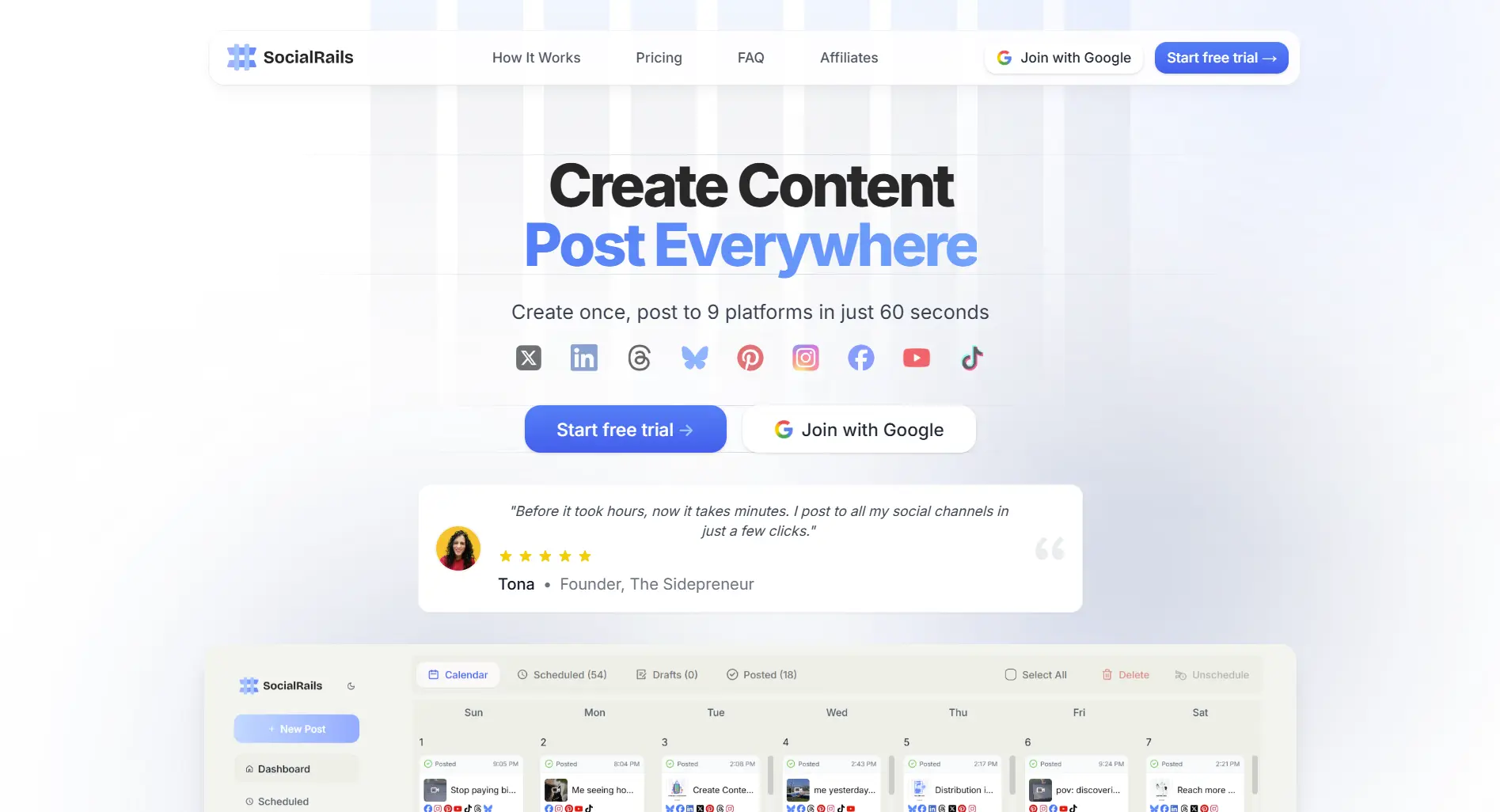
1. SocialRails, Best Overall Value
Why switch: AI content and 350+ video templates included, on a flat price.
Best for: Creators needing AI content and video tools without paying enterprise prices.
Trade-off: Grid preview less polished than Planoly's.
2. Later, Most Similar
Why switch: Similar visual approach, better Linkin.bio features.
Best for: Instagram creators who want visual planning with better link-in-bio.
Trade-off: Still Instagram-first. Later does have AI caption writing, but it is metered: Later's plans include 5 AI credits per month on Starter, 50 on Growth and 100 on Scale, so it is a light assist rather than a content engine. Starter also caps posting at 30 per profile per month.
See full Later vs Planoly comparison
3. Buffer, Simplest Option
Why switch: Cleaner interface, per-channel pricing.
Best for: Creators who want simple scheduling without visual planning complexity.
Trade-off: No grid preview. Per-channel pricing looks cheap at one channel and adds up fast: Buffer charges per connected channel, so five channels on Essentials is $30/month, not $6. There is a volume discount past 10 channels, so check the total in Buffer's own billing screen rather than multiplying.
See full Buffer vs Planoly comparison
4. Publer, Budget Alternative
Why switch: Similar features, and you pay only for the accounts you actually connect.
Read the pricing model before the number. Publer does not sell flat tiers the way Planoly does. Its plans start from roughly $5/month for a single social account on Professional, with each additional account adding a few dollars, plus a per-extra-member charge. That makes it genuinely cheap for one or two accounts and not necessarily cheap at ten. Any article quoting Publer as a flat monthly figure has picked one configuration and dropped the variable it depends on, which is why we have given the structure instead. Price your own account count on Publer's site.
Best for: Budget-conscious creators running a small number of accounts.
Trade-off: Less polished interface, no grid preview, and the bill scales with every account you add.
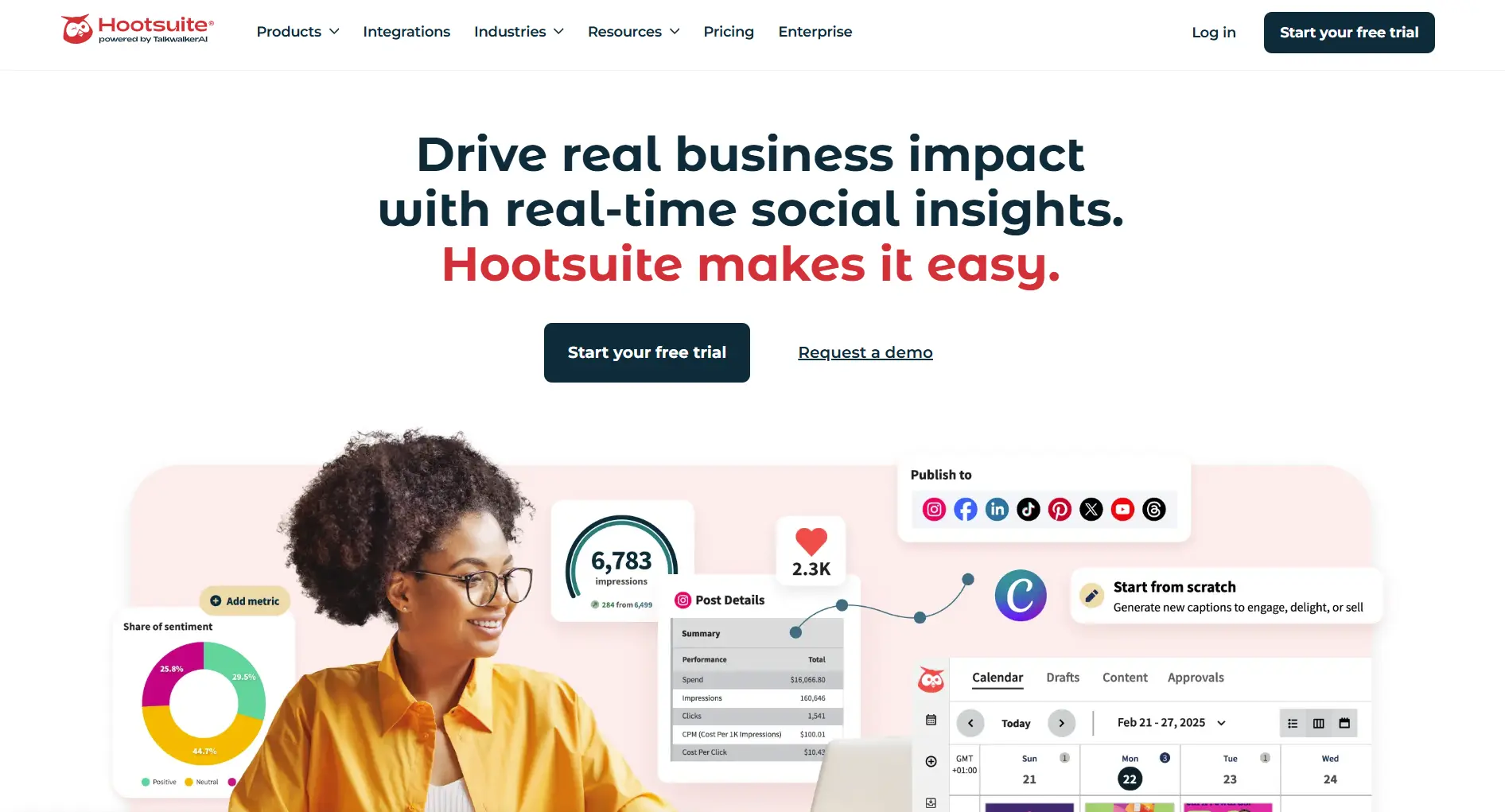
5. Hootsuite, Enterprise Option
Why switch: Advanced analytics, social listening, AI writer.
Best for: Brands needing enterprise features and detailed analytics.
Trade-off: Much more expensive, complex interface. Hootsuite's plans run $99 for Standard, $199 for Professional and up to $399 for Advanced, so the gap over Planoly is six-fold at the entry point and widens from there.
See full Hootsuite vs Planoly comparisonYou're on Planoly Starter and need a second social set plus a second user. What's your best option?
💡 Tip: Think carefully before selecting your answer!
Feature Comparison Table
The price row is not comparable across columns and that is the point. Planoly and Later sell tiers, SocialRails is flat, Buffer bills per channel and Publer per account. Whether Buffer's $6 beats Planoly's $14 depends entirely on how many channels you connect. Work out your own account count before comparing headline numbers.
How to Switch from Planoly
Step 1: Export Your Content
- Download scheduled posts
- Save content library items
- Export any analytics you need
Step 2: Choose Alternative
Based on your needs:
- Visual planning: Later
- AI + video: SocialRails
- Simplicity: Buffer
- Budget: Publer
Step 3: Setup New Tool
Most alternatives offer:
- Direct Instagram connection
- Import features
- 15-30 minute setup
Step 4: Run Parallel (Optional)
- Use both for 1 week
- Compare experience
- Cancel Planoly after confirmation
You manage Instagram, TikTok, and LinkedIn equally. Which Planoly alternative is best?
💡 Tip: Think carefully before selecting your answer!
When to Stay with Planoly
Stay with Planoly if you:
- Focus 90%+ on Instagram
- Grid aesthetics are brand-critical
- Don't need AI content generation
- Don't create video content
- Current plan meets your needs
Quick Answers
What's the best free Planoly alternative? Buffer's free plan: 3 channels, 10 scheduled posts per channel, and the AI Assistant included. Plann also has a free tier. Planoly's own free offering is limited and sources disagree on whether it still exists, so check with Planoly rather than trusting a roundup on that point.
Which alternative has the best grid preview? Later. Similar visual planning to Planoly.
Which alternative is cheapest? It depends on how many accounts you connect, which is the answer most comparison pages dodge. For one or two accounts, Publer (per account) or Buffer (per channel) are cheapest. Past roughly five accounts, a flat-price tool usually wins, because per-unit pricing keeps climbing while a flat plan does not.
Which alternative has the best AI features? SocialRails includes AI content generation for captions, images and video. Later and Buffer both have AI writing assistants, but they are caption-focused, and Later meters its by credits. Hootsuite has OwlyWriter but starts at $99/month.
Bottom Line
Best for most Planoly users: SocialRails - Similar price, adds AI content and video templates.
Best for visual planners: Later - Similar grid preview, better Linkin.bio.
Best for simplicity: Buffer - Easiest interface, per-channel pricing.
Best for budget: Publer - Core features, priced per account, so cheapest when you run few accounts.
One honest caveat on all of this: SocialRails is our product, so treat the recommendation accordingly. The competitor figures above are taken from each vendor's own pricing page and linked so you can check them, and where sources disagreed we said so instead of picking a number.
Done comparing? Try the Planoly alternative that does more
Post images, videos & carousels to 9 platforms. AI helps with captions. One flat price.
Related
Planoly Guides:
Planoly Comparisons:
UNUM (Best Budget Visual Planner):
Other Alternatives:
- Viraltag Review - Pinterest-focused scheduler
- Viraltag Alternatives
- Post Bridge Review - Flat-rate pricing
- Post Bridge Alternatives
- Later Alternatives
- Buffer Alternatives
- Hootsuite Alternatives
Was this article helpful?
Let us know what you think!