

Simplified Review 2026: Features, Pricing, Pros & Cons

Quick verdict: Simplified is an all-in-one platform for design, AI writing, and social media. Convenient but not the top option at any single thing.
Create content, post everywhere
Create captions, images, and videos with AI. Schedule to 9 platforms in seconds.
Start your free trial
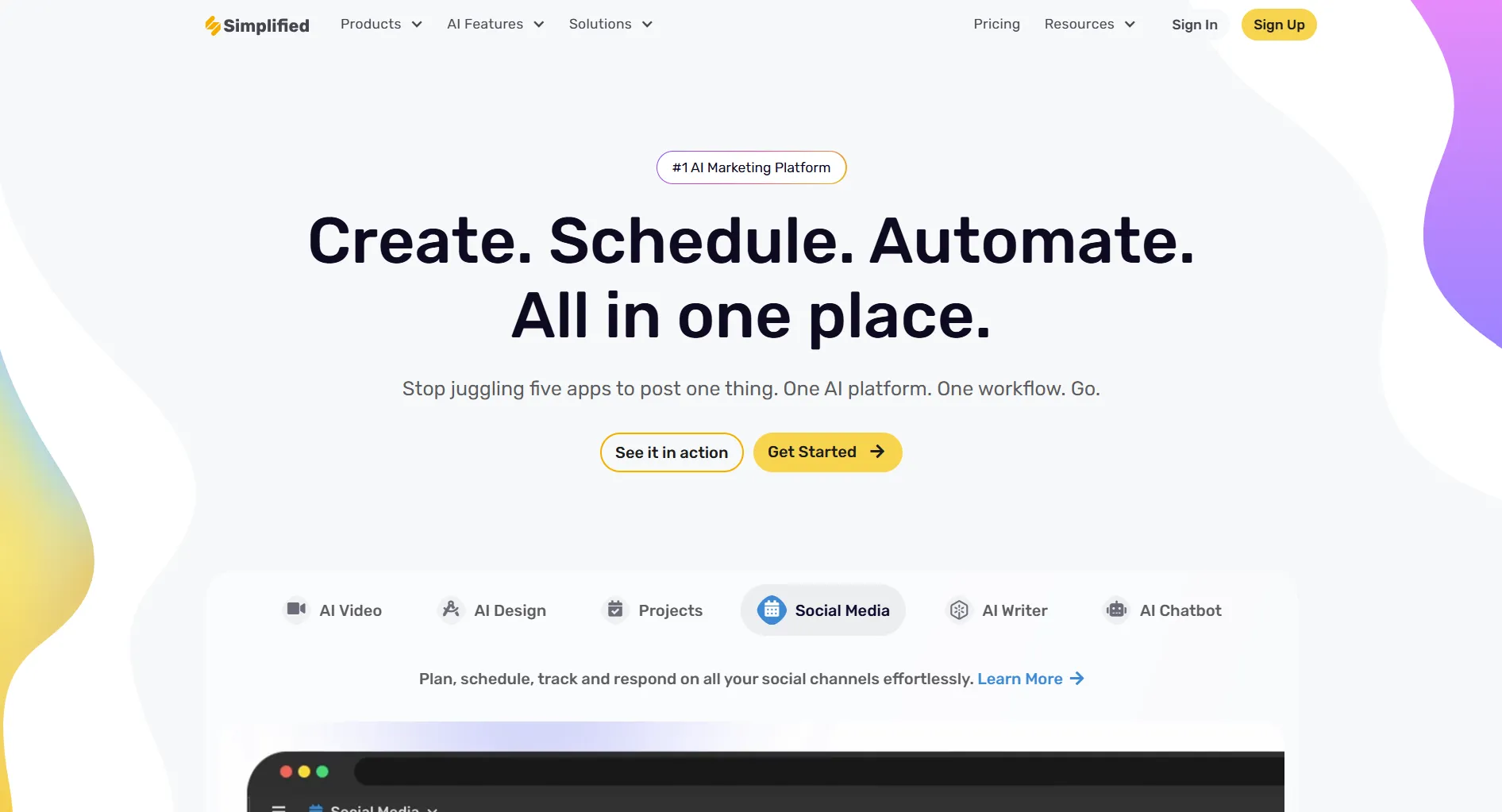
Quick Summary
Pricing at a Glance
Full breakdown: Simplified Pricing Guide
What best describes Simplified's approach?
💡 Tip: Think carefully before selecting your answer!
What Simplified Does
Simplified combines four core functions:
1. Design Tools
- Canva-like editor
- Templates for social media
- Brand kit management
- Image editing
- Graphics creation
2. AI Writing
- Blog post generation
- Social media captions
- Ad copy
- Content rewriting
- Tone adjustment
3. Social Media Management
- Post scheduling
- Multi-platform publishing
- Analytics
- Social inbox
- Team collaboration
4. Video Editing
- Basic video creation
- Text overlays
- Simple animations
- Export for social
What Simplified Does Well
Convenience
One platform replaces:
- Canva (design)
- Jasper/Copy.ai (writing)
- Buffer/Later (scheduling)
- Basic video editor
Value proposition: One login, one bill, integrated workflow.
AI Writing Quality
Generates decent content:
- Blog outlines and drafts
- Social captions
- Ad copy variations
- Email content
Quality is good for drafts. Needs human editing.
Design Templates
Solid template library:
- Social media sizes
- Stories and posts
- Ads and banners
- Presentations
Not as extensive as Canva, but covers basics well.
Interface
Clean and intuitive:
- Modern design
- Easy navigation
- Quick learning curve
- Unified experience
What Simplified Lacks
Design Depth
Canva beats Simplified for:
- Template variety (Canva has millions more)
- Advanced editing features
- Print design capabilities
- Animation quality
- Brand assets library
If design is primary, Canva wins. See the full Canva review or compare plan costs in the Canva pricing guide.
AI Limitations
Credit-based system means:
- Heavy users run out
- Not truly "unlimited"
- Must track usage
- Pay more for more
For AI bundled into the plan price, SocialRails offers better value.
Social Media Depth
Dedicated tools beat Simplified for:
- Platform-specific features
- Advanced analytics
- Video templates
- Bulk scheduling
- Automation
Simplified's social features are adequate, not exceptional. If you need stronger data visualization and interactive presentations, Visme is worth comparing.
Video Templates
Limited compared to alternatives:
- Basic editing only
- Few templates
- No advanced effects
- Limited stock video
You need heavy AI content generation (1000+ pieces monthly). Is Simplified a good choice?
💡 Tip: Think carefully before selecting your answer!
Pros and Cons Summary
Real User Feedback
"One subscription instead of three. Simplified handles design, captions, and scheduling well enough." - Small business owner
"The AI writer helps with first drafts. Not perfect but saves time." - Content creator
"Hit my AI credit limit mid-month. Had to wait or upgrade." - Marketing manager
"Canva is still better for design. Simplified is okay but not as polished." - Designer
Who is Simplified best suited for?
💡 Tip: Think carefully before selecting your answer!
Who Should Use Simplified
Ideal Users
- Solopreneurs - Need multiple tools, limited budget
- Small business owners - Want simplicity over depth
- Generalist marketers - Do a bit of everything
- Beginners - Learning design, writing, social
- Budget-conscious teams - One subscription vs. many
Who Should Look Elsewhere
- Professional designers - Need Canva or Adobe
- Heavy AI users - Need unlimited generation
- Social media agencies - Need robust social tools
- Video creators - Need better video features
- Enterprise teams - Need specialized tools
Simplified vs Alternatives
Frequently Asked Questions
Is Simplified worth the money?
If you use design, AI writing, AND social media regularly, yes. Paying for one tool instead of three saves money. If you only need one function, dedicated tools are better.
Is Simplified better than Canva?
For design alone, no. Canva has more templates, better features, and deeper capabilities. Simplified is better if you also need AI writing and social media in one place.
Does Simplified have unlimited AI?
No. Credit-based system with 10K credits on Pro. Heavy use depletes credits before month end. Enterprise has "unlimited" but requires custom pricing.
Is the free plan usable?
Barely. One-time quota doesn't refill. Once you hit limits, you must pay. It's effectively a trial, not a sustainable free tier.
Is Simplified good for social media?
Adequate. Has scheduling, analytics, and inbox. But dedicated tools like Buffer, Later, or SocialRails offer more depth and features.
Bottom Line
Simplified is best for: Generalists who need design, writing, and social media in one affordable package and don't need the top option in any category.
Simplified falls short for: Specialists who need deep features in design (use Canva), AI writing (use dedicated AI), or social media (use SocialRails).
Rating: 3.5/5
Good value if you use all features. Not the best choice if you primarily need one function.
Create content, post everywhere
Create captions, images, and videos with AI. Schedule to 9 platforms in seconds.
Start your free trialRelated
Simplified Guides:
Simplified Comparisons:
AI Content Tools:
- Predis Review - AI social media generator
- Predis Pricing
- Cheaper Than Predis
Similar Reviews:
Was this article helpful?
Let us know what you think!