

Vista Social Review 2026: Features, Pricing, Pros & Cons

Vista Social is an all-in-one social media management platform: publishing, an inbox for messages, comments and reviews, reporting, listening and agency tools. It starts at $99/month for 15 profiles and 2 users, with no free plan.
Disclosure: SocialRails, which publishes this review, is a social media scheduler. Vista Social's plans and features were checked on its pricing page on 30 October 2026.
Create content, post everywhere
Create captions, images, and videos with AI. Schedule to 9 platforms in seconds.
Start your free trial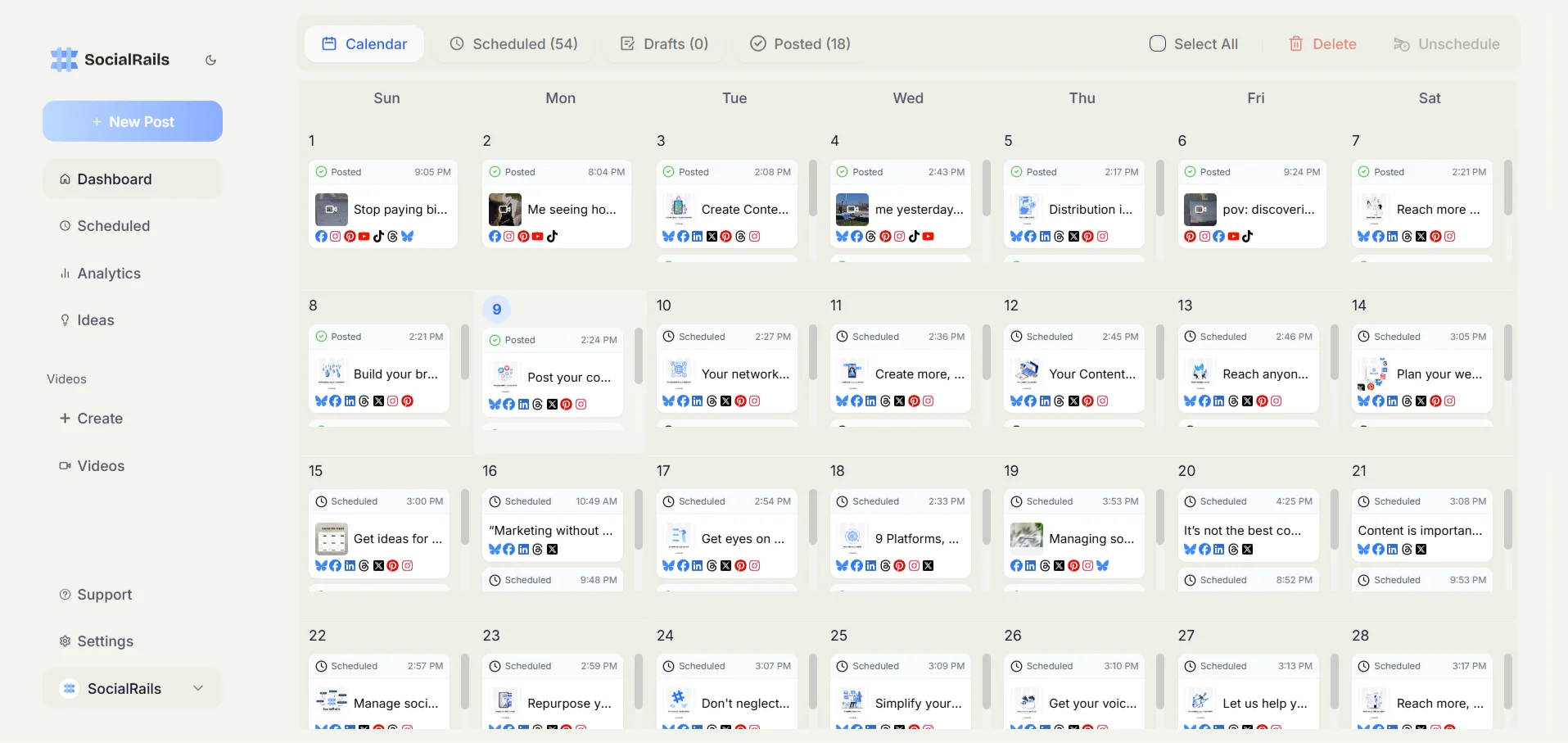

Quick Summary
Best for: Small and medium businesses and agencies that want publishing, an inbox, review management and reporting in one tool, managed by a small team.
Not ideal for: Anyone who needs a free plan, teams that need many users without paying for extras, or budgets that only stretch to a scheduler.
Pricing at a Glance
There is a 14-day free trial and no free plan. X (Twitter) is a $29/month add-on on every plan. Listening on your own profiles is free; listening across social, web and news starts at $75/month. Vista Social's FAQ gives higher user counts (3 on Professional, 6 on Advanced) than its plan table; we use the plan table. Full detail in our Vista Social pricing breakdown.
How much would a 3-person team pay for Vista Social vs Sprout Social?
What Vista Social Does Well
One tool for publishing, inbox and reviews
- Visual planning, bulk scheduling and approval workflows from Professional
- An inbox for messages, comments and reviews, with AI-drafted replies
- Review sites such as Yelp, TripAdvisor, Trustpilot and Google Play alongside social
- DM automations and a link in bio page (Vista Page)
Reporting
Scheduled reports on Professional, and custom, saved reports on Advanced. White-label reports and dashboard on Scale.
Agency tools
Client approval workflows on Advanced. Scale adds white label and client profile connect, so clients can link their own accounts.
AI
Credit-based AI for captions and replies, plus Ask Vista, an AI command center that also connects to outside AI tools through MCP.
What does posting to X add to a Vista Social bill?
What Vista Social Lacks
No free plan
Only a 14-day trial. Older reviews describe a free plan with 3 profiles; it is no longer on Vista Social's pricing page.
X costs extra
$29/month on top of any plan.
Few users per plan
2, 3 and 4 users on Professional, Advanced and Scale. Extra users cost more.
AI runs on credits
Caption and reply generation draws on AI credits rather than being unlimited.
Pros and Cons Summary
Who Should Use Vista Social
Good fit
Small and medium businesses that answer comments, messages and reviews and want reporting in the same tool.
Agencies that need client approvals, and on Scale, white-label reports and client profile connect.
Multi-location brands that manage review sites alongside social.
Look elsewhere
Budget-first creators who mainly need scheduling and content creation.
Large teams who need many users without buying extras.
Anyone who needs a free plan.
Vista Social vs Alternatives
Compare Vista Social directly: Vista Social vs Hootsuite, Vista Social vs Buffer, Vista Social vs Sprout Social.
FAQ
Is Vista Social worth the price?
For teams that use the inbox, review management and reporting, yes: Advanced covers 3 users for $199/month, well below per-seat suites. If you mainly need scheduling, a cheaper scheduler will do the job.
Does Vista Social have a free plan?
No. It has a 14-day free trial with no card needed. Paid plans start at $99/month.
Is Vista Social good for agencies?
Yes. Client approval workflows are on Advanced, and white-label reports and client profile connect are on Scale ($449/month).
How does Vista Social compare to Hootsuite?
Both start at $99, but Vista Social prices by plan and Hootsuite by seat, so Vista Social is cheaper for a small team: $199/month for 3 users on Advanced against $297 for three Hootsuite Standard seats at annual rates. Hootsuite includes X; Vista Social charges $29/month for it.
Can Vista Social replace Sprout Social?
For publishing, inbox, reviews and reporting on a small team, often yes, at a fraction of Sprout's per-seat cost. For enterprise listening, CRM and compliance, compare carefully.
Bottom Line
Vista Social is a capable all-in-one tool for small teams and agencies, priced per plan rather than per seat.
Choose Vista Social if:
- You manage comments, messages and reviews from one place
- You need client approvals or white label
- A team of 2-4 covers your work
Choose an alternative if:
- You need a free plan
- You mainly schedule and create content on a tight budget
- You need many users without paying for extras
For content creation and scheduling at a flat price, consider SocialRails at $29-99/month. It has no inbox, listening or approvals.
Create content, post everywhere
Create captions, images, and videos with AI. Schedule to 9 platforms in seconds.
Start your free trialRelated
- Vista Social Pricing
- Vista Social Alternatives
- Vista Social vs Hootsuite
- Vista Social vs Buffer
- Hootsuite Review
- Buffer Review
- Best Social Media Schedulers
Was this article helpful?
Let us know what you think!