

eClincher Review 2026: Features, Pricing, Pros & Cons

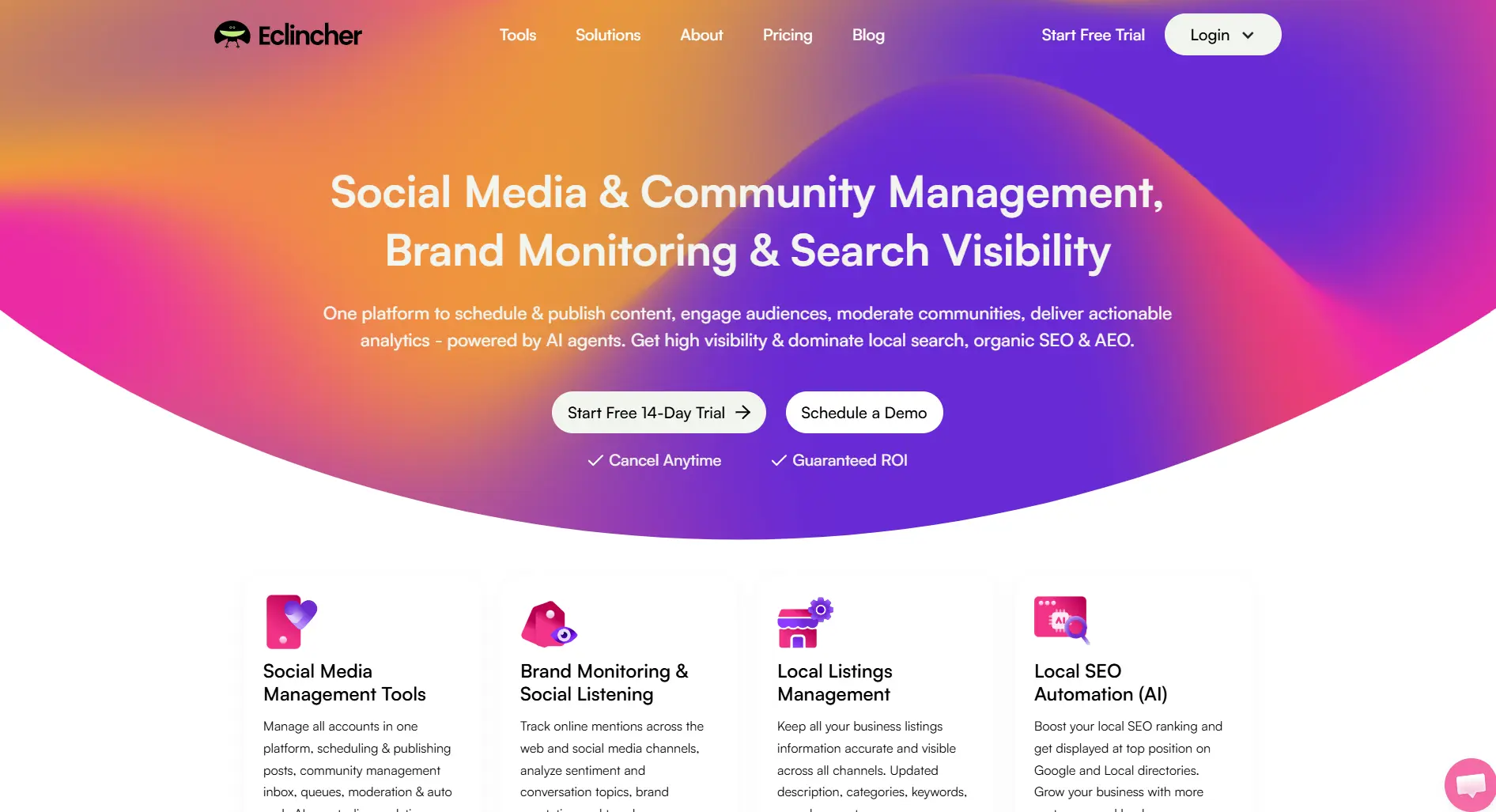
eClincher positions itself as a feature-complete alternative to enterprise tools. It packs scheduling, listening, inbox, and analytics into one platform at mid-tier pricing.
But can it really replace enterprise tools? Here's the honest breakdown.
Create content, post everywhere
Create captions, images, and videos with AI. Schedule to 9 platforms in seconds.
Start your free trial
Quick Summary
Best for: Mid-size businesses wanting enterprise-like features without enterprise pricing.
Not ideal for: Beginners wanting simplicity, very small budgets, or those who need only scheduling.
Pricing at a Glance
Annual billing saves 20%.
The value: Enterprise-like features at mid-tier prices.
What's eClincher's positioning in the market?
What eClincher Does Well
Feature Completeness
All-in-one platform:
Verdict: Rare to get all features at this price.
Unified Inbox
Engagement management:
- All platforms in one view
- Assignment workflows
- Response templates
- Conversation history
Verdict: Saves time managing engagement.
Auto Post with Queues
Smart scheduling:
- Smart Queue
- Auto Post
- Bulk upload
- RSS feeds
Verdict: Efficient high-volume posting.
What makes eClincher different from budget tools?
What eClincher Lacks
Complexity
Learning curve issues:
- Many features to learn
- Dense interface
- Not intuitive
- Takes time to master
Mid-Premium Pricing
Cost consideration:
More expensive than scheduling-only tools.
Interface Age
UX concerns:
- Dated design
- Navigation complexity
- Mobile app gaps
- Not modern feel
Support Response
What features does eClincher include that budget tools lack?
Pros and Cons Summary
What's the main trade-off with eClincher?
Real User Reviews
What Users Love
"Finally found a tool with inbox AND listening without paying $300/month." — G2 Review
"Auto Post queue changed our workflow. Set and forget." — Capterra Review
What Users Complain About
"Steep learning curve. Took weeks to feel comfortable." — G2 Review
"Interface needs modernization. Functions well but looks dated." — G2 Review
Who should avoid eClincher?
Who Should Use eClincher
Ideal Users
Mid-Size Businesses
- Need inbox + listening
- Can invest in learning
- Want feature depth
- Budget: $65-175/mo
Growing Teams
- Outgrew basic tools
- Need engagement tools
- Want automation
- Value features over simplicity
Who Should Look Elsewhere
Beginners wanting easy tools
Small Budgets under $65/mo
Scheduling-Only needs
UX-Sensitive users
eClincher vs Alternatives
FAQ
Is eClincher worth it in 2026?
For mid-size businesses wanting inbox, listening, and scheduling together without enterprise pricing, yes. If you only need scheduling or want simplicity, look elsewhere.
Does eClincher have a free plan?
No. They offer a 14-day free trial. Plans start at $65/month.
Is eClincher good for agencies?
The Agency plan ($425/mo) works for mid-size agencies. Large agencies may need Sprout Social's depth. Small agencies find it expensive versus SocialPilot.
How does eClincher compare to Hootsuite?
Similar feature set at lower price. Hootsuite has better listening and platform breadth. eClincher offers good value for core features. Hootsuite is more polished but costs more.
Bottom Line
eClincher is the feature-packed mid-tier champion.
Choose eClincher if:
- You need inbox + listening + scheduling
- $65-175/mo fits budget
- You can invest time learning
- Features trump simplicity
Choose an alternative if:
- You want easy setup
- Budget is under $65
- Only need scheduling
- Modern UX matters
For unlimited AI-powered scheduling at $29/month, consider SocialRails.
Create content, post everywhere
Create captions, images, and videos with AI. Schedule to 9 platforms in seconds.
Start your free trialRelated
Similar Reviews
- Agorapulse Review 2026
- Hootsuite Review 2026
- Sprout Social Review
- Sendible Review 2026
- SocialPilot Review 2026
- Buffer Review 2026
Tool Comparisons
Best-Of Guides
- Best Social Media Schedulers 2026
- Hootsuite Alternatives
- Sprout Social Alternatives
- eClincher Alternatives
- Kontentino Alternatives
- Zoho Social Alternatives
Was this article helpful?
Let us know what you think!