

Sked Social Review 2026: Features, Pricing, Pros & Cons

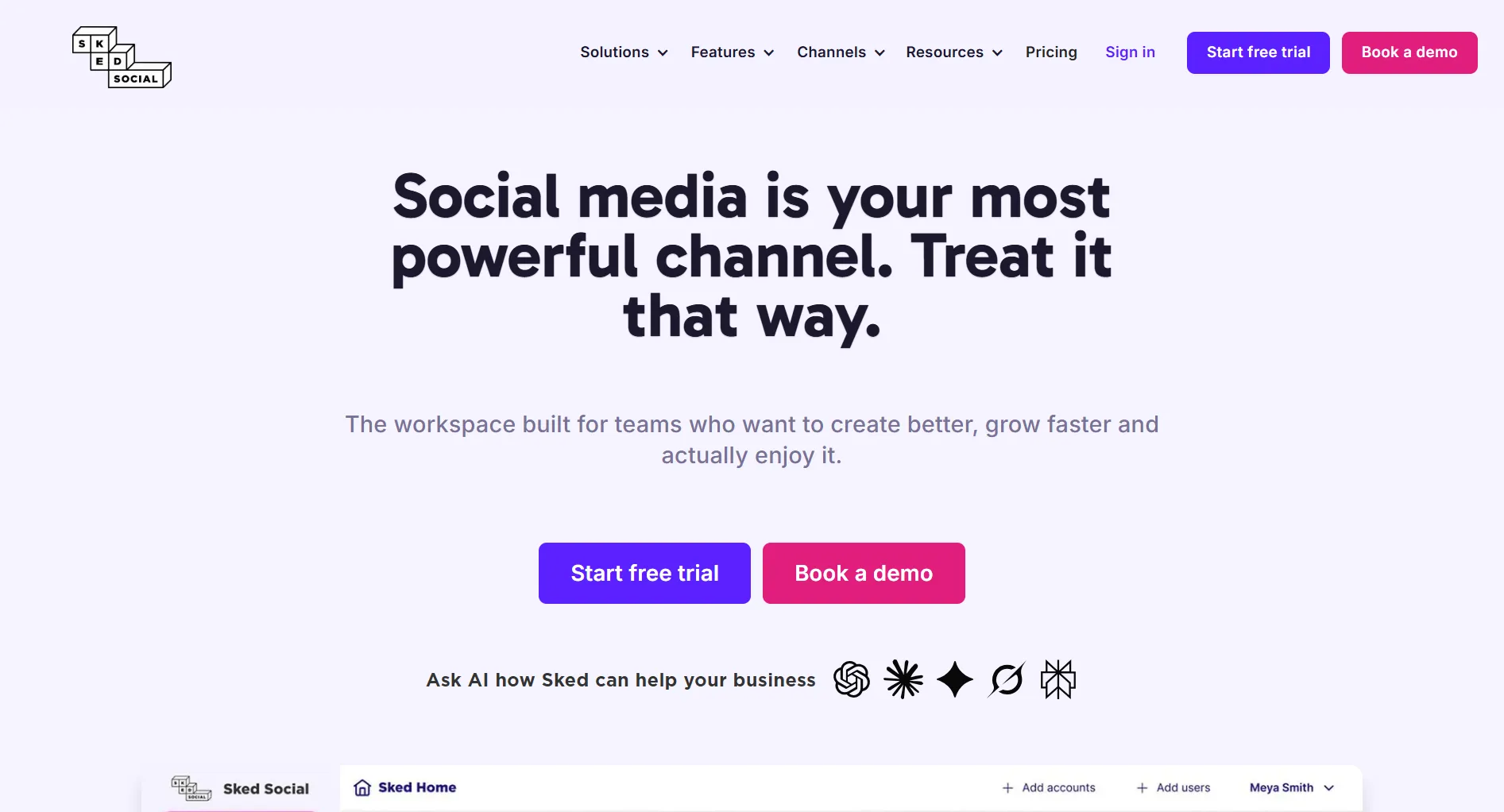
Sked Social is an Instagram-first scheduling tool with visual grid planning. At $59/month for 3 accounts with unlimited users, it targets visual brands and teams.
Create content, post everywhere
Create captions, images, and videos with AI. Schedule to 9 platforms in seconds.
Start your free trial
Quick Summary
Best for: Visual brands, Instagram-focused agencies, and teams needing unlimited users with approval workflows.
Not ideal for: Solo creators, budget-conscious users, or those needing AI content generation. For cheaper options, see Cheaper Than Sked Social.
Pricing at a Glance
Key difference: Unlimited users on all plans. No per-seat pricing.
What sets Sked Social apart from tools like Later or Planoly?
What Sked Social Does Well
Visual Grid Planning
Sked Social's grid planning is among the best for Instagram aesthetics.
Auto-Publishing
True auto-posting to:
- Instagram (feed, Stories, Reels)
- TikTok
- Twitter/X
- YouTube
- Threads
- Google Business
Verdict: Excellent platform coverage with reliable automation.
Team Collaboration
Verdict: Strong for teams. Approval workflows justify the Grow plan.
Social Inbox
Manage messages from:
- Instagram DMs
- Facebook Messenger
- Comments across platforms
Verdict: Consolidates engagement. Saves time for active accounts.
Your agency needs client approval portals. Which Sked Social plan?
What Sked Social Lacks
No AI Content Generation
Missing features:
- AI caption writing
- Content suggestions
- Smart hashtags
- AI image generation
You write everything manually.
No Video Templates
Missing:
- Pre-made video templates
- Motion graphics
- Story templates
- Reel templates
For video creation, you need external tools.
Expensive for Few Accounts
The math doesn't work for small needs:
- 1 account: $59/month ($59/account)
- Later: $25/month for same
- Planoly: $16/month for same
Steep Tier Pricing
Moving up costs significantly more for incremental features.
Pros and Cons Summary
Real User Reviews
What Users Love
"Best visual planner I've used. Our Instagram grid has never looked better." — G2 Review
"Unlimited users is huge. No fighting over seats." — Capterra Review
What Users Complain About
"For one Instagram account, $59/month is hard to justify." — G2 Review
"Really wish they had AI for captions. Writing everything manually is time-consuming." — TrustRadius Review
Based on real reviews, what's the most common praise for Sked Social?
Who Should Use Sked Social
Ideal Users
Visual-First Brands
- Instagram-focused strategy
- Aesthetic grid matters
- Regular feed content
- Stories and Reels
Agencies with Teams
- Multiple team members
- Need approval workflows
- Client collaboration
- 3-6 accounts managed
Growing Businesses
- Scaling social presence
- Multi-platform publishing
- Need unified inbox
- Budget $60-150/month
Who Should Look Elsewhere
Solo Creators, too expensive for 1-2 accounts
Budget-Conscious Teams, cheaper options exist
AI-Forward Brands, no content generation
Video-Heavy Strategies, no templates
Sked Social vs Alternatives
For detailed comparisons: Sked Social vs Later and Sked Social vs Hopper HQ.
FAQ
Is Sked Social worth the price?
For teams with 3-6 accounts who value visual planning and unlimited users, yes. For solo creators or those with 1-2 accounts, cheaper options like Later ($25/mo) or SocialRails ($29/mo) offer better value.
Does Sked Social have a free plan?
No. Sked Social offers a 14-day free trial but no permanent free plan.
Does Sked Social support TikTok?
Yes. Sked Social has true auto-publishing for TikTok, along with Instagram, Facebook, LinkedIn, Twitter/X, and more.
Does Sked Social have AI features?
Limited. AI is used for analytics and reports on higher plans, but there's no AI content generation for writing captions or creating posts.
How does Sked Social compare to Later?
Sked Social has unlimited users and slightly more robust auto-publishing. Later is cheaper and has a better link-in-bio (Linkin.bio). Choose Sked for teams, Later for individuals.
Bottom Line
Sked Social delivers excellent visual planning at mid-range pricing.
Choose Sked Social if:
- You're a visual-first brand
- You need unlimited team members
- You manage 3-6 social accounts
- You need approval workflows
- You budget $59-149/month
Choose an alternative if:
- You have 1-2 accounts
- You need AI content
- You want video templates
- You're budget-conscious
For AI-powered content at lower pricing, consider SocialRails at $29-99/month.
Create content, post everywhere
Create captions, images, and videos with AI. Schedule to 9 platforms in seconds.
Start your free trialRelated
Sked Social Content
- Sked Social Pricing 2026
- Sked Social Alternatives
- Sked Social vs Later
- Sked Social vs Hopper HQ
- Cheaper Than Sked Social
Similar Reviews
Visual Planning Tools
Best-Of Guides
Was this article helpful?
Let us know what you think!