

Post Planner Pricing 2026: Plans, Costs & Complete Breakdown

Quick answer: Post Planner starts at $12/month (Starter) with a free plan available. Known for content discovery and viral post finding.
Find content that works, then schedule it. For a complete breakdown, see our Post Planner review 2026.
Why compare? Get more for less with SocialRails
Post images, videos & carousels to 9 platforms. AI helps with captions.
Cancel anytime
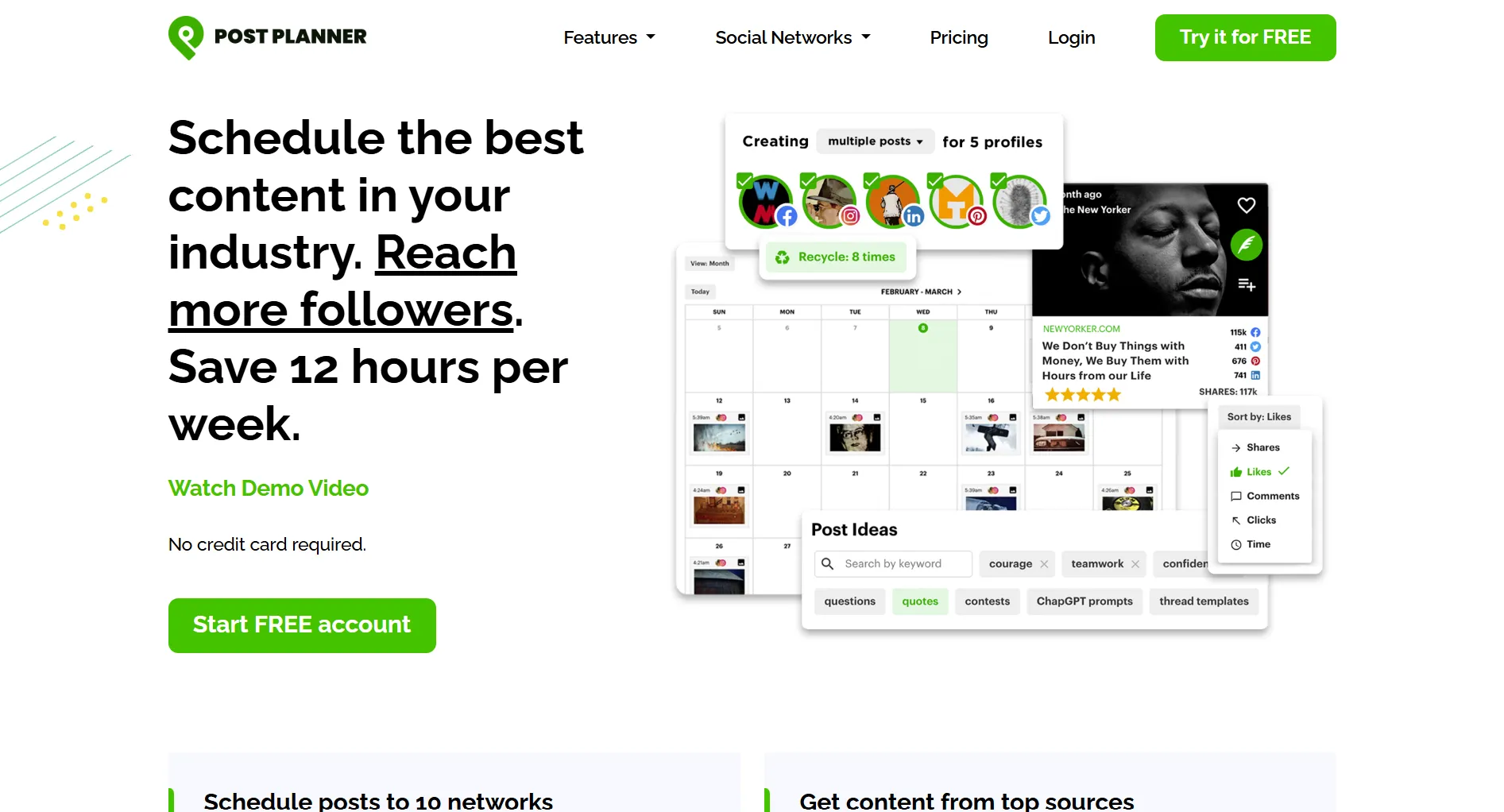
Post Planner Pricing Table 2026
What Each Plan Includes
Free ($0/month)
Basic starter tier. You get:
- 1 social account
- 1 user
- 15 scheduled posts
- Content discovery
- Basic features
Best for: Testing Post Planner.
Starter ($12/month)
For solo creators. Includes:
- 3 social accounts
- 1 user
- 150 scheduled posts
- Content discovery
- Post recycling
- Buckets (categories)
- Calendar view
Best value: Affordable entry for active posters.
Growth ($49/month)
For growing businesses. Adds:
- 12 social accounts
- 2 users
- 1,000 scheduled posts
- Bulk uploads
- Advanced scheduling
Business ($79/month)
For teams. Adds:
- 25 social accounts
- 5 users
- 5,000 scheduled posts
- Priority support
You manage 8 social accounts solo. Which Post Planner plan?
💡 Tip: Think carefully before selecting your answer!
Post Planner's Content Discovery
What makes Post Planner unique:
Find Viral Content
Find proven posts:
- Viral score — see what's trending
- Industry feeds — curated content sources
- Hashtag research — find popular tags
- Content scoring — engagement predictions
Content Buckets
Organize by category:
- Group posts — by topic or type
- Auto-schedule — rotate categories
- Balance mix — varied content
Post Recycling
Reuse top performers:
- Evergreen library — save best posts
- Auto-repeat — schedule reruns
- Shuffle order — keep fresh
What's Post Planner's main differentiator?
💡 Tip: Think carefully before selecting your answer!
Key Features by Plan
Key insight: Content discovery available on all plans.
Post Planner vs Competitors
Annual Cost Comparison
Post Planner is affordable for content curators.
What Post Planner Does Well
Content Curation
Find shareable content:
- Industry feeds — relevant sources
- Viral scoring — engagement predictions
- One-click sharing — fast scheduling
- Quality filtering — best content surfaces
Platform Support
Works with major networks:
- Facebook (pages, groups)
- Instagram (Business, Creator)
- LinkedIn (profiles, pages)
- TikTok
- X/Twitter
- YouTube
- Google Business
Buckets System
Organize and automate:
- Category scheduling — balanced content mix
- Time slots — optimal posting times
- Auto-fill — never empty queues
- Shuffle — random order
What Post Planner Lacks
No AI content generation Find and curate, don't create.
No social inbox Can't manage comments/DMs.
Limited analytics Basic compared to Sprout or Iconosquare.
No visual planning No Instagram grid preview.
Curation-focused Less useful for original content creators.
Is Post Planner Worth It?
Worth it if you:
- Curate content from other sources
- Want to find viral posts to share
- Need affordable scheduling
- Like category-based organization
- Post to multiple platforms
Not worth it if you:
- Create mostly original content
- Need AI writing help
- Want visual planning
- Need engagement management
- Require deep analytics
Free Plan Details
Genuine free tier:
What you get:
- 1 social account
- 1 user
- 15 scheduled posts
- Content discovery
Good for: Testing content discovery features.
Special Discounts
Nonprofit Discount
Post Planner offers discounts for nonprofits and NGOs. Contact support.
What are Post Planner 'Buckets'?
💡 Tip: Think carefully before selecting your answer!
Best Alternatives
SocialRails — Best Features
More features for content creation.
Buffer — For Simplicity
MeetEdgar — For Automation
Quick Answers
How much does Post Planner cost? Free to $299/month. Starter: $12/month. Growth: $49/month.
Is there a free plan? Yes. 1 account, 15 scheduled posts.
What is Post Planner best for? Content discovery and curation — finding viral posts to share.
Does Post Planner have AI features? Limited. Focus is content discovery, not AI generation.
How many platforms does it support? 8: Facebook, Instagram, LinkedIn, Pinterest, TikTok, X/Twitter, YouTube, Google Business.
Summary
Post Planner pricing:
- Free: $0 (1 account, 15 posts)
- Starter: $12/month (3 accounts, 150 posts)
- Growth: $49/month (12 accounts, 1,000 posts)
- Business: $79/month (25 accounts, 5,000 posts)
Best for: Content curators, viral content finders, budget-conscious schedulers.
Missing: AI content, social inbox, visual planning, deep analytics.
Best alternative: SocialRails at $29/month with unlimited AI content.
Done comparing? Try the Post Planner alternative that does more
Post images, videos & carousels to 9 platforms. AI helps with captions. One flat price.
Related
Post Planner Guides:
Competitor Pricing:
- Buffer Pricing
- MeetEdgar Pricing
- Later Pricing
- Hootsuite Pricing
- SocialPilot Pricing
- Publer Pricing
- Tailwind Pricing
- Zoho Social Pricing
Was this article helpful?
Let us know what you think!