

Best Contentdrips Alternatives 2026: Carousel Makers and Schedulers Compared

Quick answer: Contentdrips is an AI carousel and post maker focused on LinkedIn. The best alternative depends on what you need beyond carousels. Postnitro is the closest like-for-like carousel maker, and its Creator+ plan also schedules to 10 accounts. SocialRails is a scheduler for 9 platforms with AI carousels and LinkedIn PDF documents included. Buffer is the cheapest way to schedule, with a free plan. Canva gives you full design control.
Disclosure: SocialRails, which publishes this page, is one of the alternatives listed. Prices were checked on each vendor's site, October 2026.
Quick Comparison
What Contentdrips Costs Now
Contentdrips' pricing page is mid-change. It currently shows two plan tables:
- Legacy table: Free ($0, 50 AI credits, 1 brand), Starter ($15 billed monthly, 500 AI credits a month, publishes to LinkedIn) and Pro ($26 billed monthly, 1,200 AI credits, unlimited brands and team, publishes to LinkedIn).
- New table: Starter (1,500 AI credits a month, 2 social channels), Pro (5,000 credits, "All Social Channels - LinkedIn, Instagram & TikTok", API and MCP) and Ultimate (8,000 credits), with prices that did not render when we checked.
Contentdrips says annual billing saves up to 20%, offers a 15-day refund policy, and runs a free trial of 50 credits over 7 days. Because the two tables disagree, check the live checkout before comparing on price.
You need AI carousels AND scheduling to Instagram, TikTok, Facebook and Pinterest. Which fits?
💡 Tip: Think carefully before selecting your answer!
The 4 Best Contentdrips Alternatives
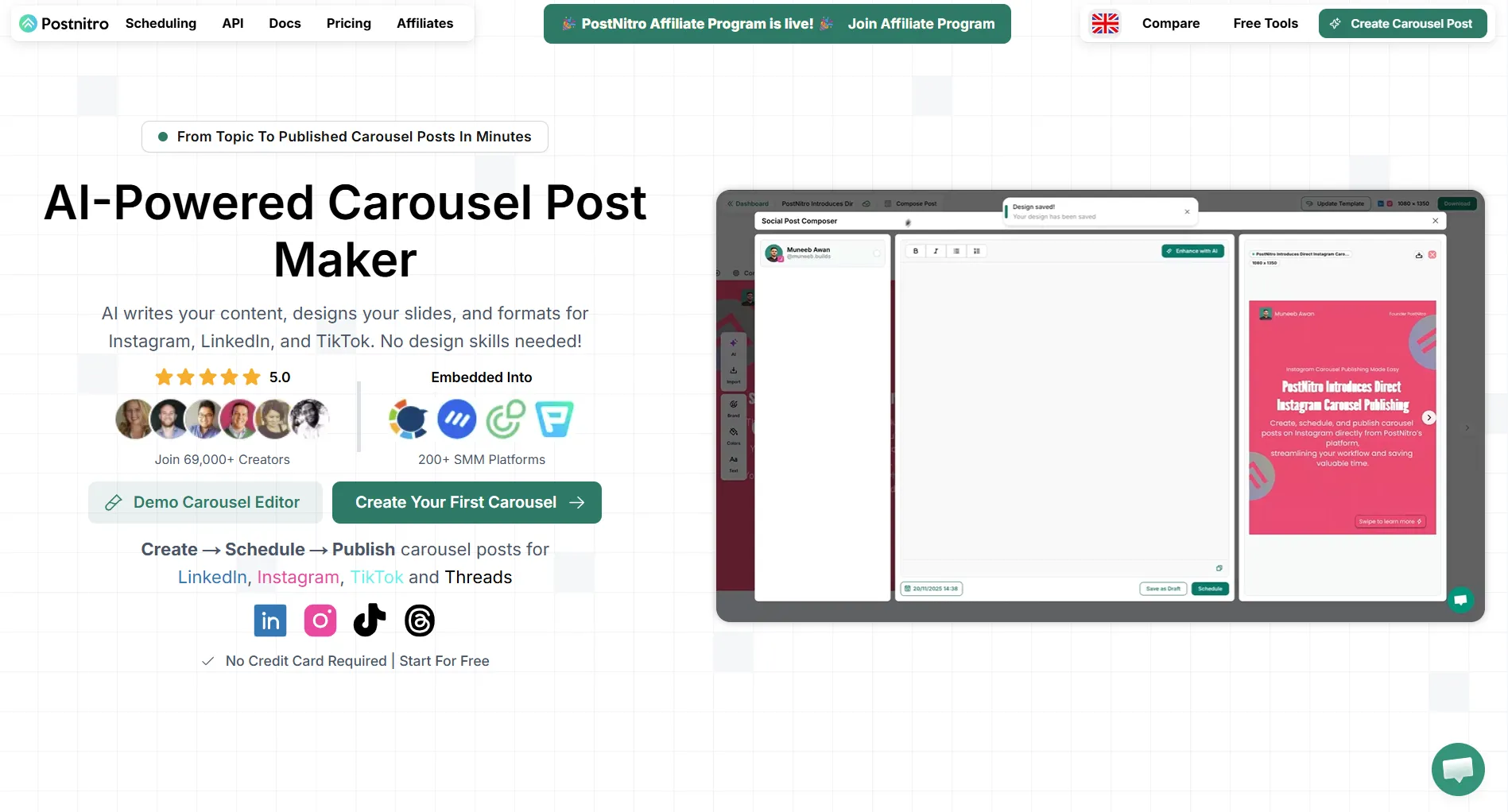
1. Postnitro: closest carousel-maker match
Yearly billing gives two months free. Scheduling covers LinkedIn, Instagram, TikTok, Threads, Facebook and Pinterest.
Best for: people who want a carousel maker first and scheduling as a bonus. Note that scheduling starts at Creator+, not Starter.
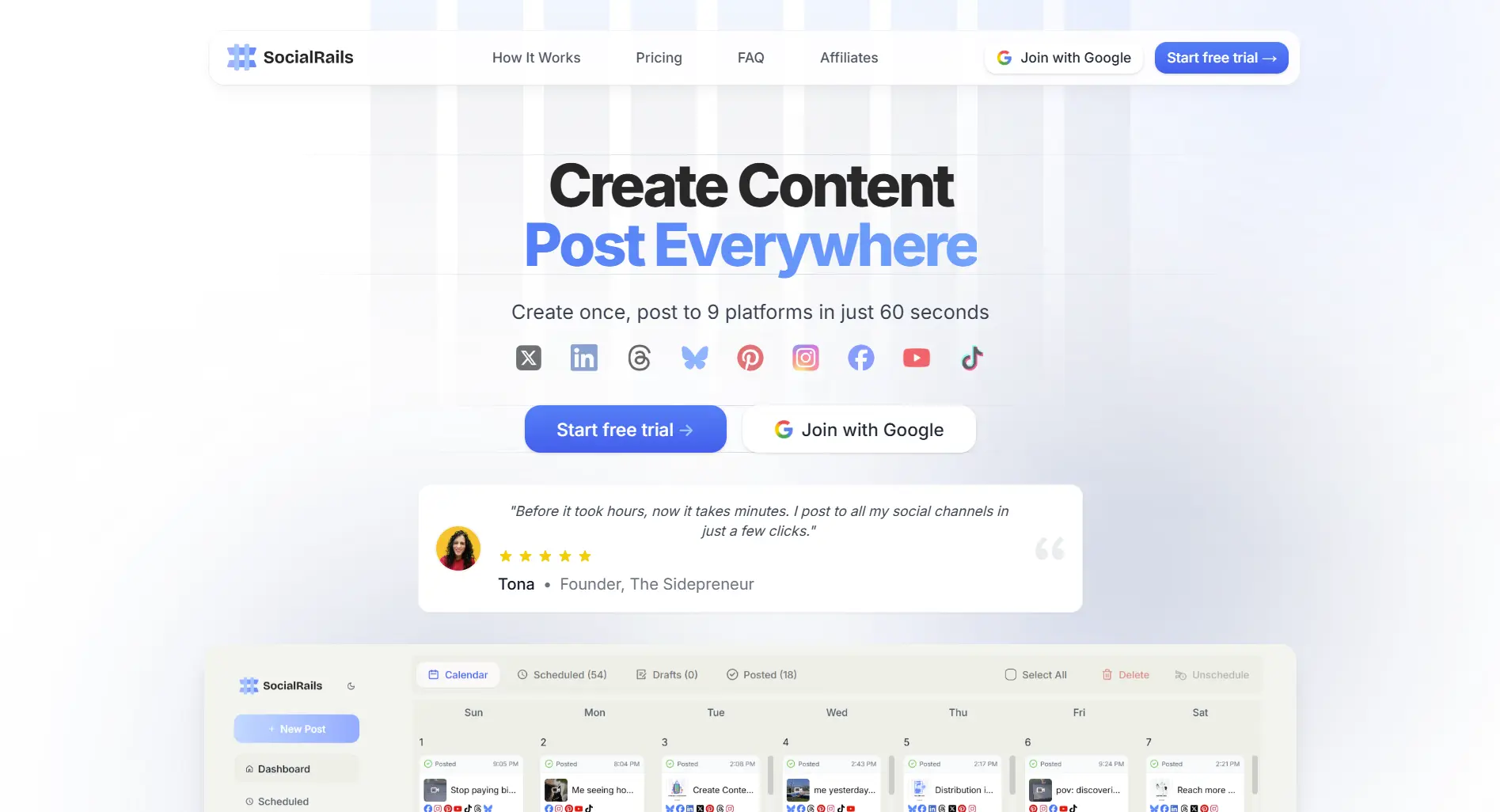
2. SocialRails: scheduler with AI carousels included
Best for: people who need carousels as part of a posting schedule across many networks. Trade-off: SocialRails is a scheduler first; dedicated carousel makers offer more slide-design controls. Business ($49) adds 5 team members and 20 accounts.
3. Buffer: cheapest scheduling
Buffer charges $5-6 per connected channel a month on Essentials, and its free plan covers 3 channels. It has an AI assistant for post text but no carousel generator, so it pairs with a carousel maker rather than replacing one. See Buffer pricing.
4. Canva: full design control
Canva has a free plan, and Pro is $18/month. You design carousels from templates by hand rather than generating them from text, and Pro includes social scheduling through Content Planner. See Canva pricing.
Cost Comparison
Contentdrips is left out of this table because its two published price sets disagree.
FAQ
What's the best free Contentdrips alternative?
Postnitro and Canva both have free plans for making carousels; Postnitro's free exports are watermarked. For free scheduling, Buffer's free plan covers 3 channels.
Which alternative can schedule carousels to Instagram and TikTok?
Postnitro Creator+ ($30/month, up to 10 accounts) and SocialRails ($29/month, 9 platforms). Contentdrips' new Pro plan also lists LinkedIn, Instagram and TikTok; its legacy plans publish to LinkedIn only.
How much does Contentdrips cost?
Its pricing page currently shows a legacy table (Starter $15 and Pro $26 billed monthly) next to new Starter, Pro and Ultimate plans whose prices did not render. There is a free plan with 50 AI credits. Check the live checkout.
Does SocialRails make LinkedIn carousels?
SocialRails includes AI carousels and posts LinkedIn PDF documents, the format LinkedIn uses for swipeable carousels.
Bottom Line
If carousels are the job, Postnitro is the closest replacement and now schedules too. If carousels are one part of posting across many networks, a scheduler with AI carousels built in, like SocialRails, avoids paying for two tools. Buffer and Canva are the low-cost building blocks if you would rather assemble your own setup.
Done comparing? Try the Contentdrips alternative that does more
Post images, videos & carousels to 9 platforms. AI helps with captions. One flat price.
Create content, post everywhere
Create captions, images, and videos with AI. Schedule to 9 platforms in seconds.
Start your free trial
Related
- Buffer Alternatives
- Hootsuite Alternatives
- Best Social Media Schedulers 2026
- Best Content Creation Apps
- Canva Pricing
Comparing more than one tool? Discover more alternatives in our hub.
Open the hubWas this article helpful?
Let us know what you think!