

DocHipo Review 2026: Features, Pricing, Pros & Cons

DocHipo is an AI-powered graphic design tool for creating social media posts, carousels, infographics, presentations, flyers, and more. It has a drag-and-drop editor with templates and AI tools. Free plan available, paid starts at $7.50/user/month (billed annually).
Create content, post everywhere
Create captions, images, and videos with AI. Schedule to 9 platforms in seconds.
Start your free trial
Quick Summary
Best for: Non-designers and small teams who need professional-looking graphics, carousels, and documents without learning Canva or paying Canva prices.
Not ideal for: Teams needing social media scheduling, analytics, or publishing alongside design. For tools that combine carousels with scheduling, see our DocHipo alternatives or Contentdrips review.
Pricing at a Glance
Key detail: The free plan has no watermark, which is rare. But you're limited to 5 documents and basic export formats. AI features like background remover, image generator, AI writer, and translator are Pro-only. All paid plans include a 7-day money-back guarantee. For full breakdown, see DocHipo Pricing 2026.
What's unique about DocHipo's free plan compared to most design tools?
What DocHipo Does Well
Template Library and Design Editor
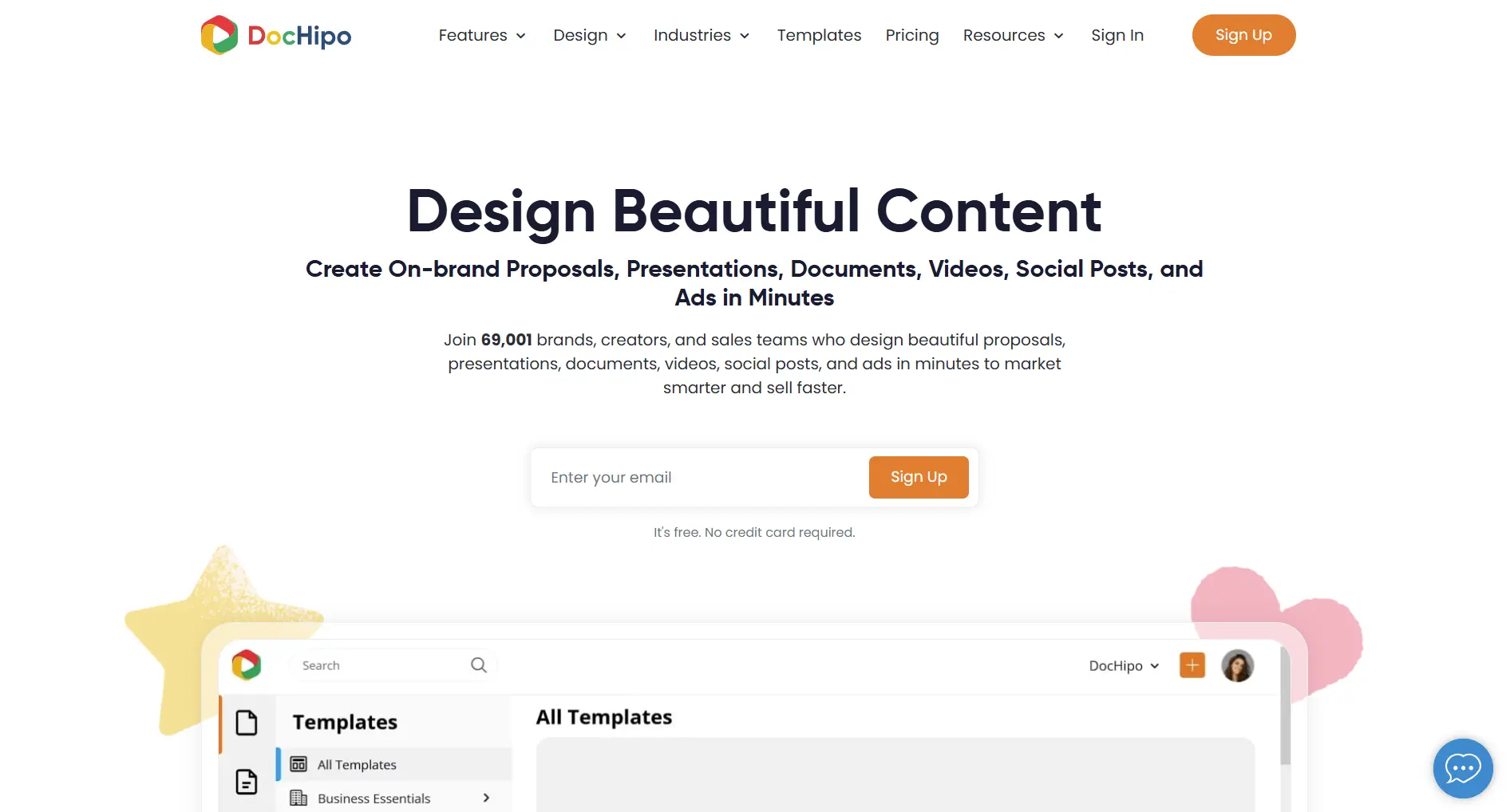
DocHipo's drag-and-drop editor is straightforward. You pick a template, swap in your text and images, adjust colors, and export. The learning curve is minimal compared to more complex tools.
Verdict: The editor is genuinely easy to use. If you've struggled with Canva's interface or feature overload, DocHipo feels simpler without sacrificing quality.
AI-Powered Tools (Pro)
The AI writer can generate copy for your designs, and the translator helps localize content. The background remover works well for product images and headshots.
Verdict: Solid AI toolkit at the price point. Nothing groundbreaking, but the features work as expected.
Pricing and Value
At $7.50/user/month (annual billing), DocHipo undercuts most design tools. The free plan with no watermark is a genuine differentiator for creators who need occasional designs without commitment.
Verdict: Half the price of Canva for the same core features. Hard to beat on value.
Which AI feature is NOT included in DocHipo Pro?
What DocHipo Lacks
No Social Media Management
DocHipo is purely a design tool. Missing entirely:
- Social media scheduling
- Direct publishing to any platform
- Analytics or performance tracking
- Social inbox or comment management
- Social listening or brand monitoring
You design in DocHipo, download the file, then upload it to your social platform or scheduling tool separately. That's an extra step every time you post.
For tools that combine carousel creation with scheduling and analytics, SocialRails handles both in one workflow.
Export Confusion
Users report that the export function can be unintuitive. Some export options appear grayed out without clear explanation of why, which leads to confusion about what formats are available on your plan.
Limited Collaboration on Free
Real-time collaboration is a Pro feature. On the free plan, there's no way to share designs with teammates for editing or feedback within the platform.
No Content Repurposing
Unlike some carousel-focused tools, DocHipo doesn't convert blog posts, videos, or URLs into carousels automatically. You start from a template or blank canvas every time.
You design a carousel in DocHipo. What happens next?
Pros and Cons Summary
Who Should Use DocHipo
Ideal Users
Small Businesses and Solopreneurs
- Need professional graphics without hiring a designer
- Create social media posts, flyers, and presentations
- Want a cheaper alternative to Canva
- Comfortable downloading and uploading to social platforms separately
Occasional Carousel Creators
- Make Instagram or LinkedIn carousels a few times per month
- Don't need AI-generated carousel content from URLs
- Prefer manual design control with templates
- Value no-watermark exports on the free plan
Who Should Look Elsewhere
Social media managers needing scheduling, analytics, and publishing in one tool. Consider SocialRails.
Content repurposers who want to turn blogs and videos into carousels automatically. See Contentdrips or Postnitro.
Data-heavy presentations and reports with live charts from Google Sheets. DocHipo doesn't do this. See Visme vs Piktochart for the best infographic and data visualization tools.
High-volume carousel creators who publish daily and need a fast create-to-publish workflow.
Teams needing approval workflows and client management for social content.
DocHipo vs Alternatives
For more options, see DocHipo Alternatives.
FAQ
Is DocHipo worth it?
For creating graphics and carousels on a budget, yes. The Pro plan at $7.50/month (annual) gives you unlimited documents, AI tools, and premium templates at a lower cost than Canva. But if you need social media scheduling or publishing, you'll need a separate tool on top of DocHipo.
Does DocHipo have a free plan?
Yes. The free plan includes up to 5 documents, basic templates, the drag-and-drop editor, and JPG/PNG downloads with no watermark. AI tools and advanced export formats (PDF, MP4, GIF) require the Pro plan.
Can DocHipo replace my social media scheduler?
No. DocHipo is a design tool only. It has no scheduling, publishing, analytics, or social inbox features. You'll need a separate tool like SocialRails for scheduling and managing social media.
How does DocHipo compare to Canva?
DocHipo is cheaper ($7.50/mo vs $12.99/mo on annual plans) and offers a similar drag-and-drop editor with templates and AI tools. Canva has a larger template library and more integrations, but DocHipo covers the essentials well for teams that don't need Canva's full ecosystem.
Can I make LinkedIn and Instagram carousels with DocHipo?
Yes. DocHipo has carousel templates for both LinkedIn and Instagram. You design the slides in the editor and export them as images or PDF. However, you'll need to upload and publish them manually since DocHipo has no direct publishing.
Bottom Line
DocHipo is a solid, affordable graphic design tool for teams that need professional visuals without the Canva price tag.
Choose DocHipo if:
- You need a budget-friendly design tool with AI features
- You create carousels, social posts, infographics, and presentations
- You want no-watermark exports even on the free plan
- You're comfortable downloading designs and uploading them separately
Choose an alternative if:
- You need social media scheduling and publishing
- You want to auto-generate carousels from blog posts or videos
- You need analytics, social listening, or inbox management
- You want a create-to-publish workflow without extra steps
For a platform that combines AI carousel creation with multi-platform scheduling and analytics, consider SocialRails.
Create content, post everywhere
Create captions, images, and videos with AI. Schedule to 9 platforms in seconds.
Start your free trialRelated
DocHipo Content
Similar Reviews
Related Guides
- AI Carousel Maker Guide
- Best Content Creation Apps
- Canva Social Media Templates
- Instagram Carousel Posts Guide
Want a second opinion on another tool? Browse honest reviews of every tool.
Open the hubWas this article helpful?
Let us know what you think!