

Feedly Review 2026: Features, Pricing, Pros & Cons

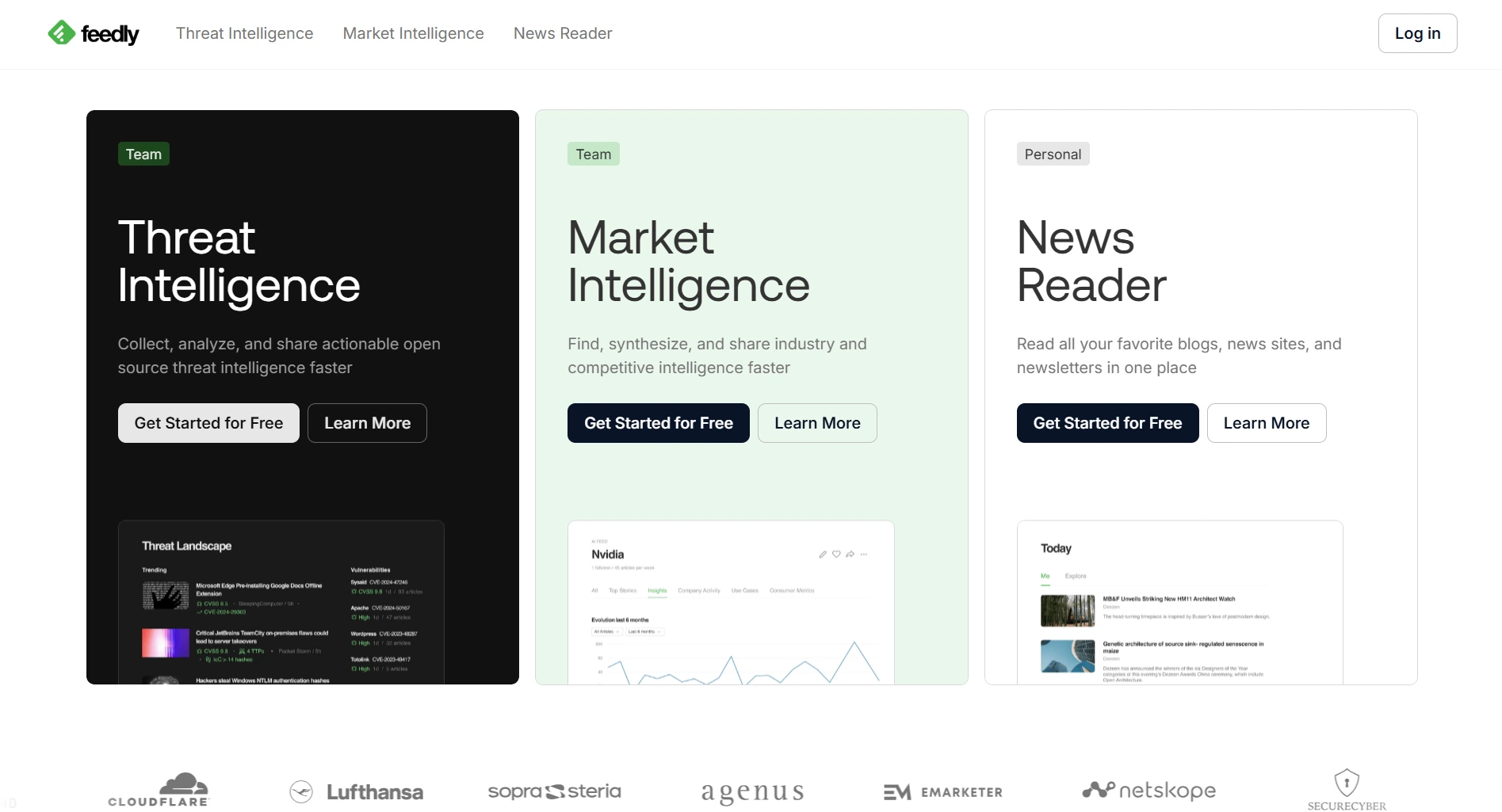
Feedly is one of the most popular RSS readers and content curation tools. It helps you organize news feeds, blogs, and industry content in one place.
But with AI content tools now generating posts directly, do you still need a separate content curation tool? Here's the honest breakdown.
Create content, post everywhere
Create captions, images, and videos with AI. Schedule to 9 platforms in seconds.
Start your free trial
Quick Summary
Best for: Content marketers, researchers, and PR professionals who need to monitor industry news and curate content from multiple sources.
Not ideal for: Social media managers who need scheduling, publishing, or content creation tools. Feedly reads content, it doesn't create or publish it.
Pricing at a Glance
Annual billing available at a discount.
The catch: Feedly only curates content. You still need a separate tool to actually schedule and publish social media posts. That means two subscriptions minimum.
What can Feedly do for your social media workflow?
What Feedly Does Well
Content Aggregation
Feedly's core strength is organizing information:
Verdict: If you follow dozens of blogs and news sites, Feedly saves hours of manual browsing.
Leo AI Assistant
Feedly's AI engine (Pro+ plan) helps filter noise:
- Priority topics — Leo highlights what matters to you
- Mute irrelevant content — reduce noise automatically
- AI summaries — get the gist without reading full articles
- Trend detection — spot emerging topics early
Verdict: Leo is genuinely useful for information overload. It doesn't create content, but it helps you find the right content faster.
Integration Ecosystem
Feedly connects to other tools:
- Zapier, IFTTT for automation
- Evernote, OneNote for saving
- Slack, Teams for sharing
- Buffer, Hootsuite for publishing (via integrations)
Verdict: Good if you already have a publishing workflow. Extra cost and setup required.
Which Feedly plan includes the Leo AI assistant?
What Feedly Lacks
No Content Creation
Feedly finds content. It doesn't help you create or publish your own.
No Social Media Management
Can't do:
- Schedule posts to any platform
- Manage social media accounts
- Track post performance
- Engage with followers
- Monitor brand mentions
Expensive for What You Get
How costs stack when you add a scheduler:
Paying for two tools when one could handle both content ideas and publishing.
Free Plan Is Very Limited
- Only 100 sources
- 3 feeds maximum
- No AI features
- No power search
- No highlights or notes
You need to find content AND schedule social media posts. What's the most cost-effective setup?
Pros and Cons Summary
Real User Feedback
What Users Love
"Best RSS reader available. Keeps me on top of industry news without drowning in tabs." — G2 Review
"Leo AI cuts through the noise and surfaces the articles that actually matter." — Capterra Review
What Users Complain About
"Great for reading, but I still need Buffer to actually post anything. Two subscriptions add up." — G2 Review
"Free plan is basically useless. 3 feeds isn't enough for anyone serious about content." — G2 Review
Feedly is best suited for which type of user?
Who Should Use Feedly
Ideal Users
Content Researchers
- Need to monitor 50+ sources daily
- Want AI-powered content filtering
- Curate content for newsletters or teams
- Information-heavy industries (tech, finance, PR)
Journalists & PR Professionals
- Track news across many publications
- Need real-time updates on topics
- Save and organize research
Who Should Look Elsewhere
Social media managers needing scheduling and publishing tools
Small businesses wanting an all-in-one content + publishing solution
Budget-conscious users who'd pay $43+/month for Feedly + a scheduler
Content creators who need AI writing assistance, not just AI reading assistance
Feedly vs Alternatives
Note: Feedly is the best pure RSS reader. But if you need to both find AND publish content, all-in-one tools offer better value. See ContentStudio review for a tool that combines curation with scheduling.
FAQ
Is Feedly worth it in 2026?
For dedicated content researchers and PR professionals who monitor many sources daily, yes. For social media managers or small businesses, an all-in-one tool that creates and schedules content is better value.
Does Feedly have a free plan?
Yes, but it's very limited: 100 sources, 3 feeds, no AI features. Most users outgrow it quickly.
Can Feedly schedule social media posts?
No. Feedly is a content reader and curation tool only. You need a separate tool like Buffer, Hootsuite, or SocialRails to schedule and publish posts.
Is Feedly better than Google Alerts?
For organized content monitoring, yes. Feedly offers better filtering, AI prioritization, and a cleaner reading experience. Google Alerts is free but noisy and limited to email delivery.
Bottom Line
Feedly is the best content curation tool, but curation alone isn't enough.
Choose Feedly if:
- Content monitoring is your primary need
- You already have a publishing tool
- You follow 50+ sources daily
- You need AI-powered content filtering
Choose an alternative if:
- You need to create AND publish content
- You want one tool, not two
- You're budget-conscious
- You need social media scheduling
For AI-powered content creation and scheduling at $29/month, consider SocialRails.
Create content, post everywhere
Create captions, images, and videos with AI. Schedule to 9 platforms in seconds.
Start your free trialRelated
Feedly Content
Content Curation Tools
Social Media Schedulers
Best-Of Guides
Comparisons
Was this article helpful?
Let us know what you think!