

Kawaak Review 2026: Features, Pricing, Pros & Cons

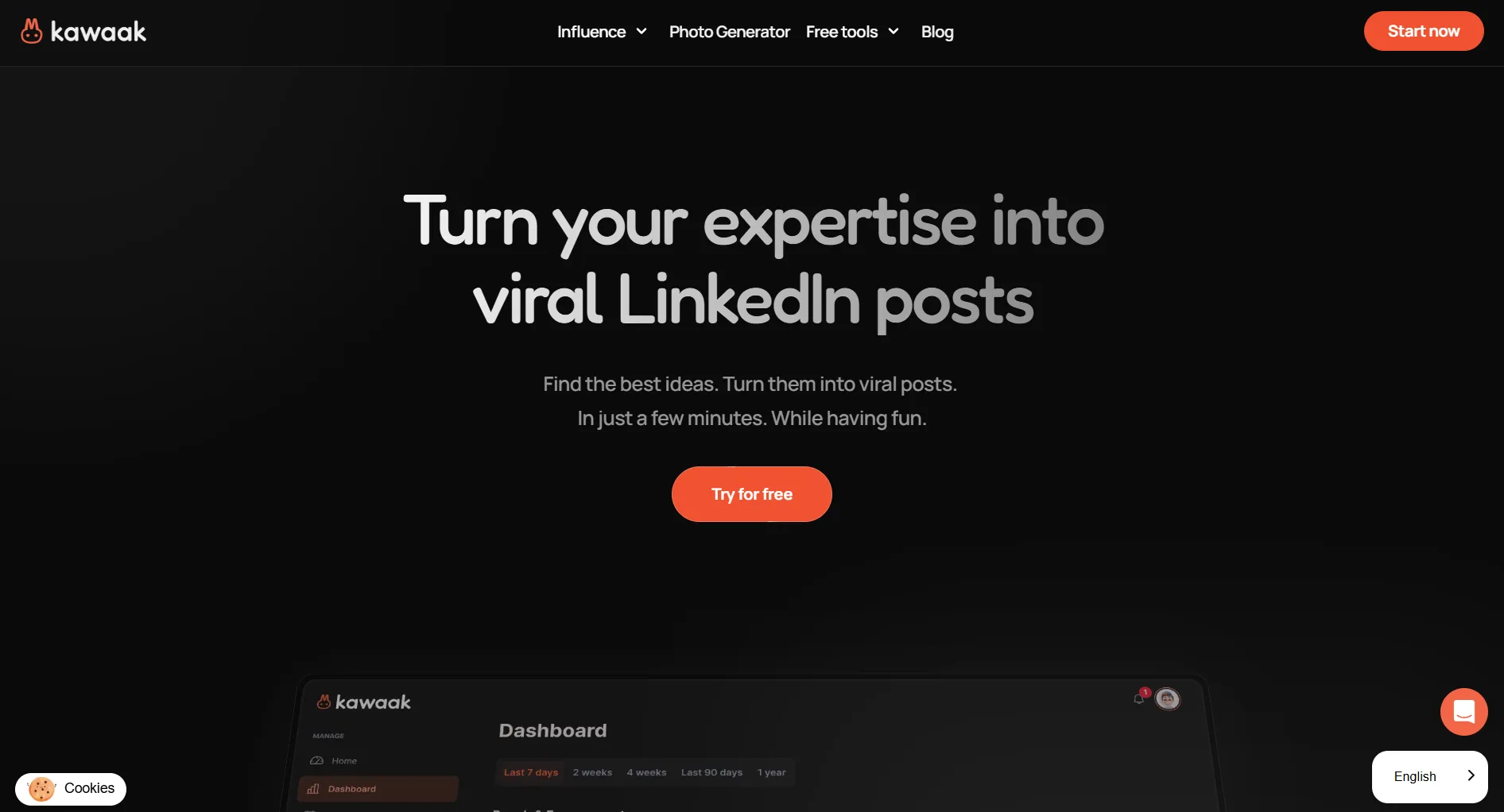
Kawaak turns your expertise into LinkedIn posts using AI. It generates text, visuals, and carousels from your ideas.
The standout: built-in AI image generation. Most LinkedIn tools only handle text. Kawaak creates photos and quote cards too.
Create content, post everywhere
Create captions, images, and videos with AI. Schedule to 9 platforms in seconds.
Start your free trial
Quick Summary
Best for: LinkedIn creators who want AI-generated posts with visuals.
Skip if: You manage Instagram, TikTok, X, or other platforms alongside LinkedIn.
Pricing at a Glance
All paid plans come with a 14-day free trial.
Important: AI visual generation only starts at the €39/month Business plan. The cheaper plans are text-only.
You want AI-generated LinkedIn posts with custom visuals. Minimum Kawaak plan?
What Kawaak Does Well
AI Post Generation
Kawaak doesn't just autocomplete sentences. It offers structured post formats based on proven LinkedIn patterns.
You pick a topic, choose a format, and Kawaak writes a draft. Edit it, add your perspective, and publish.
AI Visual Generation
This is what separates Kawaak from every other LinkedIn tool.
- Quote cards generated automatically from your post text
- AI photos created to match your content theme
- Carousels for multi-slide engagement posts
- No design skills needed
Most LinkedIn tools stop at text. Kawaak gives you visuals without switching to Canva or Midjourney.
What makes Kawaak different from most LinkedIn tools?
Workflow
Everything happens in one place:
- Generate post ideas from your expertise
- Write using AI with proven formats
- Add visuals with AI-generated images
- Schedule for optimal posting times
- Track with analytics beyond what LinkedIn shows
Clean interface. No clutter.
What Kawaak Lacks
LinkedIn Only
This is the biggest gap.
If you post on more than LinkedIn, you need a second tool.
Still Maturing
Users report some rough edges:
- Occasional instability on newer features
- No video attachment support yet
- @tagging doesn't always work
- Some features still marked "coming soon"
This is common for newer tools, but worth knowing before committing.
Visual Generation Limits
60 AI photos per month on Business (€39/month). That's about 2 per day. If you post multiple times daily with unique visuals, you'll hit the cap.
Team Features Are Expensive
Collaboration, multiple accounts, and team tracking require the Elite plan at €249/month. There's no mid-tier team option.
What's the biggest limitation of Kawaak?
Pros and Cons
Who Is Kawaak For?
LinkedIn-focused professionals building a personal brand. You post frequently, want AI help writing, and the visual generation saves you time on design.
Consultants and coaches turning expertise into content. Topic suggestions keep ideas flowing, and carousels help complex topics perform well.
Not for multi-platform managers. If you also run Instagram, TikTok, or X, Kawaak only covers one piece.
Not for budget-conscious users. €39/month for one platform adds up when multi-platform tools cost similar or less.
How Kawaak Compares
Full Kawaak vs Postdrips comparison →You need AI content for LinkedIn AND Instagram. Which tool works?
FAQ
Is Kawaak worth it in 2026?
For LinkedIn-only creators who want AI visuals, yes. If you manage multiple platforms or need affordable team features, alternatives like SocialRails offer more value.
Does Kawaak have a free plan?
Yes. The Freemium plan includes basic text post creation with limited generations. AI photo generation requires the Business plan at €39/month.
Is Kawaak better than Postdrips?
Kawaak has AI visuals, which Postdrips lacks. Postdrips is cheaper ($20/month vs €39/month) and has a style-matching feature. See our Kawaak vs Postdrips comparison.
Can Kawaak replace a full social media scheduler?
No. Kawaak only supports LinkedIn. For multi-platform scheduling, you need a tool like SocialRails, Buffer, or Hootsuite.
Bottom Line
Kawaak does one thing well: AI-powered LinkedIn content with built-in visual generation.
Choose Kawaak if:
- LinkedIn is your primary platform
- AI-generated visuals save you design time
- You post daily and want proven formats
- You can justify €39+/month for one platform
Choose an alternative if:
- You manage multiple social platforms
- You need team features under €249/month
- You need video support
- Budget is tight
For AI content across 9+ platforms at $29/month, try SocialRails.
Create content, post everywhere
Create captions, images, and videos with AI. Schedule to 9 platforms in seconds.
Start your free trialRelated
Kawaak Content
Similar Reviews
LinkedIn Tools
Was this article helpful?
Let us know what you think!