

Typegrow Review 2026: Features, Pricing, Pros & Cons

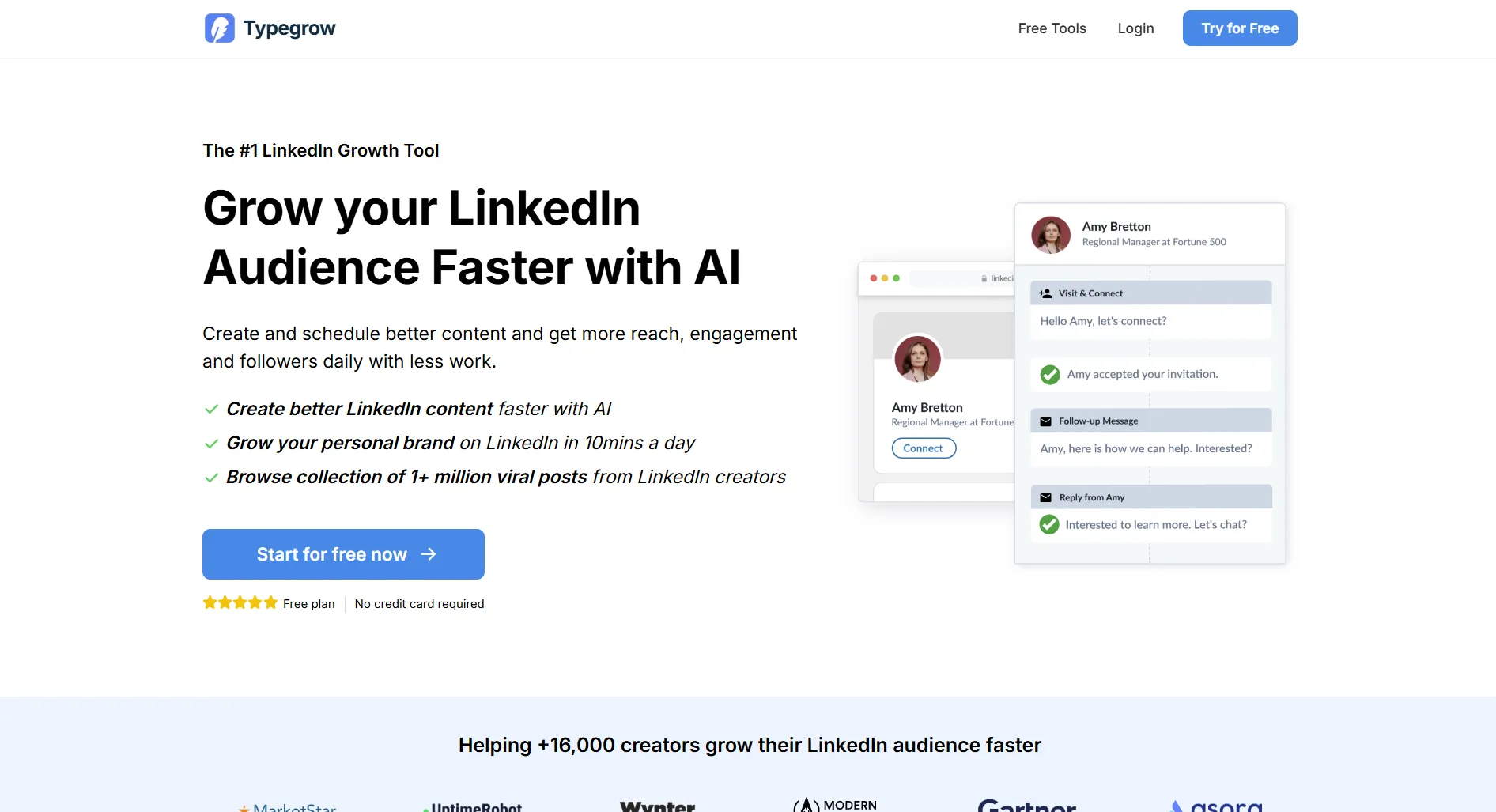
Typegrow is an AI-powered LinkedIn growth tool. It helps you write, schedule, and optimize LinkedIn posts to grow your audience faster.
But LinkedIn-only tools are a crowded space. How does Typegrow compare to Taplio, Supergrow, and full social media platforms?
Create content, post everywhere
Create captions, images, and videos with AI. Schedule to 9 platforms in seconds.
Start your free trial
Quick Summary
Best for: LinkedIn creators and professionals who want AI-assisted post creation and scheduling specifically for LinkedIn.
Not ideal for: Anyone managing multiple social platforms, teams needing collaboration tools, or businesses wanting analytics beyond LinkedIn.
Pricing at a Glance
Annual billing saves 30%.
Typegrow's free plan is generous for getting started. The Pro plan gives you full AI capabilities and unlimited scheduling.
What social platforms does Typegrow support?
What Typegrow Does Well
AI Post Assistant
Typegrow's AI understands LinkedIn's voice. It creates content that sounds professional yet personable.
Verdict: The AI assistant is genuinely useful for LinkedIn content. It hits the right tone.
Viral Post Library
Browse over 1 million viral LinkedIn posts for inspiration.
What you get:
- Searchable library of high-performing posts
- Filter by topic, engagement, and format
- Study what works before creating your own
- Save favorites for reference
Verdict: Great for understanding what resonates on LinkedIn.
Carousel Generator
Create LinkedIn carousels directly in the tool.
- Design multi-slide carousels
- Export as PDF for LinkedIn
- Templates available
- Real-time preview
Verdict: Saves time if you create LinkedIn carousels regularly.
Post Scheduling
Schedule LinkedIn posts with best-time optimization.
- One-click scheduling
- Best time suggestions
- Real-time post preview
- Queue management
Verdict: Clean and simple scheduling experience.
How many viral posts are in Typegrow's library?
What Typegrow Lacks
LinkedIn Only
The biggest limitation. If you manage Instagram, TikTok, Facebook, or any other platform, Typegrow can't help.
Limited Analytics
No deep performance tracking. You won't get the analytics depth that tools like Taplio or AuthoredUp offer.
No Multi-Profile Support
One LinkedIn profile per account. Agencies or people managing multiple profiles need to look elsewhere.
No API or Integrations
Can't connect Typegrow to other tools in your stack. No Zapier, no API access.
No Team Features
Solo use only. No collaboration, approval workflows, or shared calendars.
Pros and Cons
Pros
- Generous free plan
- AI assistant understands LinkedIn's voice
- Viral post library with 1M+ posts
- Carousel generator built-in
- Clean, easy interface
- Affordable Pro plan ($29/month)
Cons
- LinkedIn only, no other platforms
- Limited analytics
- No multi-profile support
- No team or collaboration features
- No API or integrations
- Free plan restrictions on core features
You want to schedule posts on both LinkedIn and Instagram. Can Typegrow handle this?
Who Should Use Typegrow
Good fit:
- Solo LinkedIn creators
- Professionals building personal brands on LinkedIn
- Consultants using LinkedIn for lead generation
- Anyone new to LinkedIn content creation
Bad fit:
- Multi-platform social media managers
- Teams and agencies
- Businesses needing analytics and reporting
- Anyone managing multiple LinkedIn profiles
Typegrow vs Competitors
For detailed comparisons: Typegrow vs Taplio | Typegrow vs Supergrow
Quick Answers
Is Typegrow free?
Yes, Typegrow has a free plan with core features. The Pro plan costs $29/month or $20/month billed annually.
Does Typegrow work with Instagram or Twitter?
No. Typegrow is exclusively for LinkedIn. For multi-platform management, consider SocialRails or Buffer.
Is Typegrow better than Taplio?
Typegrow has a free plan and is more affordable. Taplio has deeper analytics and a more mature feature set. See our Typegrow vs Taplio comparison.
Can Typegrow replace my social media tool?
Only if you exclusively use LinkedIn. For any other platform, you'll still need a separate tool. SocialRails covers LinkedIn plus all other major platforms.
Bottom Line
Typegrow is a solid LinkedIn-specific tool with a good free plan and helpful AI features. If LinkedIn is your only platform and you want an affordable growth tool, it's worth trying.
But if you manage multiple platforms, or plan to, a tool like SocialRails handles LinkedIn plus Instagram, TikTok, Facebook, X, and more, with AI content generation across all of them.
Create content, post everywhere
Create captions, images, and videos with AI. Schedule to 9 platforms in seconds.
Start your free trialRelated Reading
Typegrow:
LinkedIn Tools:
Guides:
Reading reviews across the category? Browse the full reviews directory.
Open the hubWas this article helpful?
Let us know what you think!