

Beplan Review 2026: Features, Pricing, Pros & Cons

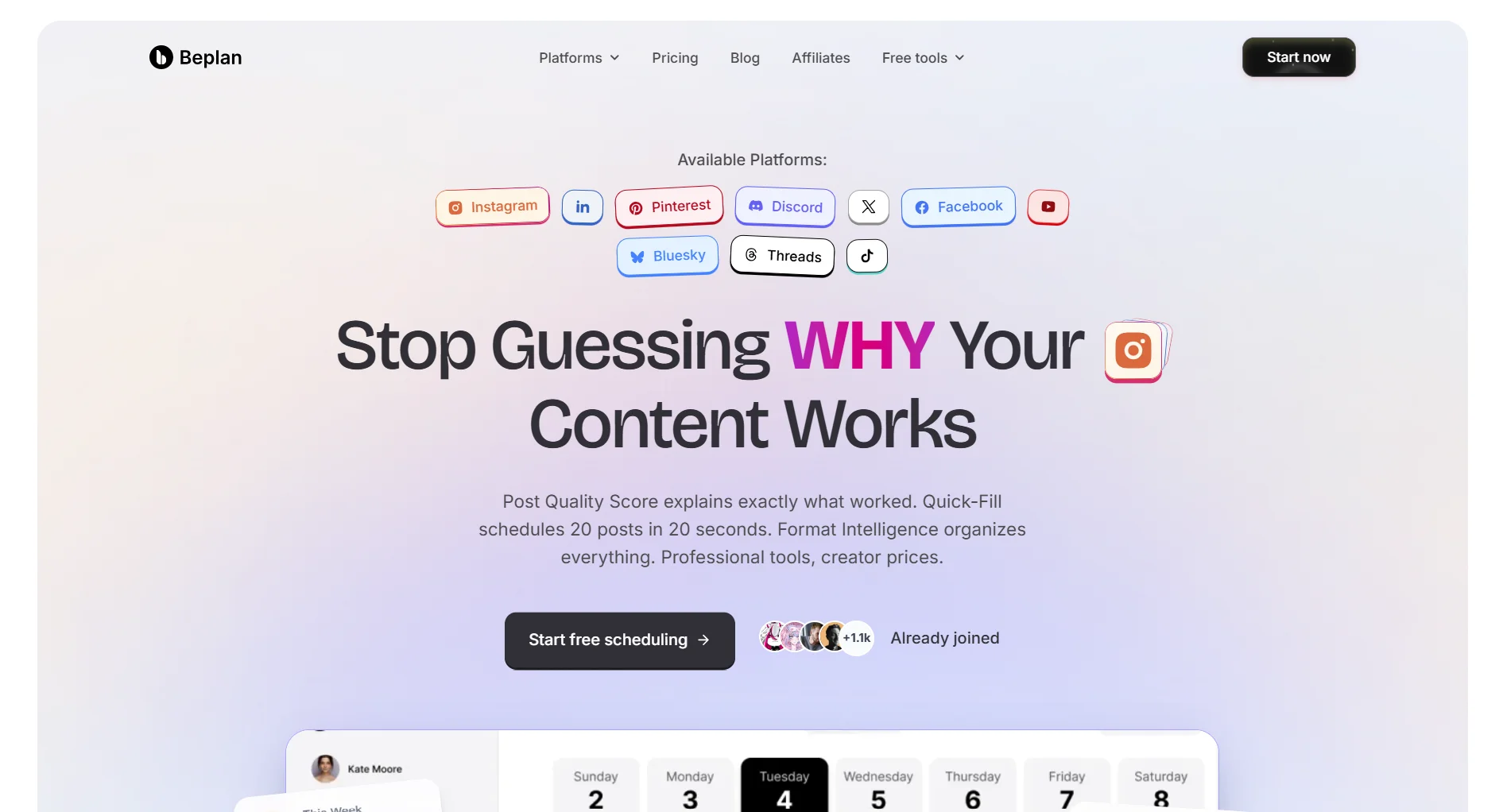
Beplan is a social media scheduler built for creators, influencers, and small agencies. It focuses on visual planning with a board-and-calendar interface and a unique Post Quality Score feature.
AI credits are capped by default (with add-ons available). Is it the right tool for you?
Create content, post everywhere
Create captions, images, and videos with AI. Schedule to 9 platforms in seconds.
Start your free trial
Quick Summary
Best for: Solo creators and influencers managing 1-2 brands who want visual content planning.
Not ideal for: Teams needing unlimited AI included in base pricing, or those wanting all features without add-ons.
Pricing at a Glance
Team collaboration: +$10/month flat for unlimited users. 14-day free trial available.
For a full cost breakdown, see our Beplan pricing guide.
What Beplan Does Well
Visual Planning Board
Beplan's standout feature is its visual board for planning content:
See your entire content plan at a glance. Drag posts between dates, preview how they'll look on each platform, and spot gaps in your schedule.
Post Quality Score (PQS)
Unique to Beplan: each post gets a quality score with Smart Insights explaining why content performs or doesn't:
- Analyzes caption length, hashtags, timing
- Suggests improvements before you publish
- Tracks which scores correlate with actual engagement
Verdict: A genuinely useful feature that most competitors don't offer. Helps creators learn what works over time.
What unique feature does Beplan offer that most schedulers don't?
Quick Fill
Beplan's Quick Fill automates scheduling by filling your calendar based on your preferences:
- Set content categories and frequencies
- Quick Fill suggests optimal times
- Claims to reduce 45 minutes of scheduling to seconds
Verdict: Helpful for creators who post frequently and want to batch-schedule content quickly.
Team Pricing
Unlike most competitors that charge per seat, Beplan offers a flat $10/month add-on for unlimited team members:
Verdict: Best team pricing model if you have 3+ team members.
What Beplan Lacks
Limited Free Plan
The free plan allows 30 posts per month with no AI credits or analytics. That's manageable for light use, but active creators will outgrow it quickly.
AI Credits Are Capped
AI features run on a credit system:
If you rely heavily on AI for captions and content ideas, you'll burn through credits. AI credit add-ons are available for purchase mid-cycle, but costs add up. Compare this to tools like SocialRails, which include AI content generation in the plan price.
Platform Connections Require Add-Ons to Scale
Each Social Set supports up to 10 platforms. Plans include 1–5 Social Sets, but you can purchase unlimited additional sets at $5/set/month:
For agencies managing many client accounts, Beplan can scale via add-ons, though costs increase with each additional set.
How many platform connections are included on Beplan's Studio plan?
Basic Analytics
Light Insights and Smart Insights exist on higher plans, but don't expect deep analytics. No competitor benchmarking, limited historical data.
Beplan's free plan allows how many posts?
Pros and Cons Summary
Who Should Use Beplan
Ideal Users
Solo Creators & Influencers
- Managing 1-2 brands
- Want visual content planning
- Post Quality Score helps improve content
- Budget-conscious ($15-30/month)
Small Teams
- 2-5 team members (flat $10/month is a good deal)
- Need simple scheduling without complexity
Who Should Look Elsewhere
Budget-Conscious Scalers who want all connections and AI included in base pricing without add-ons, consider SocialRails (up to 225 connections included)
AI-Heavy Users needing unlimited content generation included in base price — credit add-ons are available but costs add up
Data-Driven Marketers needing advanced analytics and reporting
Beplan vs Alternatives
FAQ
Is Beplan worth it in 2026?
For solo creators managing 1-2 brands on a budget, yes. The $15/month Starter plan is affordable and the Post Quality Score is genuinely useful. Agencies can scale via add-ons, though heavy AI users may find credit-based pricing adds up compared to tools with unlimited AI included.
Does Beplan have a free plan?
Yes. It includes 30 posts per month, 1 Social Set (up to 10 platforms), and 100 drafts. No AI credits or analytics. Usable for light posting but most creators will want to upgrade.
How does Beplan compare to Buffer?
Beplan is cheaper for multi-platform scheduling ($15/month for 10 platforms vs Buffer's per-channel pricing). Beplan also has the unique Post Quality Score. Buffer has a more generous free plan and wider brand recognition.
Can Beplan handle agency workloads?
Yes. While plans include 1 to 5 Social Sets, you can add unlimited extra sets via add-ons at $5/set/month. For larger agencies, costs add up with add-ons. Tools like SocialRails include up to 30 connected accounts in base pricing.
What happens when AI credits run out?
You can purchase AI credit add-ons to top up mid-cycle. Otherwise, AI features are unavailable until credits reset next month. You can still schedule and publish posts manually.
Does Beplan offer a free trial?
Yes. 14-day free trial on all paid plans, no credit card required.
Bottom Line
Beplan is a clean, visual scheduler with a clever Post Quality Score, but it's built for small-scale use.
Choose Beplan if:
- You're a solo creator or influencer
- You manage 1-2 brands
- You value visual planning
- $15-30/month fits your budget
Choose an alternative if:
- You want connections and AI included without add-ons
- You need advanced analytics
- You prefer all-inclusive pricing over modular add-ons
For AI-assisted scheduling with up to 10 connected accounts at $29/month, consider SocialRails.
Create content, post everywhere
Create captions, images, and videos with AI. Schedule to 9 platforms in seconds.
Start your free trialRelated
Beplan Content
Social Media Schedulers
- Best Social Media Schedulers 2026
- Buffer Review 2026
- Later Review 2026
- Loomly Review 2026
- Hootsuite Review 2026
Scheduler Pricing
Building a shortlist from reviews? Browse honest reviews of every tool.
Open the hubWas this article helpful?
Let us know what you think!