

Best Flowjin Alternatives 2026: Top Video Repurposing Tools Compared

Flowjin clips need manual editing, rendering is slow, and lower plans cap you at 720p. No refunds either.
Better options exist depending on what you need.
Skip to: Opus Clip | Descript | Repurpose.io | Vidyo.ai | SocialRails
Why compare? Get more for less with SocialRails
Post images, videos & carousels to 9 platforms. AI helps with captions.
Cancel anytime
Quick Decision
Why Switch from Flowjin?
More details in our Flowjin review and pricing breakdown.
Your Flowjin clips keep missing the best moments from your podcast. What's the core issue?
💡 Tip: Think carefully before selecting your answer!
Top 5 Flowjin Alternatives
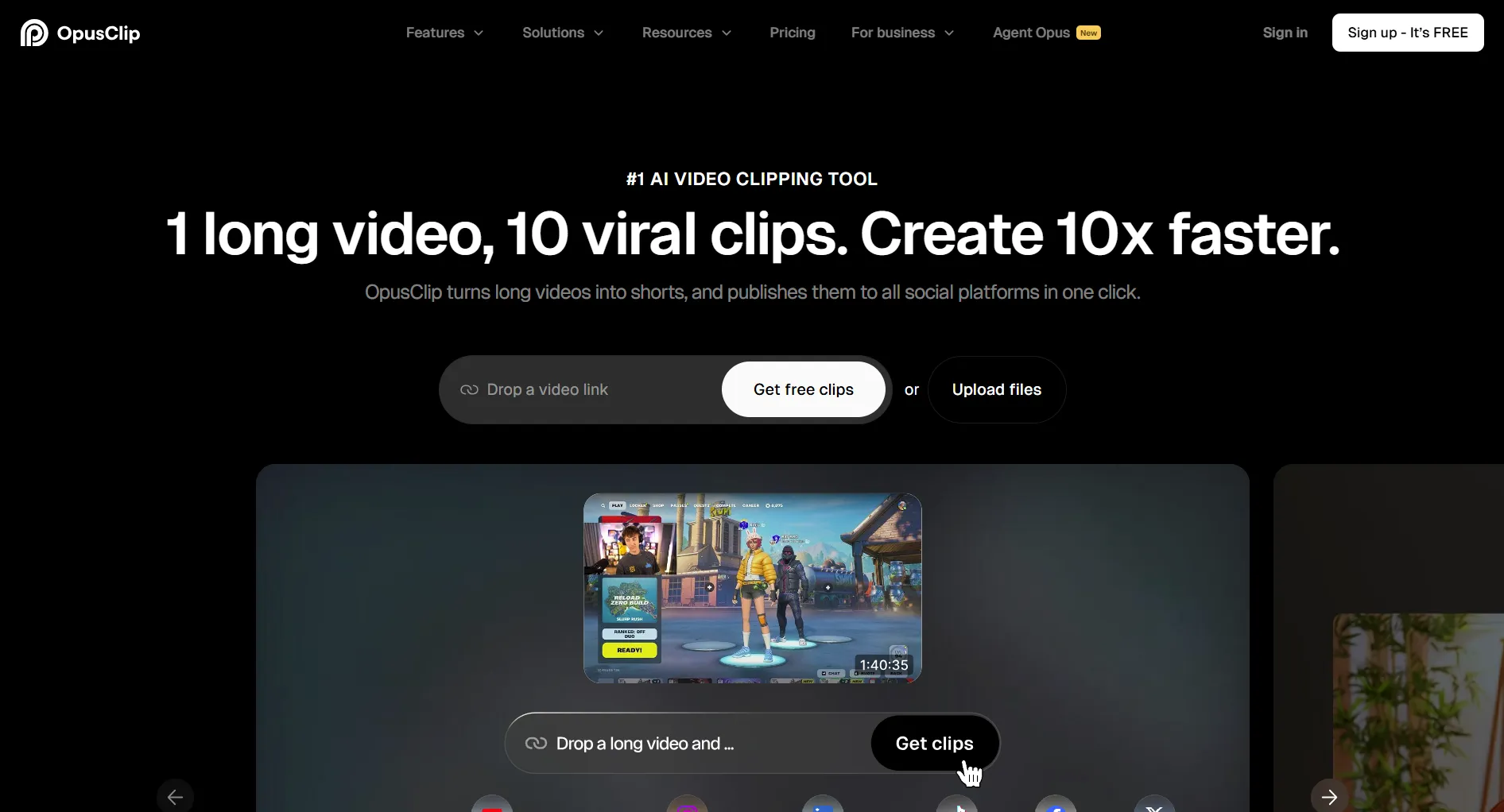
1. Opus Clip
Best for: AI clip generation | Free tier available, paid from ~$19/mo
The most direct Flowjin competitor. Uses AI to find engaging moments and extract short clips with captions and virality scoring.
Why over Flowjin: Better AI detection means fewer clips to manually fix. Virality score helps you pick winners before posting.
2. Descript
Best for: Full video editing | Free tier available, Pro from $24/mo
Edit video by editing text. Delete a sentence from the transcript and the video cuts automatically. Much more editing power than Flowjin.
Why over Flowjin: If you're spending time fixing Flowjin's clips anyway, Descript gives you proper tools to do it faster.
You want to remove filler words ('um', 'like') from your podcast clips automatically. Which tool does this?
💡 Tip: Think carefully before selecting your answer!

3. Repurpose.io
Best for: Automated distribution | From $35/mo
Doesn't extract clips. Instead, it automatically distributes content across platforms. Connect YouTube as a source, and it pushes to TikTok, Instagram, LinkedIn.
Ideal combo: Use Opus Clip for clip extraction, then Repurpose.io for automated distribution.
4. Vidyo.ai
Best for: Social-optimized clips | Free tier available, paid from ~$30/mo
Focuses on turning long videos into social-ready short clips. Auto-detects highlights, adds captions, and resizes for each platform (9:16, 1:1, 16:9).
Why over Flowjin: Better platform-specific formatting and more caption customization.

5. SocialRails
Best for: Scheduling + content creation | $29/mo
If your main need is scheduling and publishing (not video clipping), SocialRails handles that with AI content generation, unlimited team members, and 350+ video templates.
Best for: Users who need a way to create, schedule, and publish content consistently, not clip extraction.
Try SocialRails free →You have a YouTube channel and want AI to extract clips AND auto-post them to TikTok. Best approach?
💡 Tip: Think carefully before selecting your answer!
Full Comparison
Cost Comparison
All-in-One Content Stack
If you don't need clip extraction, SocialRails saves $35/month ($420/year).
Done comparing? Try the Flowjin alternative that does more
Post images, videos & carousels to 9 platforms. AI helps with captions. One flat price.
Frequently Asked Questions
What's the best Flowjin alternative?
It depends on what you need. Opus Clip is best for AI clip generation. Descript is best for full video editing. Repurpose.io is best for automated cross-platform distribution. SocialRails is best if you need scheduling and AI content creation rather than video clipping.
Is there a free alternative to Flowjin?
Both Opus Clip and Descript offer free tiers. Opus Clip's free plan lets you extract clips from videos. Descript's free plan includes basic video editing and transcription. Vidyo.ai also has a free tier for social-optimized clipping.
Can I use Flowjin with a separate scheduling tool?
Yes. Flowjin has a built-in scheduler on Starter and Creator plans, but you can also download clips and use any scheduling tool. Many users pair a clip extraction tool with a dedicated scheduler like SocialRails or Buffer for better publishing control.
What tool has better AI clip detection than Flowjin?
Opus Clip is widely considered to have better AI clip detection. It includes a virality score that predicts which clips will perform best, and users report needing fewer manual edits compared to Flowjin's output.
Related
Flowjin
Video Repurposing Tools
Scheduling & Content
Was this article helpful?
Let us know what you think!