

Flowjin Review 2026: Features, Pricing, Pros & Cons

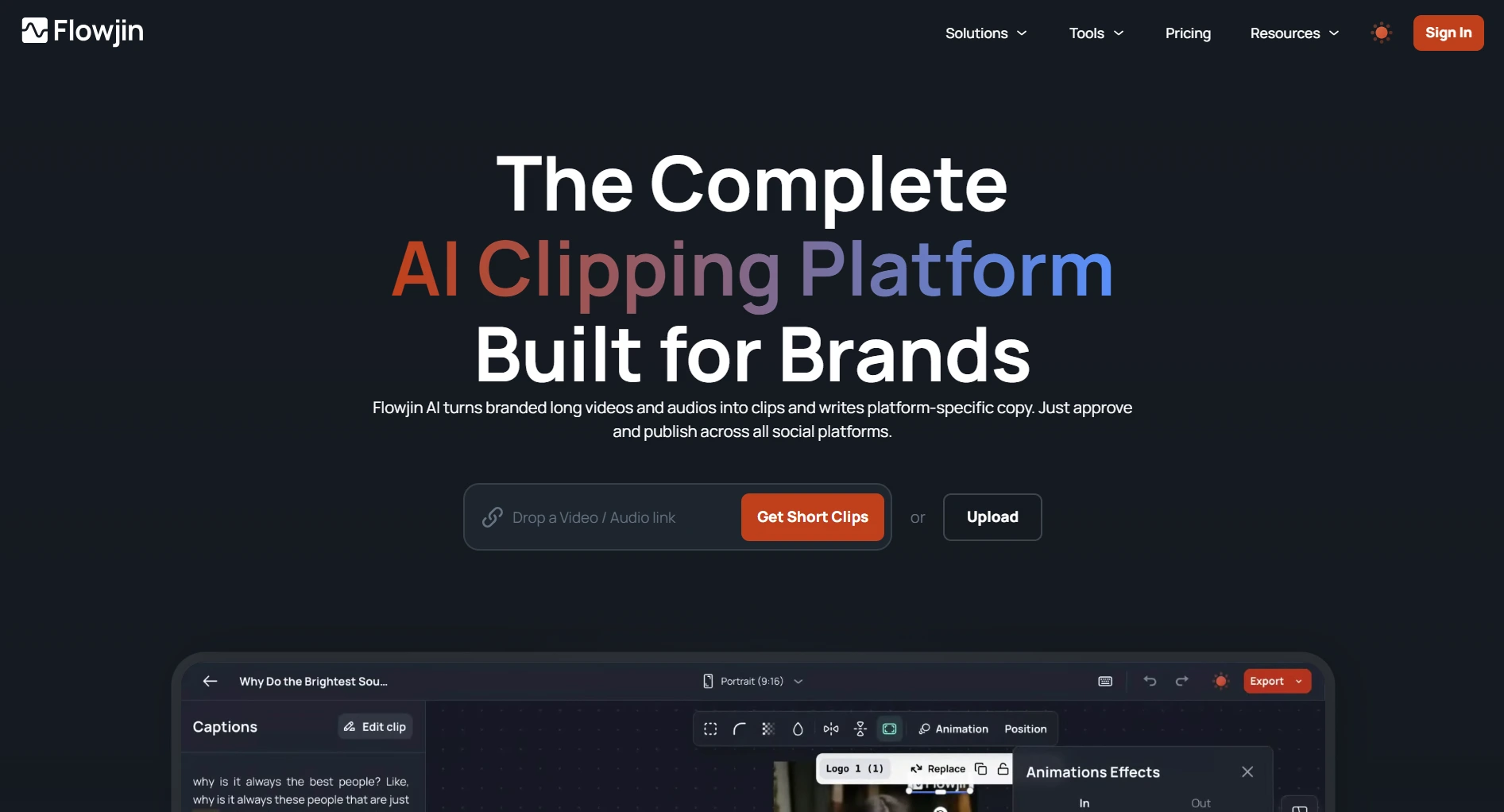
Flowjin turns long-form video and audio into short, captioned clips for social media using AI.
Upload a podcast or YouTube video. Get 6-12 clips with captions, speaker tracking, and smart cropping. Starter plan is $19/month.
Create content, post everywhere
Create captions, images, and videos with AI. Schedule to 9 platforms in seconds.
Start your free trial
Quick Verdict
Best for: Podcasters and video creators who want fast clips from long-form content.
Skip if: You need pixel-perfect editing control or full social media scheduling.
Pricing at a Glance
Free plan: 5 exports, projects expire in 5 days. See full Flowjin pricing breakdown.
What resolution do you get on Flowjin's Starter plan ($19/mo)?
What Flowjin Does Well
AI Clip Generation
Upload a long video or paste a YouTube link. The AI identifies engaging moments and creates 6-12 short clips.
Speaker tracking keeps the active speaker in frame. Smart cropping converts landscape footage to vertical or square for TikTok and Reels.
Text-Based Video Editing
Edit your transcript, edit your video. Delete a sentence from the transcript and the video segment is removed.
No timeline scrubbing. Just words. Especially useful for podcasters who think in sentences, not frames.
Multi-Platform Publishing
Auto-generates platform-specific titles, descriptions, hashtags, and CTAs for each clip. Built-in scheduler on Starter and Creator plans.
Extra Features
How many clips does Flowjin auto-generate from an uploaded video?
Where Flowjin Falls Short
Editing Precision
The AI picks moments that seem engaging, but selections are not always accurate. Clips can start or end mid-sentence.
You will spend time reviewing and adjusting each clip.
Export Quality
720p is the max on Free and Starter. For professional content, you need Creator at $29/mo.
You're a professional creator who needs 1080p exports. What's the minimum Flowjin plan?
Limited Customization
You cannot deeply control transitions, effects, or layout beyond what the templates offer. Branded templates and caption styling exist, but the options are narrow.
For creators who want precise visual control, this can be frustrating.
Pros and Cons
Who Should Use Flowjin?
Final Verdict
Rating: 3.5/5
Flowjin does one thing: turn long-form video into short social clips. For podcasters and video creators, that saves real time.
The trade-off is quality control. You will review and fix most clips before posting. At $19/mo, you're stuck with 720p.
For scheduling and content creation, SocialRails handles that at $29/mo with AI content generation, multi-platform scheduling, and analytics. If you only need video repurposing, Flowjin works. If you need the full social media workflow, look at Flowjin alternatives.
Create content, post everywhere
Create captions, images, and videos with AI. Schedule to 9 platforms in seconds.
Start your free trialFrequently Asked Questions
What is Flowjin?
Flowjin is an AI-powered tool that turns long-form video and audio (podcasts, YouTube videos, webinars) into short, captioned clips for social media. It auto-generates 6-12 clips per upload with speaker tracking and smart cropping.
Is Flowjin worth it?
It depends on your needs. Flowjin is useful for podcasters and YouTubers who want fast clips from long content. The clips do need manual editing, though. At $19/mo you're limited to 720p. If you mainly need social scheduling and content creation, a tool like SocialRails is a better fit.
Does Flowjin have a free plan?
Flowjin has a limited free tier with 60 minutes of processing (one-time, not monthly), up to 5 exports, and 720p quality. Projects expire after 5 days. It's enough to test the tool on a few videos.
What platforms does Flowjin publish to?
Flowjin can publish directly to LinkedIn, YouTube Shorts, X (Twitter), Instagram Reels, TikTok, and Facebook. The built-in scheduler is available on Starter ($19/mo) and Creator ($29/mo) plans.
Does Flowjin offer refunds?
No. All Flowjin sales are final. There is no refund policy and no money-back guarantee. Test the free tier before committing to a paid plan.
Related
Flowjin
Video Repurposing
Scheduling & Content
Was this article helpful?
Let us know what you think!