

Lyter Review 2026: Features, Pricing, Pros & Cons

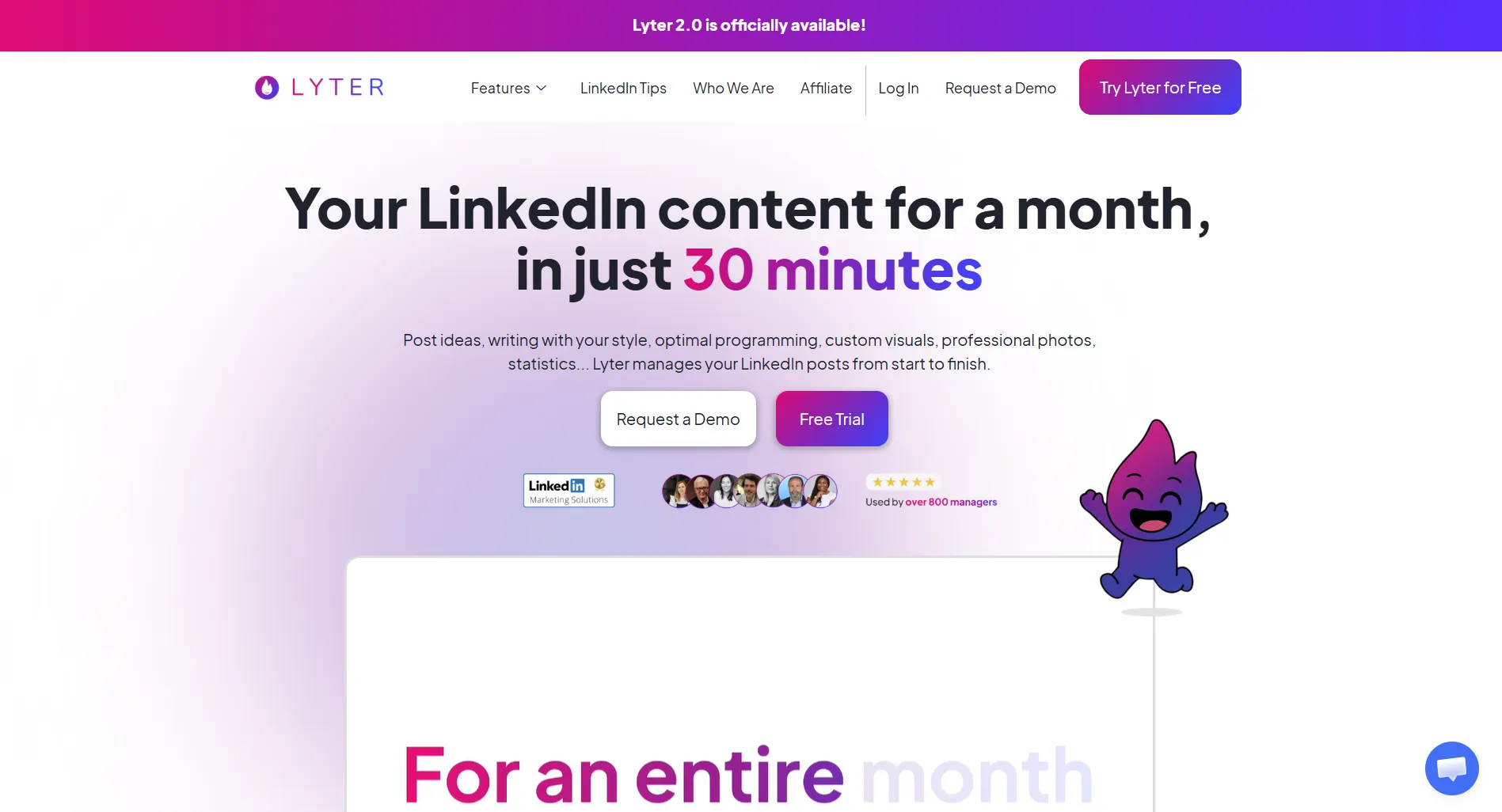
Lyter is a LinkedIn content creation and scheduling tool that promises to generate a full month of LinkedIn posts in about 30 minutes using AI that learns your writing style.
At $39/month, is it worth it? Short answer: it's a newer tool with an interesting automation-first approach, but the LinkedIn-only focus limits its value.
Create content, post everywhere
Create captions, images, and videos with AI. Schedule to 9 platforms in seconds.
Start your free trial
Quick Verdict
Best for: Busy professionals who want LinkedIn content on autopilot.
Skip if: You want granular control over your content or post on multiple platforms.
Pricing Overview
Lyter offers a 7-day free trial with no credit card required. They also provide a free demo session where they create 4 posts for you.
See full Lyter pricing breakdown.
What's Lyter's main selling point?
What Lyter Does Well
Full Automation Approach
Lyter's workflow is different from most LinkedIn tools:
- It analyzes your LinkedIn profile, website, and past posts
- Suggests content ideas based on your industry
- Generates posts that match your writing style
- Schedules them at optimal times
You review and approve rather than create from scratch. For busy founders and consultants, this can save real time.
Style Learning
The AI studies your existing LinkedIn presence to match how you actually write. Not generic, but personalized to your voice.
Simple Workflow
No complex dashboards. Four steps:
- Get AI-generated post suggestions
- Review and edit as needed
- Approve and schedule
- Posts go live automatically
How much time does Lyter claim it takes to create a month of LinkedIn content?
Where Lyter Falls Short
Who Should Use Lyter?
Lyter vs Alternatives
For the same $39/month, you get more features and platforms with SocialRails at $29/month. For a cheaper LinkedIn-specific option, Supergrow starts at $19/month.
See our full Lyter alternatives comparison.
Final Verdict
Lyter's "content on autopilot" approach is appealing for busy professionals. The AI style-matching shows promise.
But at $39/month for a LinkedIn-only tool that's still relatively new and maturing, it's a harder sell compared to more established competitors with broader feature sets.
Worth it if: You want hands-off LinkedIn content and are comfortable with a newer platform.
Skip it if: You want multi-platform support, a proven track record, or a lower price point.
Create content, post everywhere
Create captions, images, and videos with AI. Schedule to 9 platforms in seconds.
Start your free trialFrequently Asked Questions
Does Lyter have a free plan?
No free plan. Lyter offers a 7-day free trial with no credit card required, plus a free demo where they create 4 posts for you. After that, it's $39/month.
What platforms does Lyter support?
LinkedIn only. Lyter does not support Instagram, X/Twitter, Facebook, TikTok, or any other platform.
How does Lyter generate content automatically?
Lyter analyzes your LinkedIn profile, website, past posts, and industry to build a content plan. It then generates posts that match your writing style. You review and approve them before they go live.
Is Lyter safe to use with LinkedIn?
Lyter publishes posts through standard LinkedIn integrations. It focuses on content creation and scheduling, not automation like mass connection requests or auto-DMs, which are higher risk for LinkedIn restrictions.
How does Lyter compare to Taplio?
Both cost $39/month at entry level, but Lyter includes AI content at that price while Taplio's $39 Starter has zero AI credits. Taplio offers more features overall (analytics, lead gen, carousels) at higher tiers. See our full Lyter vs Taplio comparison.
Related
Lyter Guides
Lyter Comparisons
LinkedIn Tools
- Taplio Review 2026
- Supergrow Review 2026
- Scripe Review 2026
- AuthoredUp Review 2026
- Best LinkedIn Schedulers
- Best AI Tools for LinkedIn
Was this article helpful?
Let us know what you think!