

PosterMyWall Review 2026: Features, Pricing, Pros & Cons

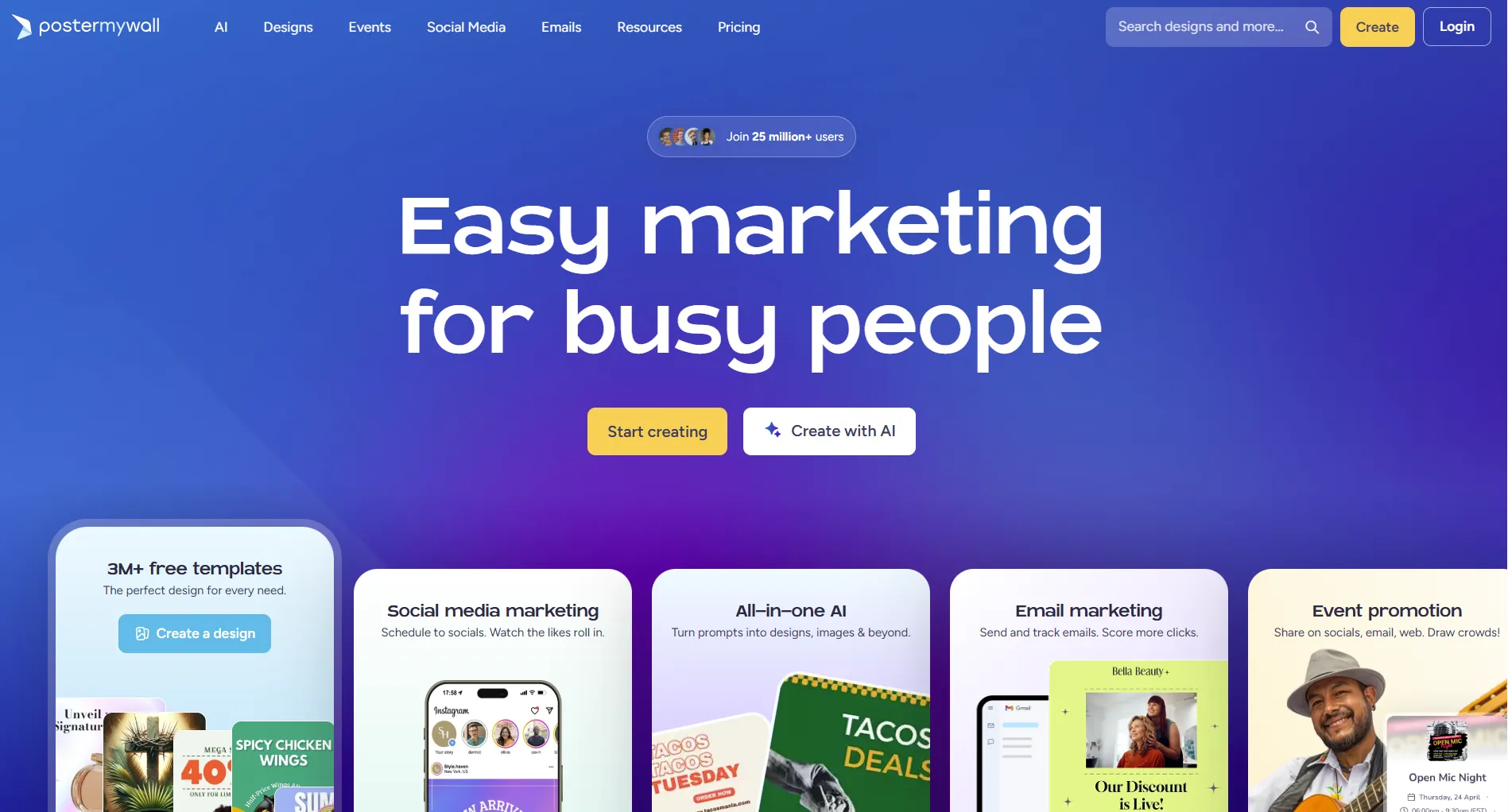
PosterMyWall is an all-in-one design and marketing platform built for people who aren't designers. It offers templates for posters, flyers, social media graphics, and videos, plus built-in social scheduling and email marketing.
But does it actually deliver? Let's find out.
Create content, post everywhere
Create captions, images, and videos with AI. Schedule to 9 platforms in seconds.
Start your free trial
Quick Summary
Best for: Small businesses, churches, schools, restaurants, and DJs who need professional-looking marketing materials without hiring a designer.
Not ideal for: Professional designers needing fine-grained control, or teams that need advanced social media scheduling with analytics and AI content generation.
Pricing at a Glance
For the full pricing breakdown, see our PosterMyWall pricing breakdown.
What does PosterMyWall's Premium plan cost per month?
What PosterMyWall Does Well
Massive Template Library
PosterMyWall's strongest feature. Over 1 million templates across dozens of categories:
- Social media graphics (Instagram, Facebook, TikTok, YouTube)
- Posters and flyers
- Menus and restaurant materials
- Church bulletins and event flyers
- Video templates with animations
- Business cards, logos, certificates
Verdict: For sheer template volume and niche variety (churches, DJs, restaurants), PosterMyWall is hard to beat.
Drag-and-Drop Editor
No design skills needed. The editor is straightforward:
Built-in Email Marketing
Unlike most design tools, PosterMyWall includes email campaigns:
- 3,000 sends/month on Premium
- 10,000 sends/month on Premium Plus
- Design emails using the same template system
- Signup forms and mailing list management
- Basic tracking and analytics
AI Tools
PosterMyWall has added several AI features:
- AI Image Generator, text-to-image creation
- AI Background Remover, one-click background removal
- AI Writer, generate captions and email copy
- AI Subtitles, auto-captions for video
- AI Voice, voiceover generation
These work well for quick tasks but aren't as polished as dedicated AI platforms.
Where PosterMyWall Falls Short
Social Media Scheduling Is Basic
PosterMyWall added social scheduling (they call it "Content Planner"), supporting Facebook, Instagram, TikTok, X, Pinterest, LinkedIn, YouTube, Threads, and Google Business Profile.
But it's limited compared to dedicated scheduling tools:
If scheduling is your priority, a tool like SocialRails gives you AI content generation, advanced analytics, and team features that PosterMyWall's scheduling can't match, starting at $29/month with unlimited channels.
Mobile App Issues
Multiple users report the mobile app crashes frequently and lacks features available on desktop. PosterMyWall is best used on a computer.
Limited Advanced Design Controls
Professional designers will find PosterMyWall restrictive:
- No layer management comparable to Photoshop or Figma
- Limited typography controls
- No vector editing
- Missing basic tools like image flip/mirror
- Image quality can degrade during processing
Add-on Costs
The free plan has watermarks. Even on paid plans, credits are needed for AI features (100/month on Premium, 250/month on Premium Plus). Heavy AI users may burn through these quickly.
PosterMyWall includes built-in email marketing. How many emails can you send on the Premium plan?
Who Should Use PosterMyWall
Good fit:
- Small businesses creating their own marketing materials
- Churches and schools making event flyers and social posts
- Restaurants updating menus and promotions
- DJs and event promoters designing party flyers
- Anyone who needs design + email marketing in one tool
Look elsewhere if:
- You need advanced social media scheduling and analytics → SocialRails
- You need professional-grade design tools → Canva Pro or Adobe Express
- You primarily need video editing → CapCut or Adobe Premiere Rush
- You need team collaboration with approval workflows → Loomly
PosterMyWall vs Competitors
For a detailed comparison, see our PosterMyWall vs Canva breakdown.
Which industry does PosterMyWall have the most specialized templates for?
Frequently Asked Questions
Is PosterMyWall free?
Yes. The free plan gives access to 1M+ templates and basic features. You'll get watermarks on some content and limited downloads. No credit card required to sign up.
Is PosterMyWall better than Canva?
It depends on your needs. PosterMyWall wins on email marketing and niche templates (churches, DJs, restaurants). Canva wins on template variety, mobile app quality, and overall design polish. PosterMyWall is also cheaper at $9.95/month vs Canva Pro at $15/month. See our full PosterMyWall vs Canva comparison.
Can PosterMyWall schedule social media posts?
Yes, through its Content Planner feature. It supports Facebook, Instagram, TikTok, X, Pinterest, LinkedIn, YouTube, Threads, and Google Business Profile. However, the scheduling is basic compared to dedicated tools like SocialRails, which offers AI content generation, bulk scheduling, and detailed analytics.
Does PosterMyWall have an affiliate program?
Yes. PosterMyWall offers an affiliate program where you can earn commissions by referring new users to the platform.
Can I use PosterMyWall on my phone?
PosterMyWall has a mobile app, but many users report it crashes frequently and lacks features available on desktop. For the best experience, use PosterMyWall on a computer.
Bottom Line
PosterMyWall is a solid design platform for small businesses that need marketing materials fast. The template library is massive, the editor is easy, and the built-in email marketing is a genuine differentiator.
Where it stumbles: mobile app reliability, limited scheduling features, and add-on costs for heavy AI use. If social media scheduling is your main need, pair PosterMyWall for design with SocialRails for scheduling, or switch to a PosterMyWall alternative that better fits your workflow.
Rating: 4.2/5, great for design, but don't rely on it for social scheduling.
Related
- PosterMyWall Pricing
- PosterMyWall Alternatives
- PosterMyWall vs Canva
- Canva vs Simplified
- Best Content Creation Apps
- Simplified Review
- Free Image Resizer
- Quote Image Generator
Want a second opinion on another tool? Discover more reviews in our hub.
Open the hubWas this article helpful?
Let us know what you think!