

Quso.ai Review 2026: Features, Pricing, Pros & Cons

Quso.ai (formerly vidyo.ai) turns long-form videos into short clips and handles social media scheduling. Over 4 million users. One tool for video repurposing + posting.
But the credit system and limited scheduling hold it back.
Create content, post everywhere
Create captions, images, and videos with AI. Schedule to 9 platforms in seconds.
Start your free trial
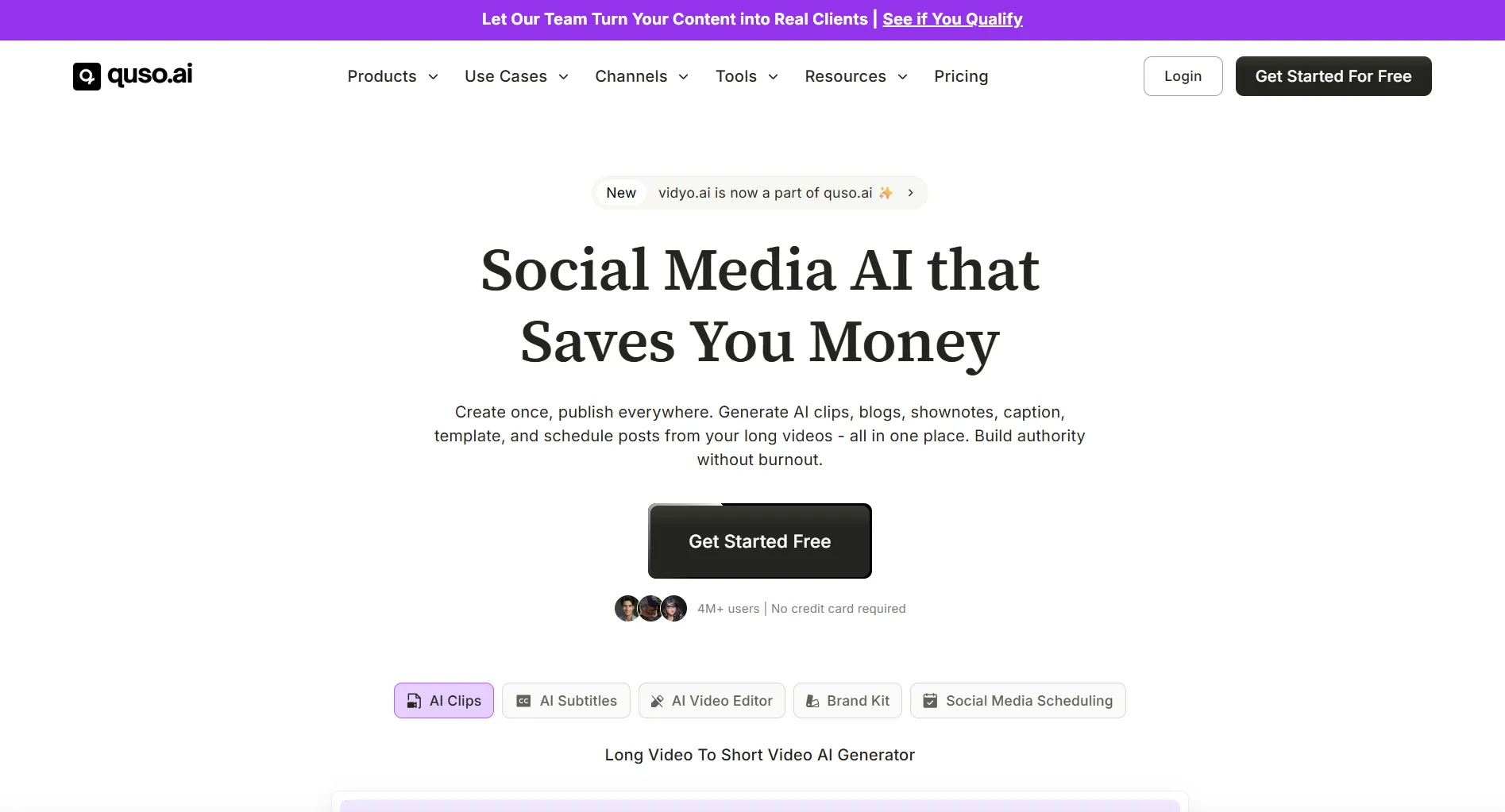
Quick Summary
Need broader tools? See Quso.ai alternatives.
Pricing at a Glance
Annual billing cuts prices by 40–50%.
Full breakdown: Quso.ai pricing guide.
What was Quso.ai previously called?
What Quso.ai Does Well
AI Video Clipping
The core strength. Upload a long video, get short clips automatically.
- AI picks the most engaging segments
- Auto-resizes to 9:16, 16:9, or 1:1
- Removes filler words
- Adds B-roll
This genuinely saves hours of editing. It's similar to what Flowjin does, though Quso.ai adds scheduling on top of the clipping.
AI Captions & Subtitles
Caption quality rivals dedicated subtitle tools.
What is Quso.ai's strongest feature?
Social Media Scheduling
Added after the rebrand. It works, but feels secondary:
- Post scheduling across major platforms
- Bulk publishing (Growth plan only)
- Content calendar view
- Basic analytics
Not as mature as dedicated schedulers like Buffer or Later.
Where Quso.ai Falls Short
Credit-Based System
Every action costs credits. Even on paid plans, you can run out.
Heavy users burn through credits fast, especially with video generation.
Missing Social Features
What you won't find:
- ❌ Social listening or mention tracking
- ❌ Unified inbox for DMs/comments
- ❌ Approval workflows for teams
- ❌ Advanced analytics or reporting
Video-First, Everything Else Second
The social media management side is lightweight. If you need scheduling, analytics, and team collaboration, you'll need a second tool alongside Quso.ai.
What happens when you run out of Quso.ai credits mid-month?
Who Should Use Quso.ai?
Good fit
- YouTube creators repurposing to short-form
- Solo creators focused on video content
- Podcasters turning episodes into clips
Not a good fit
- Marketing teams managing multiple brands
- Agencies needing approval workflows
- Anyone wanting full social management
How to Decide: Step by Step
-
Ask: Is video repurposing your main need?
- Yes → Quso.ai is worth trying (start with the free plan)
- No → Look at alternatives
-
Estimate your usage: Will 75 free credits cover your monthly output?
- Yes → Stay on Free
- No → Budget $19–59/month
-
Check if you need scheduling: Do you want posting from the same tool?
- Yes → You need the Growth plan ($59/month)
- No → Any plan works, schedule elsewhere
-
Need team features? Approval workflows, unified inbox, social listening?
- Yes → Quso.ai won't work. Try SocialRails or Hootsuite
- No → Quso.ai is fine for solo use
Quso.ai vs Alternatives
Video repurposing only? Quso.ai delivers. Full social media management with AI? SocialRails covers more ground.
Bottom Line
Rating: 3.5/5, great for video repurposing, incomplete for full social media management.
The video clipping and captioning are genuinely useful. But the credit system limits heavy users, and scheduling is locked to the $59/month plan.
Frequently Asked Questions
Is Quso.ai free?
What happened to vidyo.ai?
Can Quso.ai replace my social media scheduler?
How many credits does one video use on Quso.ai?
Is Quso.ai good for YouTube creators?
What platforms does Quso.ai support?
Create content, post everywhere
Create captions, images, and videos with AI. Schedule to 9 platforms in seconds.
Start your free trialRelated Reading
Was this article helpful?
Let us know what you think!