

Visme Review 2026: Features, Pricing, Pros & Cons

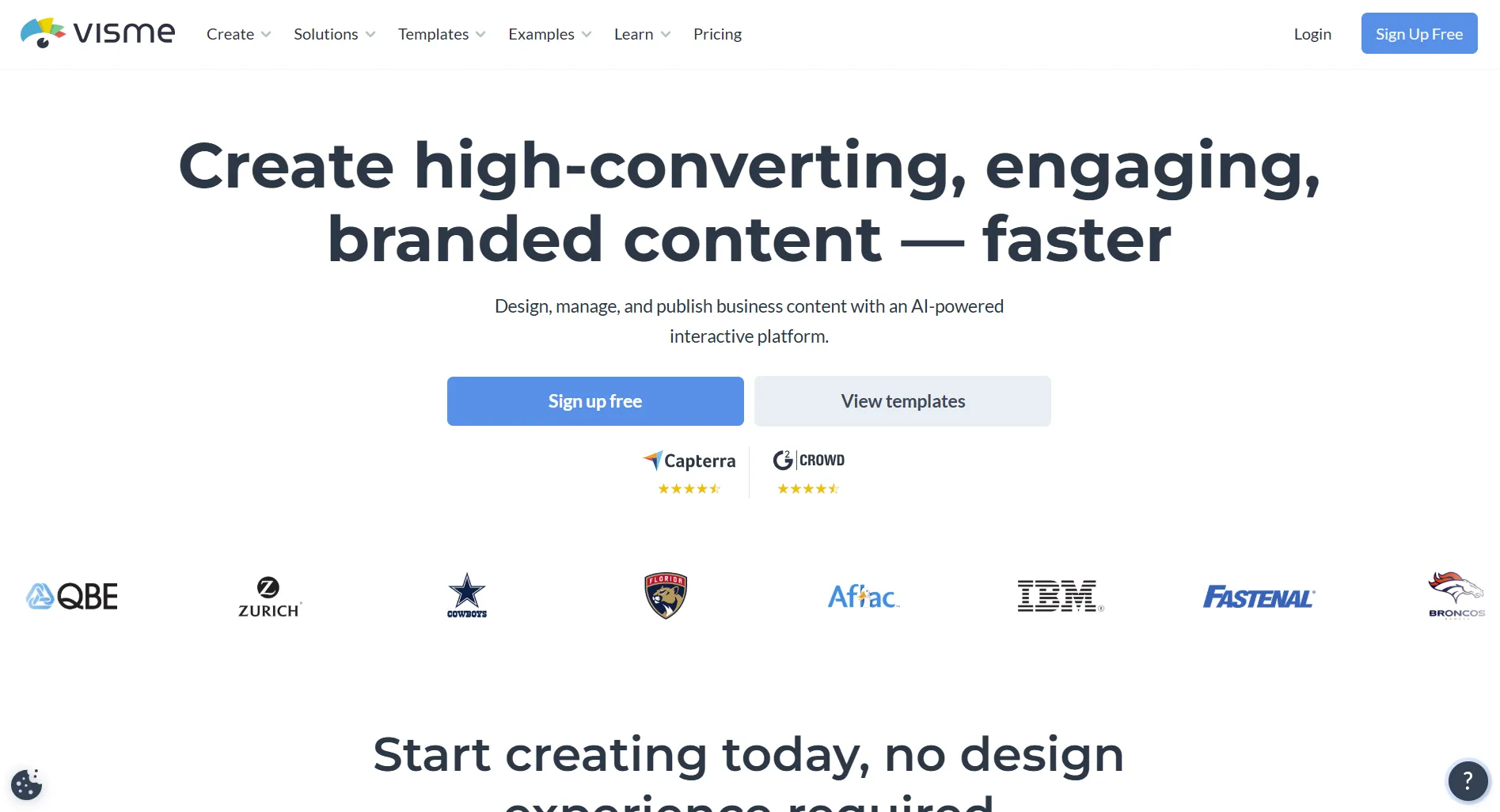
Visme is a cloud-based visual content creation platform for presentations, infographics, documents, data visualizations, and social media graphics. It targets marketers, educators, and teams who need polished visuals without advanced design skills. Free plan available, paid starts at $12.25/user/month.
Create content, post everywhere
Create captions, images, and videos with AI. Schedule to 9 platforms in seconds.
Start your free trial
Quick Summary
Best for: Marketing teams, HR departments, educators, and small businesses who need professional presentations, infographics, and data-driven visuals.
Not ideal for: Teams needing social media scheduling, analytics, or publishing alongside design. For tools that combine design with social management, see our Visme alternatives or Canva templates guide.
Pricing at a Glance
Key detail: All prices are per user. The Pro plan is highlighted as "best value" with full download options including HTML5 interactive content. Education and nonprofit discounts are available. For full breakdown, see Visme Pricing 2026.
What makes Visme different from most design tools like Canva?
What Visme Does Well
Presentations and Infographics
Visme was built for presentations first. The presentation tools go deeper than Canva or most general design tools.
Verdict: If presentations and infographics are your primary need, Visme is genuinely strong. The data visualization tools are a real differentiator. See our infographics guide for tips on making them convert.
Data Integration
Visme pulls live data into your visuals. Create a chart linked to a Google Sheet, and it updates when your data changes. This is something most design tools simply don't offer.
Verdict: The strongest option for data-driven content. If you regularly create reports with changing data, this saves significant time.
Template Library and Editor
The drag-and-drop editor handles over 100 project types: presentations, infographics, documents, social media graphics, videos, charts, and printables.
Verdict: Good variety. Not as deep as Canva's library (millions vs thousands), but templates are high quality and more business-focused. For a broader look at design options, see our best content creation apps roundup.
Visme Pro costs $24.75/user/month. What feature does it unlock that cheaper plans don't?
What Visme Lacks
No Social Media Management
Visme is purely a design and content creation tool. Missing entirely:
- Social media scheduling
- Direct publishing to platforms
- Analytics for social performance
- Social inbox or comment management
- Social listening or brand monitoring
- Content calendar
You create in Visme, download the file, then upload it to your social platform or scheduling tool separately. If you need design and scheduling in one, see tools in our DocHipo alternatives comparison.
You have a 5-person team. What's the monthly cost difference between Visme Pro and SocialRails?
Compare Visme's team pricing to flat-rate tools:
Who Should Use Visme
Good Fit
- Marketing teams creating data-heavy reports and presentations
- Educators building interactive learning materials
- HR teams making employee onboarding documents
- Businesses needing branded proposals and whitepapers
- Anyone who regularly creates infographics with live data
Not a Good Fit
- Social media managers needing scheduling and analytics
- Teams wanting an all-in-one social media tool
- Budget-conscious creators (Canva's free plan is more generous)
- Teams where per-user pricing gets expensive
Final Verdict
Visme is a solid visual content platform with genuine strengths in data visualization, presentations, and infographics. It does these things better than most general design tools.
But it's not a social media tool. If you need to create content AND manage your social presence, you'll need a second tool, or switch to an all-in-one platform like SocialRails that handles design, scheduling, and analytics together.
Rating: 7/10, excellent for presentations and data visuals, but limited scope and per-user pricing hold it back for teams.
FAQ
Is Visme free to use?
Visme has a free plan, but it's limited. You get 100MB of storage, access to basic templates, and basic export formats (PNG, JPG). For most real work, you'll need the Starter plan at $12.25/user/month or Pro at $24.75/user/month.
Is Visme better than Canva?
It depends on what you need. Visme is better for data visualization, interactive presentations, and live data integration. Canva is better for general design, has millions more templates, and a much more usable free plan. Most people are better served by Canva unless they specifically need data-driven visuals. See our full Visme vs Canva comparison.
Can Visme schedule social media posts?
No. Visme is a design and content creation tool only. It has no social media scheduling, publishing, analytics, or inbox features. You'd need a separate tool like SocialRails or Buffer for social media management.
Does Visme work on mobile?
Visme has a web-based editor that works in mobile browsers, but the experience is optimized for desktop. Complex projects with many elements are easier to edit on a computer.
What file formats can Visme export?
The free plan exports PNG and JPG. Paid plans add PDF, PPTX, HTML5 (interactive), video (MP4), and GIF exports. HTML5 export is one of Visme's unique features, letting you share interactive, clickable presentations.
Is Visme worth paying for over free tools?
If you regularly create data-heavy presentations, reports with live data from Google Sheets, or interactive HTML5 content, yes. These features aren't available in free design tools. If you mainly need social media graphics or basic design work, Canva's free plan is more practical. See our Visme pricing breakdown for details.
Related reads:
- Visme Pricing 2026: Full Breakdown
- Best Visme Alternatives 2026
- Visme vs Canva: Which Is Better?
- Visme vs Piktochart: Infographic Tools Compared
Was this article helpful?
Let us know what you think!