

Best Visme Alternatives 2026: Top Design & Visual Content Tools Compared

Visme makes presentations, infographics, and data visualizations. It does those well. But per-user pricing gets expensive, and there's no social media management.
Here are better options depending on what you need.
Why compare? Get more for less with SocialRails
Post images, videos & carousels to 9 platforms. AI helps with captions.
Cancel anytime
Quick Answer
Why Switch from Visme?
Visme Pro costs $24.75/user/month. For a team of 5, that's $123.75/month. What's missing?
💡 Tip: Think carefully before selecting your answer!
Top 6 Alternatives
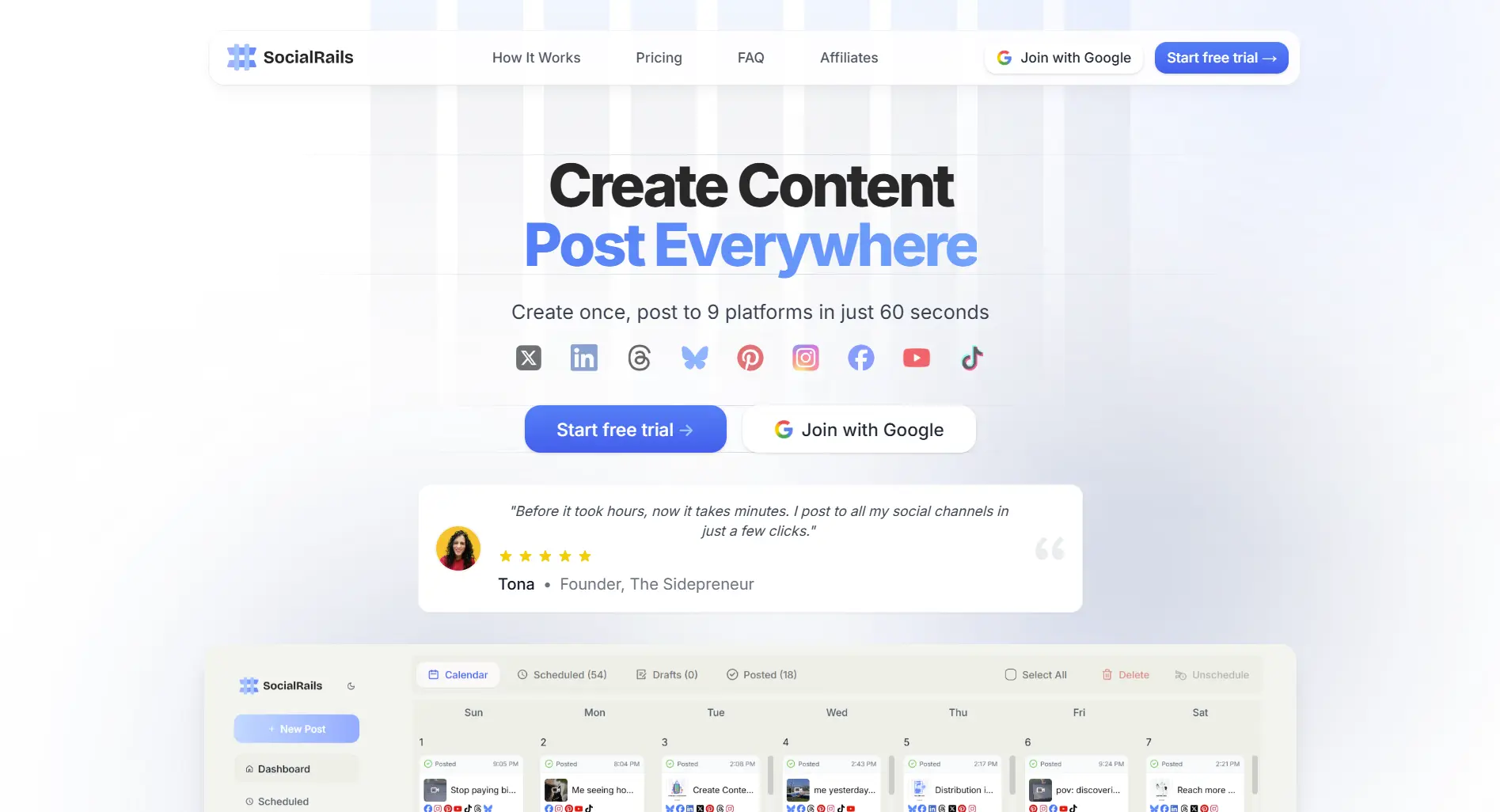
1. SocialRails, Best All-in-One
Price: $29/month (flat rate)
Best for: Teams that need to create content AND manage social media without juggling multiple tools.
Try SocialRails →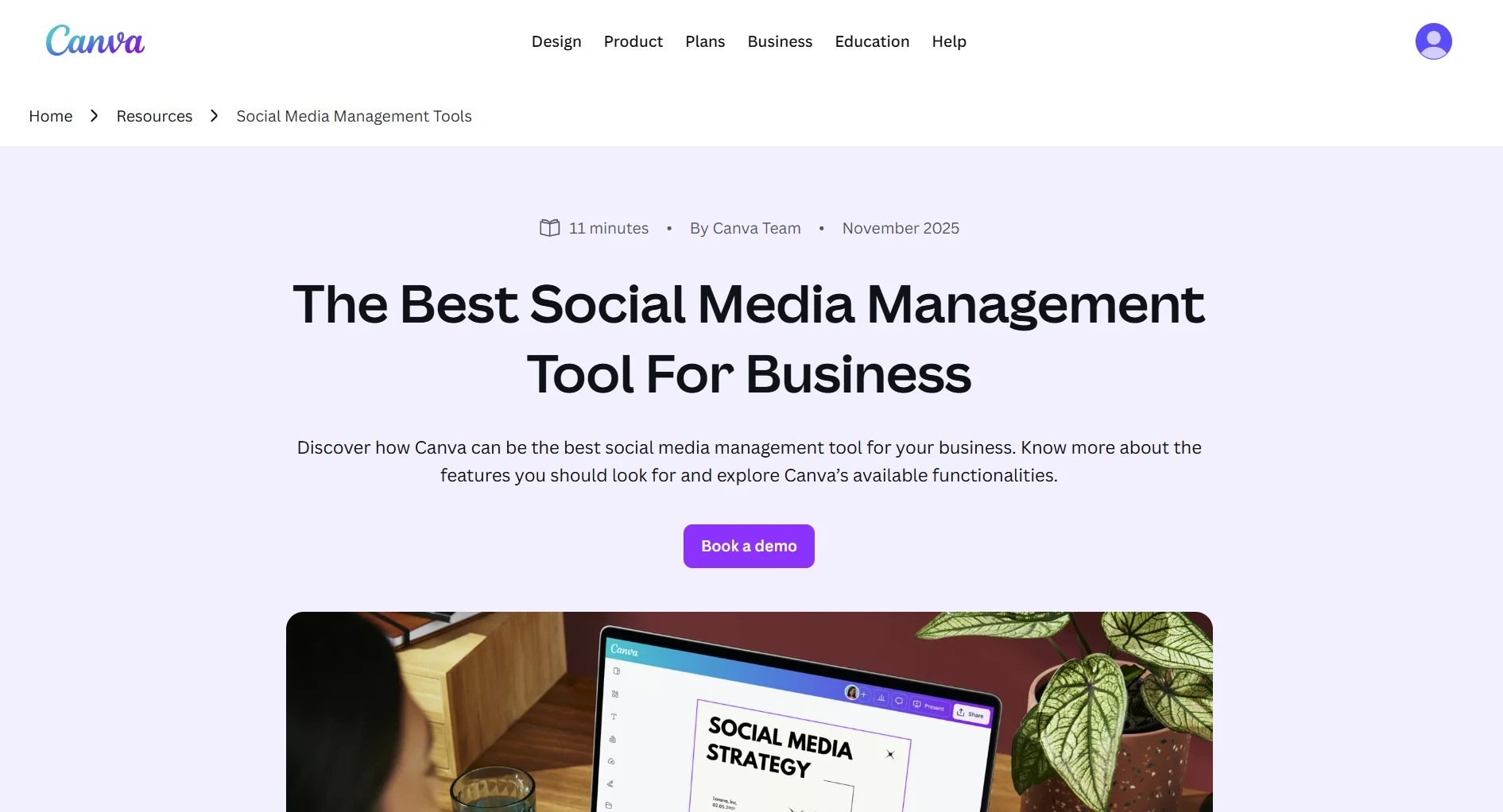
2. Canva, Best Pure Design Alternative
Price: Free or $15/month (also see PosterMyWall alternatives for cheaper design tools with email marketing)
Best for: Creators who need maximum design flexibility with the largest template library available.
Trade-off: Canva's data visualization is basic compared to Visme's. If charts and live data are critical, Canva falls short. See Visme vs Canva for detailed comparison, or check Canva vs Simplified for another angle.
3. Piktochart, Best for Infographics
Price: Free or $14/month
Best for: Teams focused primarily on infographics and visual reports. Simpler and cheaper than Visme for this specific use case.
Trade-off: Less versatile than Visme for presentations and interactive content. See our infographics guide for tips on what makes a great infographic.
You make infographics for blog posts and schedule them on Instagram and LinkedIn. Best Visme alternative?
💡 Tip: Think carefully before selecting your answer!
4. Beautiful.ai, Best for AI Presentations
Price: $12/month (Pro)
Best for: Teams that primarily create presentations and want AI to handle layout and design automatically.
Trade-off: No infographic or data visualization tools. Presentation-only.
5. Infogram, Best for Data Visualization
Price: Free or $19/month
Best for: Data analysts and journalists who need interactive charts, maps, and dashboards with live data.
Trade-off: Narrower focus than Visme. Not for general design or social media graphics. For broader design tools, see our best content creation apps roundup.
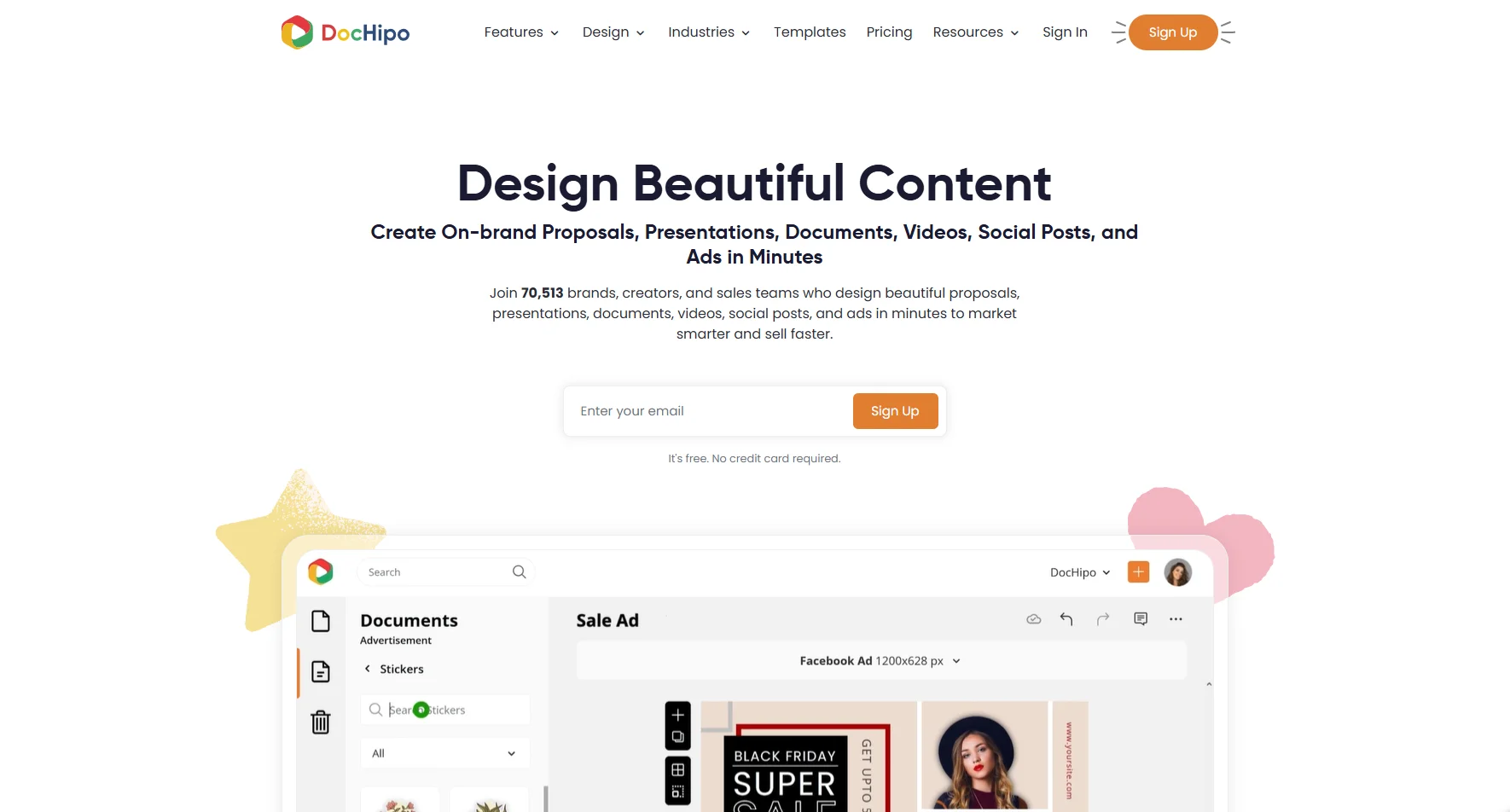
6. DocHipo, Best for Business Essentials Designs
Price: Free plan available forever. The Pro plan is $12/user/month, billed annually.
Best for: Solopreneurs, brands, creators, sales teams, and small businesses looking to create on-brand proposals, case studies, business documents, videos, social media posts, and advertisement creatives without requiring a design background.
Trade-off: DocHipo excels at business-specific designs and ease of use, but is a bit less versatile than Visme for data visualization. For a deeper look, see our DocHipo review.
Visit DocHipo →You need to create social media posts AND schedule them across 5 platforms. Best alternative to Visme?
💡 Tip: Think carefully before selecting your answer!
Comparison Summary
FAQ
What is the best free alternative to Visme?
Canva's free plan is the best free alternative. It includes thousands of templates, 5GB storage, and basic social scheduling. Visme's free plan only gives you 100MB storage. Piktochart also has a free plan if you mainly need infographics, though exports are watermarked.
Is there a Visme alternative with social media scheduling?
Yes. SocialRails ($29/month) includes design tools, AI content creation, scheduling across 9 platforms, and analytics. Canva Pro ($15/month) has basic scheduling. Visme itself has no scheduling on any plan.
Which Visme alternative is best for infographics?
Piktochart is the most focused infographic tool. It's purpose-built for infographics with an easy editor and clean templates. If you also need presentations and data visualization, Canva is more versatile. See our Visme vs Piktochart comparison.
Why is Visme so expensive for teams?
Visme uses per-user pricing. Every team member needs their own paid seat. At $24.75/user/month on Pro, a 5-person team costs $123.75/month. Tools like SocialRails charge a flat $29/month for up to 15 users, which makes a big difference for teams.
Can I switch from Visme to Canva easily?
Yes. Both are cloud-based design tools. You can export your Visme designs as PNG, PDF, or PPTX and re-import them into Canva. You can't directly transfer editable projects between them, but you can recreate designs using Canva's templates. The main thing you'd lose is Visme's live data integrations and interactive HTML5 exports.
Related reads:
Was this article helpful?
Let us know what you think!