

Best Biteable Alternatives 2026: Top Online Video Makers

Biteable is a solid template-based video maker. But no free plan, limited customization, and key features locked behind Premium ($49/month annual) means it's not for everyone.
Why compare? Get more for less with SocialRails
Post images, videos & carousels to 9 platforms. AI helps with captions.
Cancel anytime
Quick Answer
Why People Look for Biteable Alternatives
1. No free plan
Biteable removed their free tier. Competitors like Canva, CapCut, and InVideo all offer free plans with video capabilities.
2. Limited customization
You can't customize animations, add keyframes, or layer video tracks. You work within template constraints.
3. Feature gating
4K exports, AI voices, auto captions, and custom fonts all require Premium ($49/month annual). The Pro plan feels incomplete.
4. Video length limits
Pro caps at 10 minutes, Premium at 20 minutes. Not enough for long-form content like webinars or training courses.
Which of these video makers offers a completely free plan with no watermark?
💡 Tip: Think carefully before selecting your answer!
Top 6 Biteable Alternatives
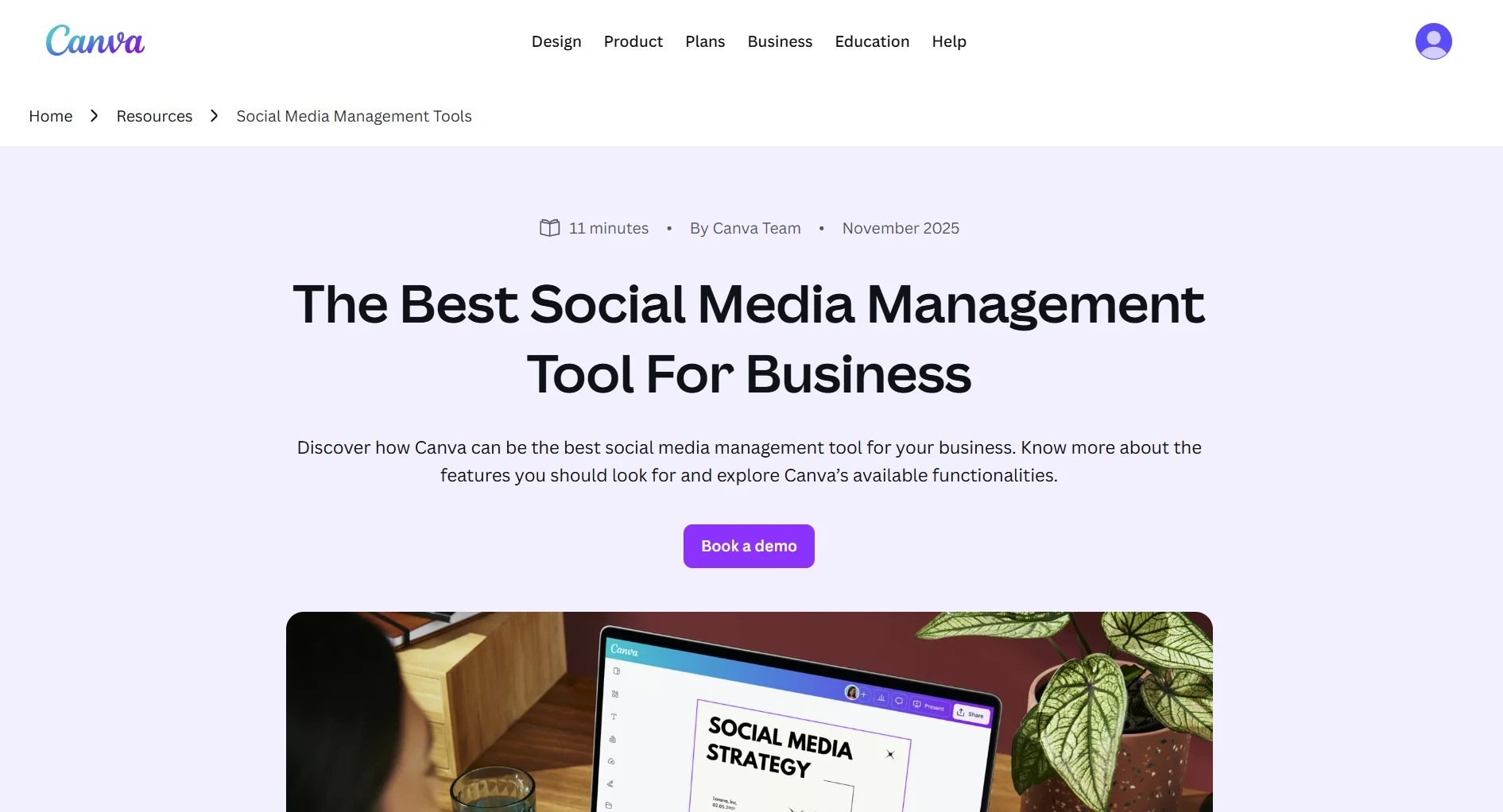
1. Canva, Best All-in-One Design + Video
Price: Free / $13/month (Pro, annual)
Not just video. Canva is a complete design platform that happens to include solid video creation.
Trade-off: Broader but shallower for video. Biteable's animations are more polished. But Canva's free plan and design ecosystem make it more versatile overall.
Best for: Anyone who needs design AND video tools in one platform.
For a full comparison, see our Biteable vs Canva.
2. CapCut, Best Free Video Editor
Price: Free (with Pro option)
Full-featured video editor from ByteDance (TikTok's parent company). Free with professional-grade editing.
Trade-off: Steeper learning curve. But full creative control, 4K exports, and it's free. Invest 30 minutes learning it and CapCut is hard to beat.
Best for: Content creators who want full editing control without paying.
3. InVideo, Best AI Video Generator
Price: Free / $25/month (Business, annual)
Template-based video creation with AI-powered generation from text prompts.
Trade-off: AI can generate complete videos from prompts, going further than Biteable's AVA. But free exports have watermarks, and paid plans are pricier than Biteable Pro.
Best for: Marketers who want AI to do the heavy lifting in video creation.
4. Animoto, Best for Simple Slideshows
Price: $8/month (Professional, annual)
The simplest option. Upload photos and clips, pick a template, add music, done.
Trade-off: Cheaper and even simpler, but videos look like slideshows rather than polished animations. Great for photo-based recaps and testimonials.
Best for: Businesses creating simple photo/video slideshow content.
5. DaVinci Resolve, Best Free Professional Editor
Price: Free (with $295 Studio upgrade)
Industry-standard video editor used in Hollywood. The free version includes nearly all features.
Trade-off: Overkill for quick marketing clips. Steep learning curve. But for serious editing power at zero cost, nothing comes close.
Best for: Professional video editors and anyone willing to invest time learning a pro tool.
6. Social Media Content (Alternative Strategy)
Not every business needs video production. Consistent social media posts (text, images, carousels) often drive more engagement than occasional video content.
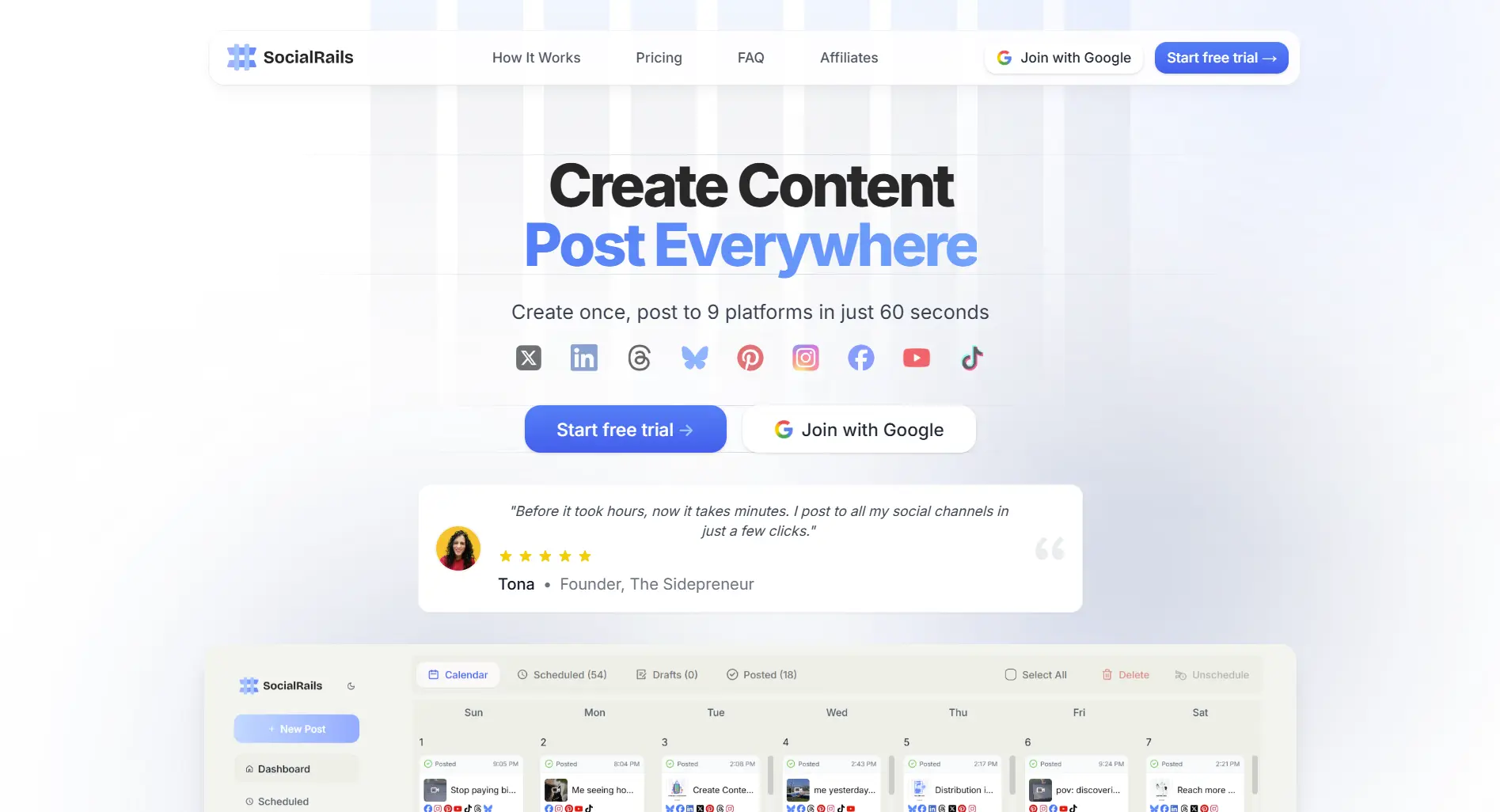
If your goal is consistent social media presence rather than polished video ads, SocialRails helps you create and schedule AI-powered posts across all platforms for $29/month.
Try SocialRails free →You need a free tool to edit TikTok videos with effects, transitions, and no watermark. Which alternative fits?
💡 Tip: Think carefully before selecting your answer!
Feature Comparison Table
How to Switch from Biteable
- Download your videos, export all finished videos before cancelling
- Save project notes, document your best-performing video structures and templates
- Pick your replacement, based on your primary need (see Quick Answer table)
- Migrate brand assets, upload your logos, fonts, and brand colors to the new tool
- Cancel Biteable, check your billing cycle to time the cancellation
Frequently Asked Questions
What's the cheapest Biteable alternative?
CapCut and DaVinci Resolve are completely free. Canva and InVideo have free plans. Animoto starts at $8/month for paid features.
What's the best free Biteable alternative?
CapCut for full video editing with no watermark. Canva for design + video. DaVinci Resolve for professional-grade editing.
Which Biteable alternative is easiest to use?
Animoto is the simplest (slideshow-based). Canva is easy with a broader feature set. CapCut requires more learning but offers full creative control.
Can I make marketing videos without a video editor?
Yes. Tools like Biteable, Canva, and Animoto are template-based, meaning you don't need video editing skills. For social media content beyond video, SocialRails creates AI-powered posts across all platforms.
Which alternative is best for team collaboration?
Canva. The free plan already supports unlimited collaborators with real-time editing, comments, and sharing. Biteable requires the Premium plan ($49/month annual) for just 3 users. CapCut and Animoto have limited collaboration features.
Can I export videos without a watermark on free plans?
CapCut exports without watermarks on its free plan. Canva's free plan also has no watermarks on most content. InVideo's free plan adds watermarks. DaVinci Resolve is fully free with no watermarks at all.
Done comparing? Try the Biteable alternative that does more
Post images, videos & carousels to 9 platforms. AI helps with captions. One flat price.
Related
- Biteable Review
- Biteable Pricing
- Biteable vs Canva
- Kapwing Alternatives
- Kapwing vs Canva
- Canva vs Simplified
- Best Content Creation Apps
- Tools for Content Creators
- Social Media Video Sizes Guide
- YouTube Content Creation Tools
Comparing more than one tool? Browse alternatives for every major tool.
Open the hubWas this article helpful?
Let us know what you think!