

Best Kapwing Alternatives 2026: Top Video & Content Creation Tools

Kapwing is a solid browser-based video editor. But per-member pricing, watermarked free exports, and the lack of scheduling features send many creators looking elsewhere.
If you're hitting those limits, these are worth considering.
Why compare? Get more for less with SocialRails
Post images, videos & carousels to 9 platforms. AI helps with captions.
Cancel anytime
Quick Answer
Why People Leave Kapwing
Three issues come up consistently:
1. Per-member pricing scales fast
- 1 person = $16/month (annual)
- 3 people = $48/month
- 5 people = $80/month
- 10 people = $160/month
2. Free plan watermarks everything
You can't use Kapwing's free exports for professional content. Every video gets a Kapwing watermark.
3. It's just an editor, no scheduling or publishing
After editing, you still need a separate tool to schedule and publish. That's two subscriptions and two workflows.
Your 4-person team uses Kapwing Pro and spends $64/month. You also pay $50/month for a scheduling tool. What's your total?
💡 Tip: Think carefully before selecting your answer!
Top 7 Kapwing Alternatives
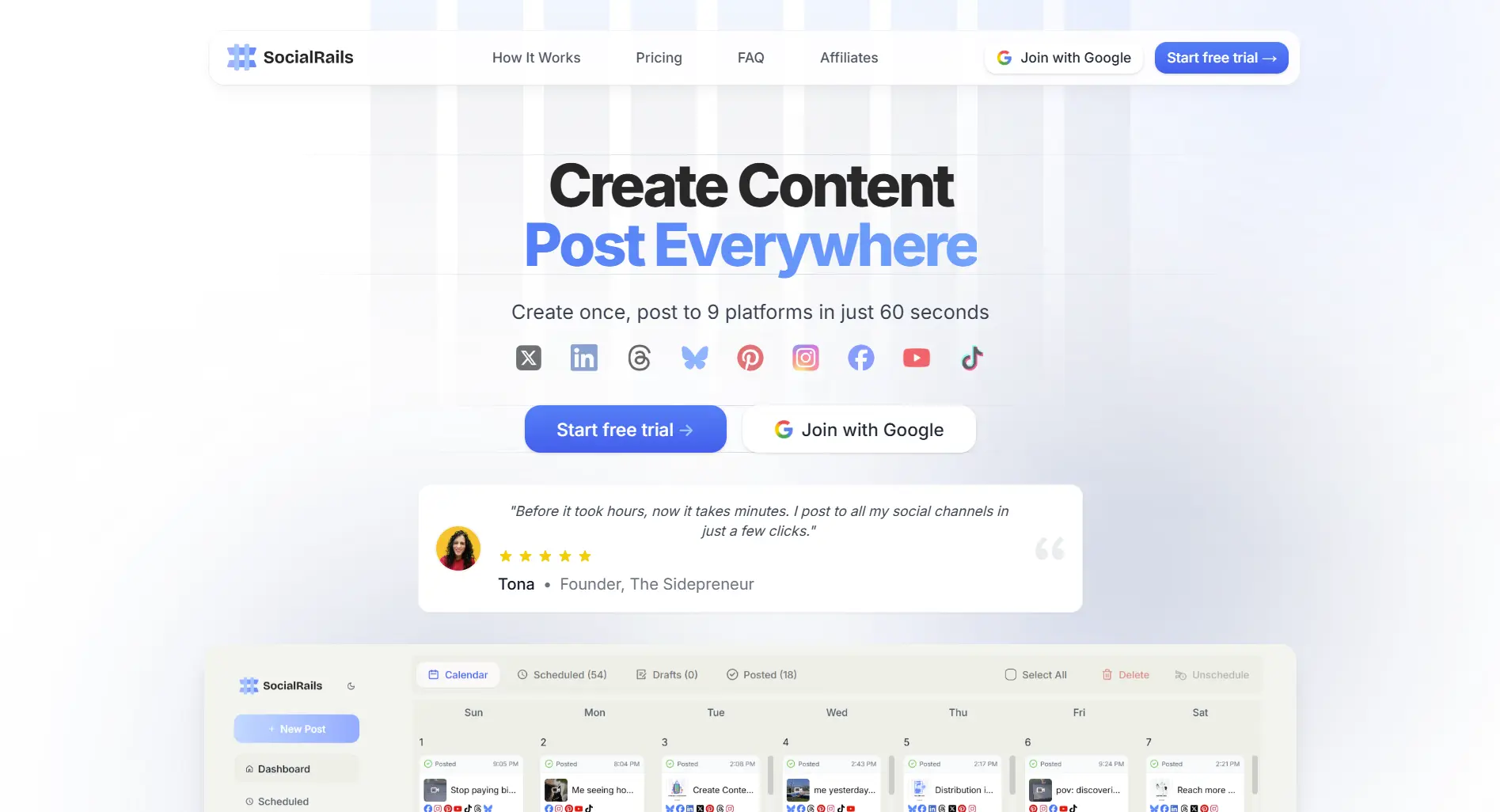
1. SocialRails — Best for Social Media Content
Price: $29-99/month (flat rate, no per-user fees)
If your videos end up on social media, SocialRails replaces both your editor and your scheduler.
Best for: Creators and teams who make content for social media and want editing + scheduling in one place.
Try SocialRails free →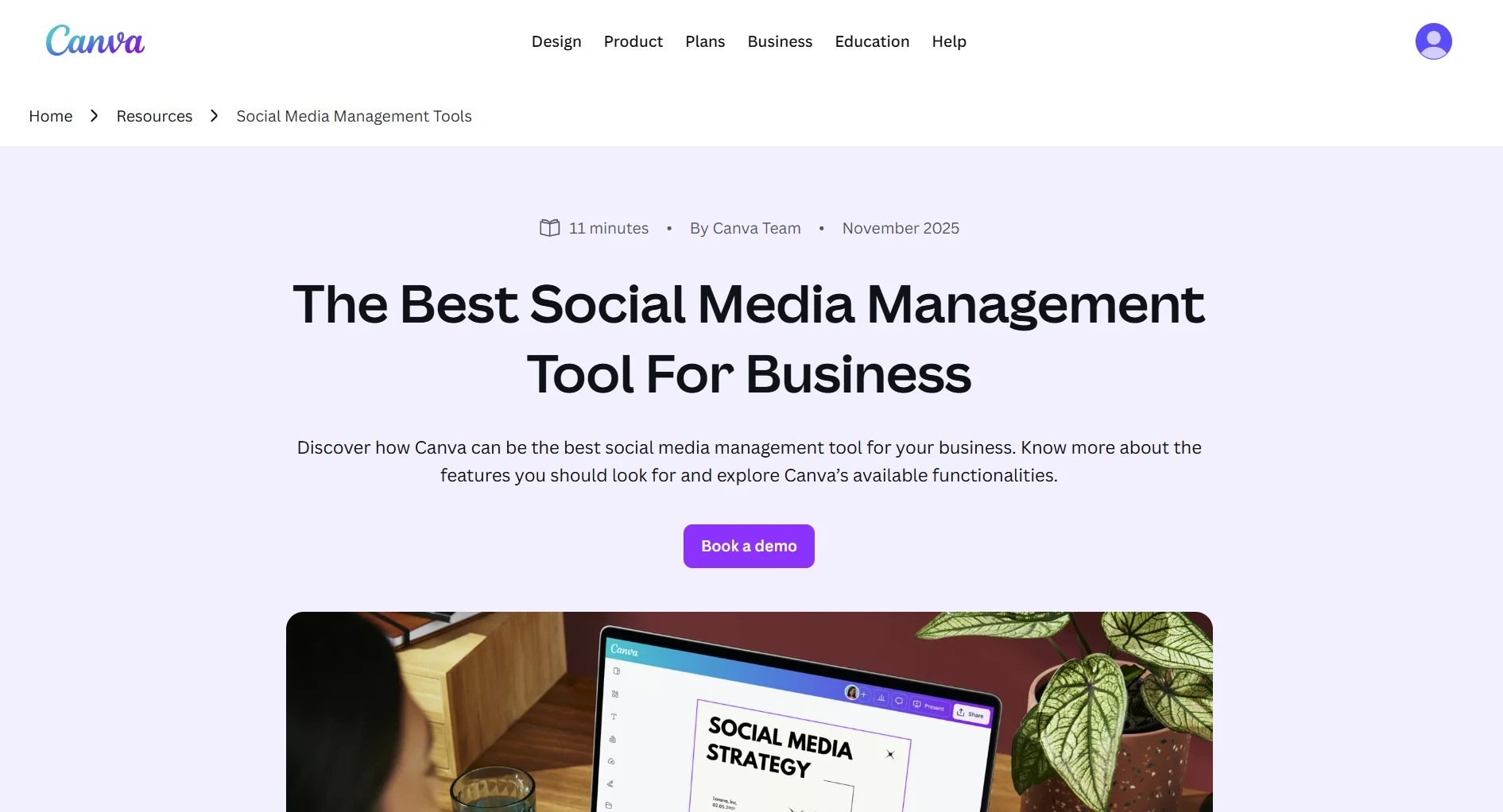
2. Canva — Best Design + Video Combo
Price: Free / Pro $15/month
Canva offers a much broader tool, graphic design, presentations, documents, and video editing in one platform.
What you get:
- Millions of templates (far more than Kapwing)
- Video editing with basic timeline
- Magic Resize for multiple formats
- Brand kit and team features
- Huge stock photo/video library
Where it falls short: Video editing is less powerful than Kapwing. No auto-subtitle accuracy match. Better for design-first, video-second workflows.
Best for: Creators who need design and video in one tool.
3. InVideo — Best for Video-First Creators
Price: $25/month
InVideo is purpose-built for video creation with 5,000+ templates and a massive stock library.
What you get:
- 5,000+ video templates
- AI video generation from text
- Stock media library included
- Multiple export formats
- Team collaboration
Where it falls short: More expensive than Kapwing Pro for solo use. No scheduling or publishing features.
Best for: Video-focused creators who want more templates than Kapwing offers.
4. CapCut — Best Free Option
Price: Free
CapCut (by ByteDance/TikTok) offers professional-grade video editing at no cost.
What you get:
- Full video editor (desktop + mobile + web)
- Auto-captions and subtitles
- Effects, transitions, filters
- No watermark on most exports
- TikTok-optimized features
Where it falls short: Limited team collaboration. Desktop app required for advanced features. Less template variety.
Best for: Budget-conscious creators, especially those focused on TikTok and Reels.
5. Adobe Express — Best for Adobe Users
Price: $9.99/month
If you're in the Adobe ecosystem, Express offers quick content creation with Creative Cloud integration.
What you get:
- Templates for video, images, and social posts
- Brand kit with Adobe Fonts
- Background removal
- Integration with Photoshop and Illustrator
- Stock photo access
Where it falls short: Video editing is basic compared to Kapwing. Less intuitive for non-Adobe users.
Best for: Teams already using Adobe Creative Cloud.
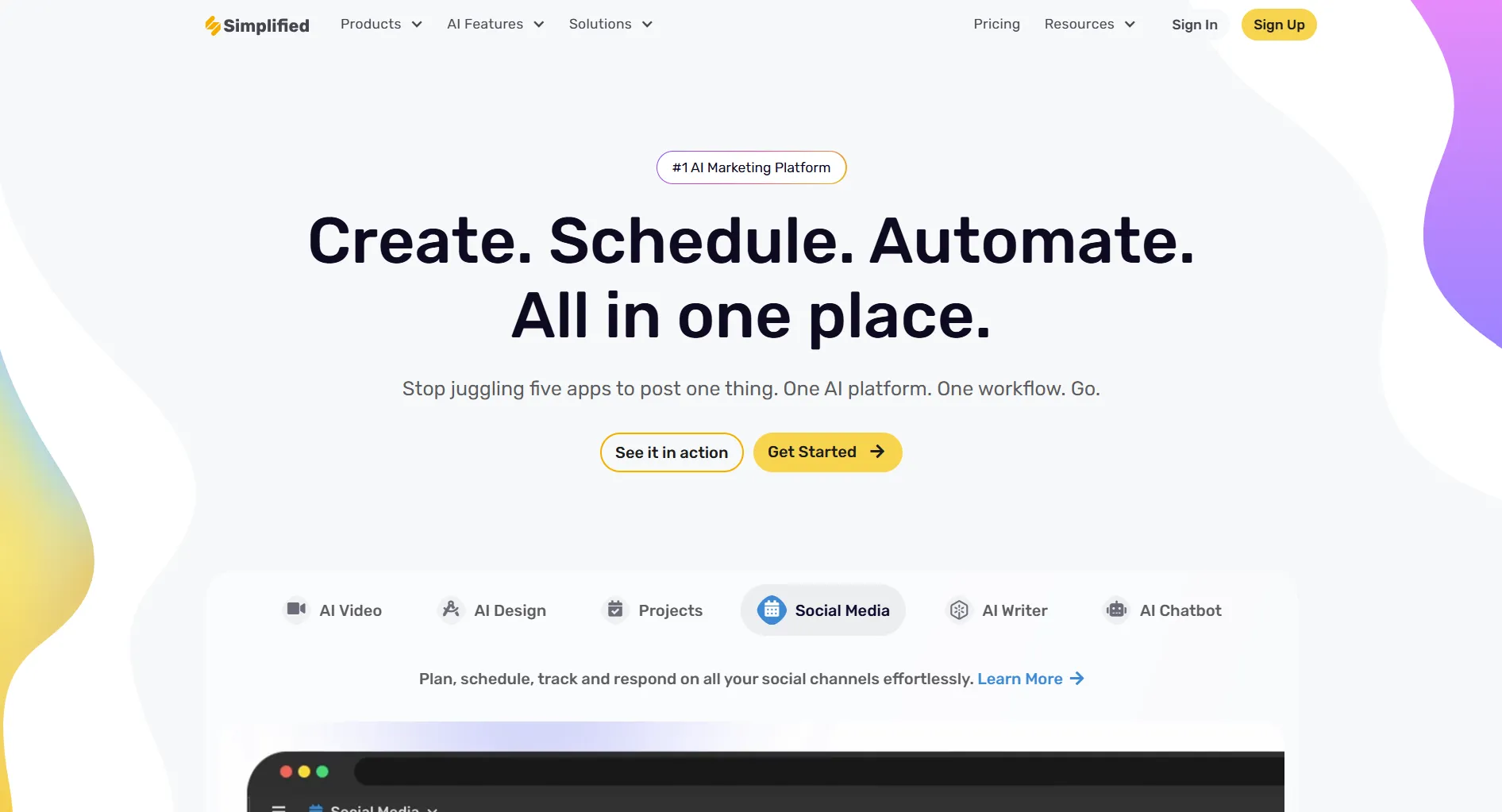
6. Simplified — Best All-in-One
Price: Free / Pro $free-35/month
Simplified bundles video editing, graphic design, AI writing, and social scheduling in one platform.
What you get:
- Video editor + design tool + AI writer
- Social media scheduling
- Brand kit and templates
- Team collaboration
- Free tier available
Where it falls short: Jack of all trades, video editing isn't as deep as Kapwing's. Can feel overwhelming.
Best for: Small teams who want one tool for everything.
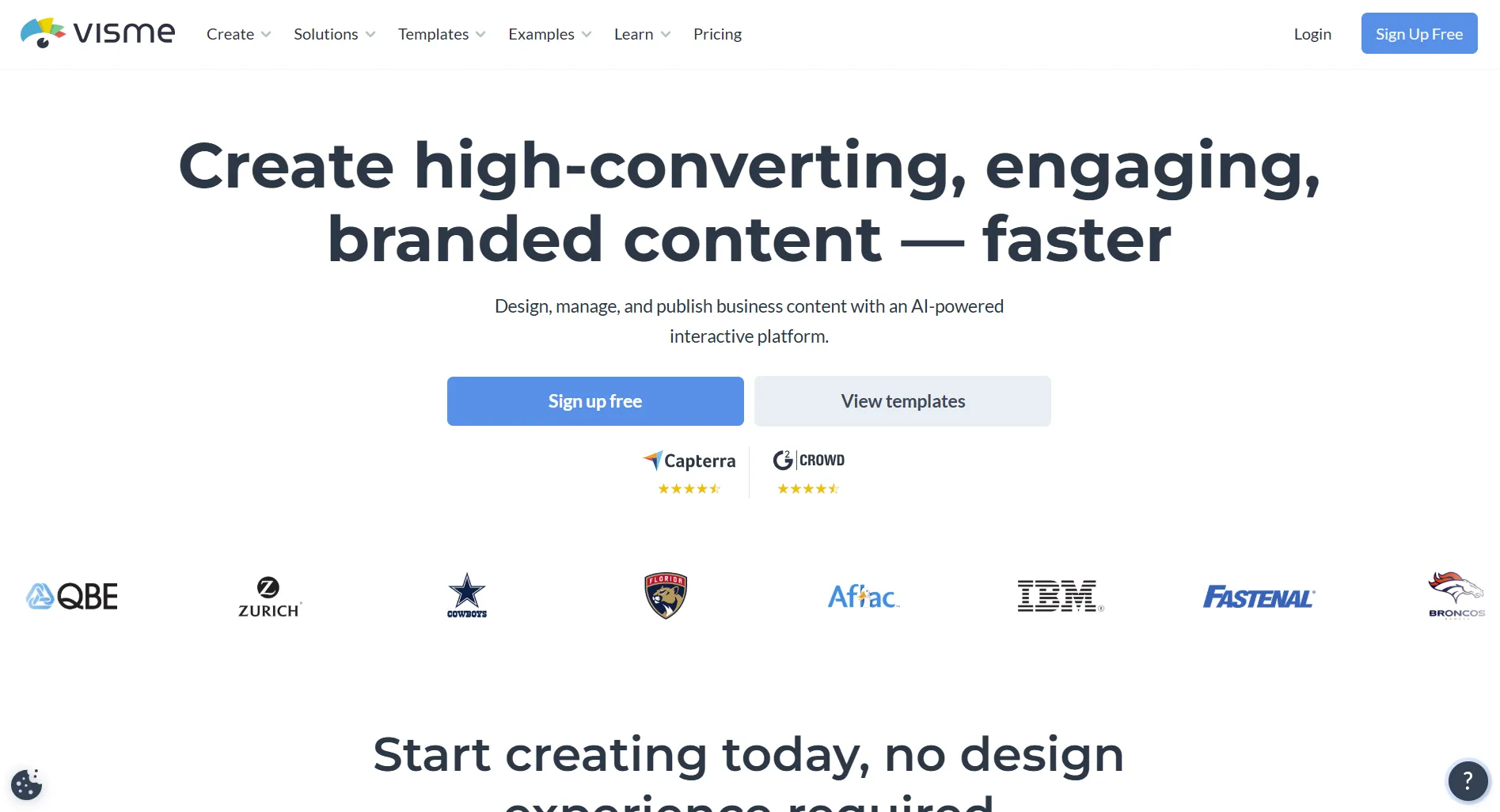
7. Visme — Best for Data & Presentations
Price: From $29/month
Visme focuses on visual content like infographics, presentations, and data visualizations.
What you get:
- Professional infographic templates
- Data visualization tools
- Animated presentations
- Brand management
- Interactive content
Where it falls short: Not primarily a video editor. Limited video capabilities compared to Kapwing.
Best for: Marketing teams creating data-driven visual content.
You need to create social media videos AND schedule them. Which alternative handles both?
💡 Tip: Think carefully before selecting your answer!
Which Alternative Should You Pick?
How to Switch from Kapwing
- Export your projects. Download all current Kapwing projects as MP4/GIF before canceling.
- Pick your replacement. Use the table above to match your needs.
- Set up your new tool. Upload brand assets, fonts, and templates to your new platform.
- Cancel Kapwing. Go to Settings → Billing → Cancel subscription. Your projects remain accessible until the billing period ends.
- Test before committing. Most alternatives have free plans or trials. Run a real project through before fully switching.
For more details on Kapwing specifically, see our Kapwing review, pricing breakdown, or cheaper alternatives.
FAQ
What is the best free alternative to Kapwing?
CapCut is the best free alternative. It offers professional video editing on desktop, mobile, and web with auto-captions, effects, transitions, and no watermark on most exports. Canva Free is also strong for design + basic video editing without watermarks.
Is there a Kapwing alternative with social media scheduling?
Yes. SocialRails ($29/month) includes 350+ video templates, AI content generation, and scheduling to 9 social platforms. Simplified also bundles video editing with social scheduling on its free plan.
Why do people switch from Kapwing?
The three main reasons are per-member pricing that adds up for teams, watermarks on free plan exports, and the lack of scheduling or publishing features. After editing in Kapwing, you still need a separate tool to post content.
Can I use Kapwing alternatives on mobile?
Yes. CapCut has full mobile apps for iOS and Android. Canva has mobile apps with video editing. Adobe Express also has mobile apps. Kapwing itself is browser-only with no dedicated mobile app.
Create content, post everywhere
Create captions, images, and videos with AI. Schedule to 9 platforms in seconds.
Start your free trial
Related
- Kapwing Review
- Kapwing Pricing
- Kapwing vs Canva
- Biteable Review
- Biteable Alternatives
- Biteable vs Canva
- Best Content Creation Apps
Was this article helpful?
Let us know what you think!