

Kapwing Review 2026: Features, Pricing, Pros & Cons

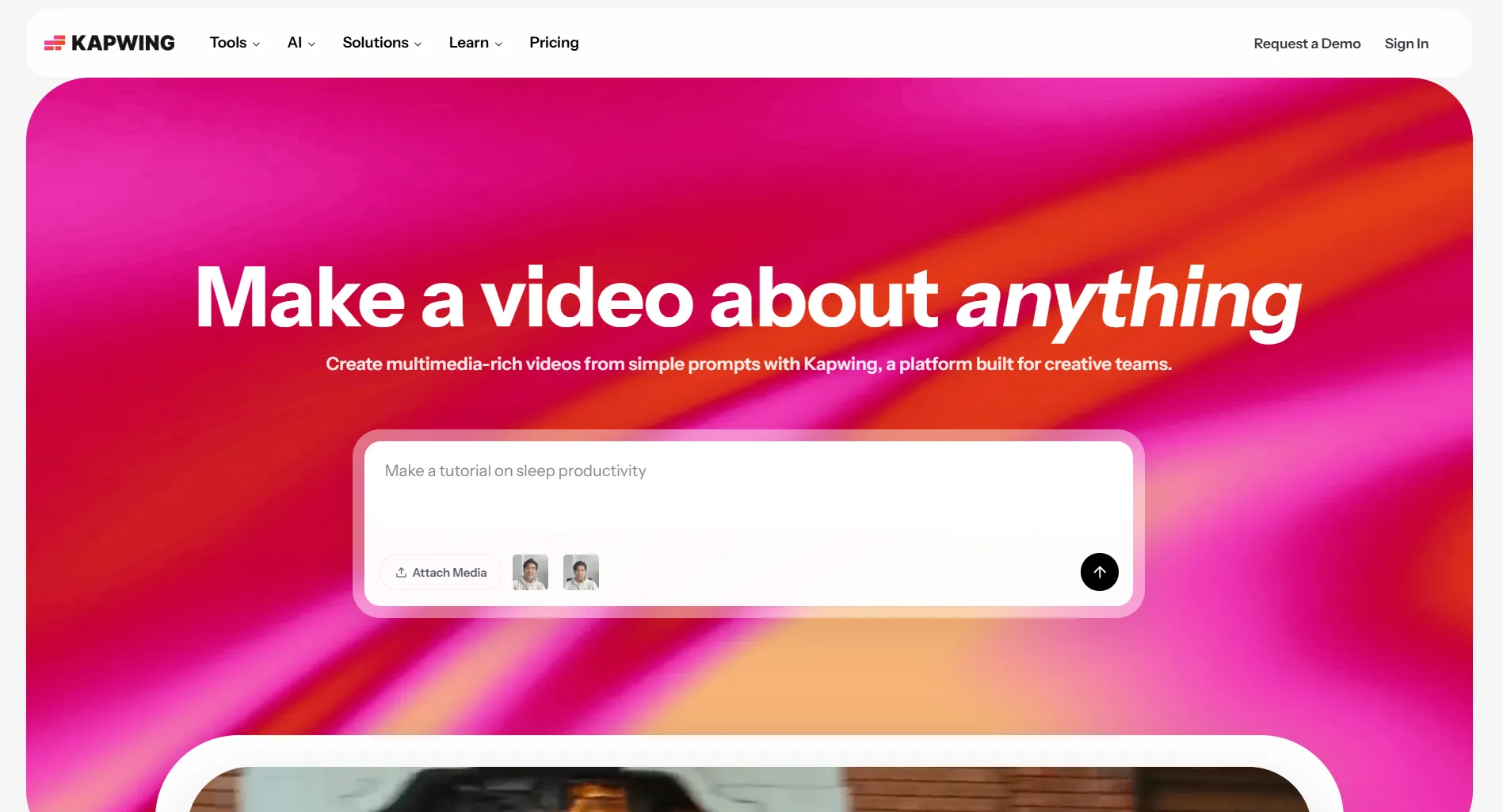
Kapwing is a browser-based video and content editor that lets you create, edit, and export videos without installing software. It's popular with social media creators who need quick edits, auto-subtitles, and simple collaboration.
But is it the right tool for you? Per-member pricing adds up for teams, and the free plan stamps watermarks on everything.
Create content, post everywhere
Create captions, images, and videos with AI. Schedule to 9 platforms in seconds.
Start your free trial
Quick Verdict
Pricing above was re-verified against Kapwing's pricing page on 13 August 2026, in USD, which Kapwing confirms is the only currency it lists.
On the G2 score: this page used to publish 4.1/5 from 40-plus reviews. G2 blocks automated access, so we could not re-confirm that figure and have removed it rather than restate a number we cannot stand behind. If a rating matters to your decision, read it on G2 yourself. Kapwing's own published claims are 35 million creators and 99% subtitle accuracy, which are marketing figures, not audited ones.
Bottom line: Kapwing is the easiest way to edit videos in your browser. Auto-subtitles are excellent, and the drag-and-drop interface is beginner-friendly. But the free plan's watermarks are a dealbreaker for professional use, and per-member pricing makes it expensive for teams. If you mainly create social media content, tools that bundle editing with scheduling (like SocialRails) offer better overall value.
Before you commit: there is no trial and no refund, so the free tier is the only way to test Kapwing, and it is the free tier's 30 minutes of monthly export, not its watermark, that decides whether you can evaluate it properly.
Is Kapwing Free?
Yes, but with significant limits.
What you get on the free plan:
- Screen, camera and audio recording, plus the full drag-and-drop editor
- Free stock templates and a starter set of stock assets
- 10 credits total, spendable on AI tools
- Export as MP4, PNG, JPG, MP3 or GIF
Free plan limits, taken from Kapwing's own comparison table:
The 3-day storage duration is the limit nobody mentions. Free projects are not kept indefinitely, so the free tier is a scratchpad, not an archive.
Is the free plan enough? For a one-off personal edit, yes. For anything ongoing, the 30 minutes of monthly export runs out faster than the watermark annoys you. Pro at $16 per member per month on annual billing removes the watermark, raises exports to 4K and unlimited length up to 2 hours, and adds 100 GB of storage.
What's the biggest limitation of Kapwing's free plan?
Kapwing Pricing
Kapwing Is Metered, Not Just Per-Seat
Most reviews of Kapwing, including the earlier version of this one, describe it as flat per-member pricing. It is not. Each plan carries a monthly credit allowance, and the AI tools spend those credits, so two teams of the same size on the same plan can hit very different ceilings.
The allowances translate into concrete caps that Kapwing publishes per plan:
This changes what the Business tier is actually for. It is not "Pro with more seats", it is 4x the credits, plus voice cloning, lip sync and the ability to buy extra credits, which Pro cannot do. If your usage is heavy subtitling or dubbing rather than more people, the upgrade you need is Business even at a team of one.
Note that Kapwing's subtitles marketing page describes Pro as giving "unlimited subtitles" while its pricing page caps Pro auto-subtitling at 1,000 minutes per month. When a vendor contradicts itself, the pricing page is the one you are billed against.
Real Cost Examples
Per-member pricing means costs scale linearly with team size. For a full breakdown, see our Kapwing pricing guide.
How much does Kapwing Pro cost for a team of 3 on annual billing?
Kapwing AI Features
Kapwing has invested heavily in AI tools, and the AI surface is now most of what separates the tiers:
- Auto-subtitles: Generated from the audio, then translatable into 100+ languages. Kapwing advertises 99% accuracy, which is its own claim rather than an independent benchmark, but it is strong on clear audio in practice.
- Dubbing: Translated voice-over in 40+ languages, with 180 stock AI voices or a clone of the original speaker's voice. Voice cloning is Business only.
- Lip sync: Realigns on-screen mouth movement to dubbed audio. Business only, and capped at 30 minutes per month on Pro where it is available at all.
- Background removal: Works on video and images.
- Video Generator and B-Roll Generator: Generate clips from a text prompt, or fill a cut with matching B-roll.
- Repurpose Studio and Clip Maker: Cut one long video into social-ready short clips.
- Speaker Focus and AI resizing: Reframe automatically for 16:9, 9:16 and 1:1, keeping the speaker in frame.
- Smart Cut: Remove silences automatically.
- Clean Audio: Strip background noise.
Older reviews, including our own previous version, said Kapwing generated subtitles in "70+ languages". That figure does not appear anywhere on Kapwing's site. The number to know is 100+ for subtitle translation and 40+ for dubbing, and the two are different products with different credit costs.
What Kapwing's AI can't do:
- Write social media captions or post copy
- Schedule or publish content to social platforms
- Generate content calendars
- Suggest best posting times
- Manage multiple social accounts
For AI that writes and schedules social content, you'd need a dedicated social media tool. SocialRails includes AI content generation alongside 350+ video templates and publishing to 9 platforms.
Pros
- Very easy to use. Drag-and-drop interface requires zero learning curve.
- Browser-based. No downloads, works on any computer with a browser.
- Auto-subtitles are excellent. Fast, editable transcript, downloadable as SRT, VTT or TXT, and translatable into 100+ languages without leaving the editor.
- Localisation is unusually deep for the price. Subtitles, dubbing and lip sync in one tool is normally an enterprise purchase.
- Good template library. Decent selection for social media formats.
- Collaboration built in. Shared workspace, commenting and real-time editing from Pro upward.
Cons
- Per-member pricing adds up. A 5-person team pays $80-250/month.
- Credits are a second ceiling on top of seats. Heavy subtitling or dubbing can exhaust a plan that has plenty of seats left, and only Business can buy more.
- No free trial of the paid plans. Kapwing's own FAQ says so outright, so the only way to evaluate Pro is to subscribe.
- No refunds. Kapwing's refund policy declines refunds on the grounds that a free version exists, which makes the point above more expensive than it looks.
- Free plan is watermarked and capped at 30 minutes of export a month. That is tight for a genuine evaluation.
- Free projects are deleted after 3 days.
- Lacks advanced editing. No complex audio mixing, motion graphics, or professional color grading.
- No scheduling or publishing. It's an editor only, you still need another tool to post content.
Who Should Use Kapwing
Good fit:
- Solo content creators who need quick video edits
- Anyone who wants browser-based editing without installing software
- Creators who need auto-subtitles for accessibility
- Teams that need simple collaboration on video projects
Not a good fit:
- Professional video editors (use Premiere Pro or DaVinci Resolve)
- Large teams on a budget (per-member pricing gets expensive)
- Social media managers who need scheduling + content creation (use SocialRails or Later)
- Anyone who needs advanced effects or motion graphics
Which user would benefit MOST from Kapwing?
Final Verdict
Kapwing does one thing well: browser-based video editing with excellent auto-subtitles. If you're a solo creator who needs quick edits without installing software, it's a solid choice at $16/month.
But it's just a video editor. No scheduling, no publishing, no social media management. And per-member pricing makes it pricey for teams.
Good for solo video editing and genuinely strong on subtitling and localisation. Limited for everything else, and the no-trial, no-refund combination means you should be sure before you pay.
Better Options Depending on Your Needs
Two of those figures used to be stated precisely here and are not any more, deliberately. CapCut is no longer simply "free": it now runs paid Standard and Pro tiers above the free one, published prices differ between its website and the app stores, and its own pricing URL currently 404s, so any exact number you read for it is somebody's guess. Canva's pricing page is region and currency gated, and served euros rather than dollars when we checked, so a dollar figure quoted here would not be one we had verified. Both links go to the source. Check the price where you are.
See our full Kapwing alternatives list or find cheaper tools than Kapwing.
FAQ
Is Kapwing worth it in 2026?
For solo creators who need browser-based video editing with good auto-subtitles, yes. Kapwing Pro at $16/month (annual) is reasonable for one person. For teams, per-member pricing makes it expensive fast, and you might get better value from tools that include scheduling like SocialRails.
Does Kapwing have a watermark?
On the free plan, yes. Every exported video gets a Kapwing watermark. Upgrading to Pro ($16/month per member, annual) removes the watermark completely.
Can Kapwing replace Adobe Premiere Pro?
No. Kapwing handles basic to moderate video editing in the browser, but it lacks the advanced features Premiere Pro offers: complex audio mixing, professional color grading, motion graphics, and multi-track timelines. Kapwing is better suited for quick social media edits, not professional video production.
Does Kapwing have AI features?
Yes, and they are the main difference between the tiers. Auto-subtitles with translation into 100+ languages, AI dubbing in 40+ languages, background removal for video and images, a video generator and B-roll generator, smart cut for removing silences, clean audio, and AI resizing. Voice cloning and lip sync are restricted to the Business plan.
Does Kapwing have a free trial?
No. Kapwing's own FAQ states that it does not currently offer a free trial of its paid plans, and its refund policy declines refunds after you upgrade, on the grounds that a free version exists. The free plan is the only way to evaluate it, and that plan is limited to 720p, 4-minute videos and 30 minutes of export per month.
How do Kapwing credits work?
Every plan carries a monthly credit allowance that the AI tools draw on: 10 credits in total on Free, 1,000 per month on Pro and 4,000 per month on Business. In practice that is 10 minutes, 1,000 minutes and 4,000 minutes of auto-subtitling respectively, with separate caps for translating, text to speech and lip sync. Only Business can buy additional credits, so heavy AI use can force an upgrade even on a team of one.
What platforms does Kapwing support?
Kapwing is a video editor, not a social media scheduler. It runs in your web browser and exports video files. It doesn't connect to or publish directly to any social media platforms. You edit and export, then upload manually or use a separate scheduling tool.
Related
- Kapwing Pricing
- Kapwing Alternatives
- Kapwing vs Canva
- Biteable Review
- Biteable vs Canva
- Best Content Creation Apps
- Tools for Content Creators
Was this article helpful?
Let us know what you think!