

Biteable Review 2026: Features, Pricing, Pros & Cons

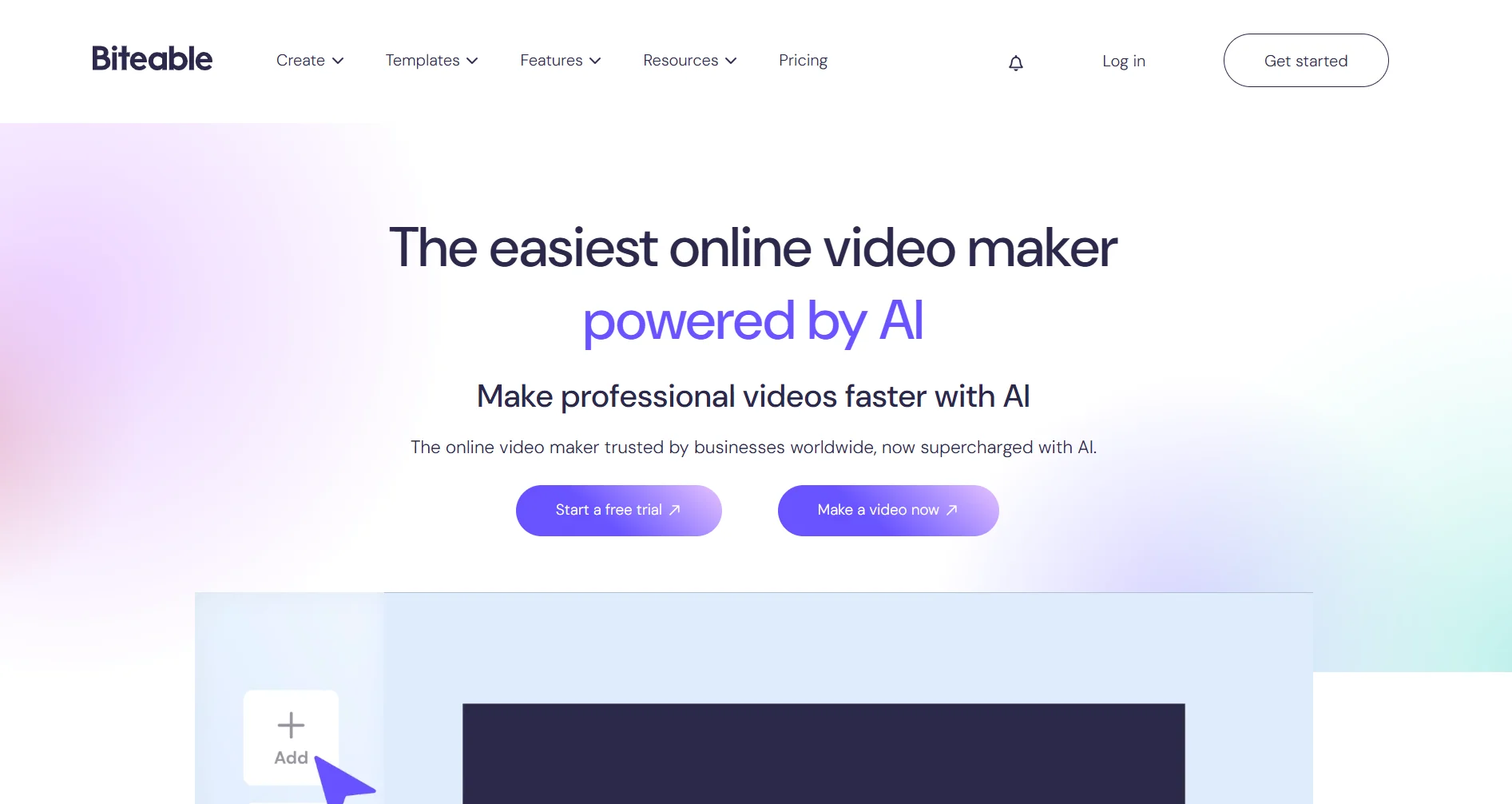
Biteable is an online video maker for marketers, HR teams, and small businesses. Pick a template, customize it, export. No Premiere or Final Cut needed.
The pitch: anyone can make marketing videos in minutes. But is the output good enough, and is it worth paying for?
Create content, post everywhere
Create captions, images, and videos with AI. Schedule to 9 platforms in seconds.
Start your free trial
Quick Summary
Best for: Marketers creating social media ads, internal communications teams making training videos, and small businesses that need quick promotional clips without hiring a video editor.
Not ideal for: Professional videographers, YouTubers who need advanced editing, or anyone wanting full creative control over every frame.
Pricing at a Glance
All plans include a 7-day free trial (no credit card required).
There is no free plan (Biteable removed their free tier).
For the full pricing breakdown, see our Biteable pricing page.
What's the cheapest Biteable plan if billed annually?
What Biteable Does Well
Template Library
Hundreds of video templates organized by category:
Templates come pre-animated with professional motion graphics. You swap in your text and images, and the animations adjust automatically.
Ease of Use
Drag-and-drop scenes, type your text, upload your media, done. Most users create their first video within 15-20 minutes.
No timeline editing, no keyframes, no render settings. That's by design. If you need professional editing, use Premiere. If you need a quick marketing video, Biteable gets it done.
AI Video Assistant (AVA)
Biteable's AI assistant can:
- Generate a video script from a prompt
- Turn that script into an editable video storyboard
- Match scenes with relevant stock footage
Not perfect, but a useful starting point that saves time on ideation and rough drafts.
AI Avatars
Upload a photo and Biteable creates a talking avatar. Useful for:
- Explainer videos without being on camera
- Multilingual content (40+ AI voices)
- Consistent brand spokesperson across videos
Pro plan gets 20 avatar clips/month, Premium gets 40.
Stock Library
Millions of stock clips, images, and animations included in all plans. No extra licensing fees. Most marketing videos can be assembled entirely from stock.
Screen Recording
Built-in screen recording for tutorials, product demos, and walkthroughs. Records directly in the browser, no additional software needed.
What can Biteable's AI assistant (AVA) do?
Where Biteable Falls Short
Limited Customization
The trade-off for simplicity. You can't:
- Customize animations or transitions
- Add keyframe-based motion
- Layer multiple video tracks
- Use custom effects or filters
You're working within template constraints. Great for speed, frustrating if you have a specific creative vision.
No Free Plan
Biteable used to have a free plan with watermarked exports. It's gone. The 7-day trial is the only way to test before paying.
Video Length Limits
- Pro: max 10-minute videos
- Premium: max 20-minute videos
Fine for social media clips and ads, but limiting for longer-form content like webinars or tutorials.
Export Times
Cloud-based rendering means variable export times. Complex videos can take several minutes.
Premium Features Cost More
Key features like 4K exports, AI voices, auto closed captions, and custom fonts require the Premium plan ($49/month annual). The Pro plan feels stripped down in comparison.
No Offline Access
Browser-only. No desktop app, no offline editing.
Who Should Use Biteable
Good fit:
- Marketing teams creating social media video ads quickly
- HR departments making internal training and recruitment videos
- Small businesses that need promotional clips without a video editor on staff
- Agencies producing high volumes of simple, template-based videos
- Anyone who needs "good enough" videos fast
Look elsewhere if:
- You need full creative control (use Canva, CapCut, or Adobe Premiere)
- You're a professional videographer or YouTuber
- You need videos longer than 20 minutes
- You want a free video maker (try CapCut or Canva's free tier)
- You need social media content beyond video, SocialRails helps you create and schedule posts across all platforms
Biteable vs Competitors
For a head-to-head, see our Biteable vs Canva comparison.
For more options, see our Biteable alternatives.
You need to quickly make a 30-second Instagram ad. Which Biteable feature saves the most time?
Frequently Asked Questions
Is Biteable free?
No. Biteable removed their free plan. They offer a 7-day free trial (no credit card required), then paid plans start at $15/month billed annually or $29/month billed monthly.
Is Biteable good for YouTube videos?
For intros, outros, and short promotional clips, yes. For full YouTube videos with advanced editing, no. Biteable is template-based and lacks the timeline editing that YouTubers need. Use CapCut, DaVinci Resolve, or Premiere instead.
Can I remove the Biteable watermark?
Yes, on all paid plans. The free trial also exports without watermarks. There is no free plan with watermarked exports anymore.
Does Biteable work on mobile?
Biteable is browser-based and optimized for desktop. There's no dedicated mobile app. You can access it via mobile browser, but the editing experience is designed for desktop screens.
How long does it take to make a video?
Most users create their first video in 15-20 minutes using templates. AI-assisted creation with AVA can be even faster for rough drafts. Export times vary based on video complexity.
Is Biteable better than Canva for video?
For polished animated marketing videos, yes. Biteable's motion graphics templates look more professional. But Canva has a free plan, broader design tools, and better team collaboration. See our full Biteable vs Canva comparison.
Can I upload my own footage to Biteable?
Yes. You can upload your own video clips, images, and audio alongside Biteable's stock library. The editor lets you mix custom footage with template animations.
Bottom Line
Biteable makes video creation fast and simple. Templates are professional, AVA helps with ideation, and there's almost no learning curve.
The trade-off: limited creative control, no free plan, and key features locked behind Premium. For quick marketing videos, it works well. For real editing, look elsewhere.
For social media content beyond video, SocialRails helps you create and schedule posts across all platforms for $29/month.
Rating: 3.7/5
Related
- Biteable Pricing
- Biteable Alternatives
- Biteable vs Canva
- Kapwing Review
- Kapwing vs Canva
- Best Content Creation Apps
- Tools for Content Creators
- Social Media Video Sizes Guide
- YouTube Content Creation Tools
Was this article helpful?
Let us know what you think!