

Blog2Social Review 2026: Features, Pricing, Pros & Cons

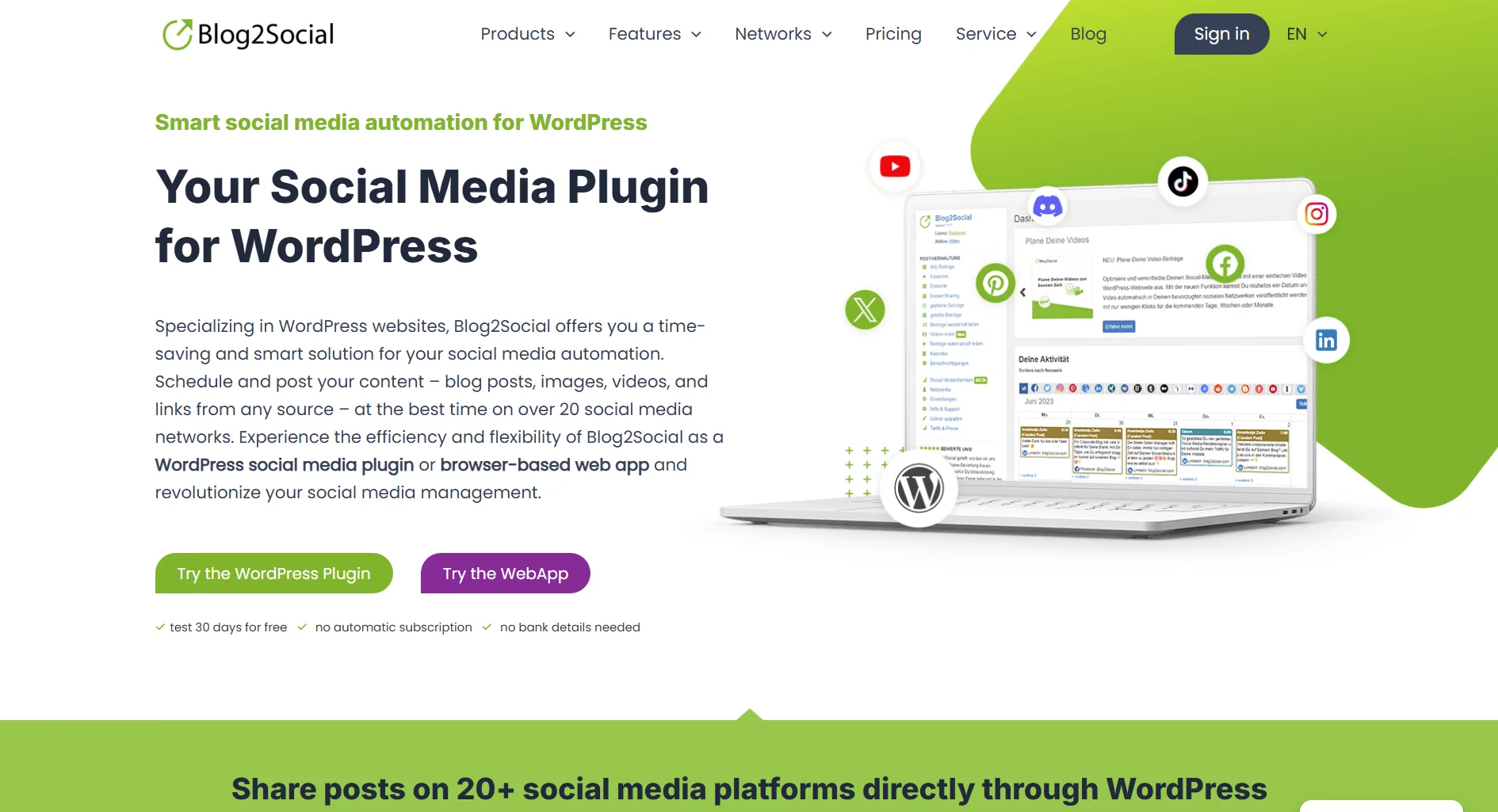
Blog2Social is a WordPress plugin that auto-posts your blog content to 20+ social networks. It's not a standalone SaaS tool, it lives inside your WordPress dashboard. Free version available, premium starts at $7/month.
Create content, post everywhere
Create captions, images, and videos with AI. Schedule to 9 platforms in seconds.
Start your free trial
Quick Summary
Best for: WordPress bloggers and content marketers who publish frequently and want automated social sharing without leaving their CMS.
Not ideal for: Teams needing a full social media management platform, anyone not on WordPress, or users wanting AI content generation. For standalone alternatives, see our Blog2Social alternatives or Buffer review.
Pricing at a Glance
Key detail: These are WordPress plugin prices, not SaaS subscriptions. You also need WordPress hosting. For full pricing breakdown, see Blog2Social Pricing 2026.
What's the total cost of using Blog2Social Pro if your WordPress hosting is $10/month?
What Blog2Social Does Well
Auto-Posting from WordPress
This is the core feature. Publish a blog post, and Blog2Social shares it across your connected networks automatically.
Verdict: If your content workflow starts in WordPress, this works smoothly. No copy-pasting links into a separate tool.
Network Support
20+ platforms supported:
- Facebook (pages, groups, profiles)
- Twitter/X, LinkedIn, Instagram
- Pinterest, Tumblr, Medium
- Reddit, Flickr, Blogger
- VK, XING, Diigo, and more
Verdict: Broader network support than many standalone schedulers, especially for niche platforms like XING and VK.
Content Customization
Verdict: Solid customization. You're not just blasting the same message everywhere.
Scheduling & Calendar
Drag-and-drop editorial calendar with best time scheduling. You can plan posts ahead and see everything in a visual layout.
Verdict: Decent calendar for a plugin. Not as polished as dedicated SaaS calendars, but gets the job done.
How many social networks does Blog2Social support?
What Blog2Social Lacks
WordPress-Only
This is the biggest limitation. Blog2Social only works as a WordPress plugin. If you:
- Use Shopify, Squarespace, or another CMS
- Want to post content that isn't a blog post
- Need a standalone dashboard accessible from anywhere
You're out of luck. Standalone tools like SocialRails or Buffer work regardless of your CMS.
No AI Content Generation
No AI tools for:
- Caption writing or optimization
- Image generation
- Content repurposing
- Smart hashtag suggestions
In 2026, this is a notable gap. Tools like SocialRails include unlimited AI content generation built in.
No Social Listening or Inbox
Missing entirely:
- Unified social inbox
- Comment management across platforms
- Brand mention monitoring
- Sentiment analysis
- Competitor tracking
Blog2Social is a publishing tool, not a social media management platform. For monitoring, look at Hootsuite or Sprout Social.
No Native Analytics
Blog2Social doesn't provide its own analytics dashboard. You're relying on each platform's native analytics or third-party tools to measure performance.
Pros and Cons Summary
What Users Generally Say
Common Praise
- Time-saving auto-posting for frequent bloggers who publish multiple posts per week
- Free version is functional enough to test whether the plugin fits your workflow before upgrading
- More control per network than simpler alternatives like Jetpack Social
Common Complaints
- Outdated interface, the dashboard feels old compared to modern SaaS tools
- WordPress-only limitation, users who want to post non-blog content still need a second tool
- Support response times can be slow according to user feedback on G2 and Capterra
What's the most common limitation users report about Blog2Social?
Who Should Use Blog2Social
Ideal Users
WordPress Bloggers
- Publish blog content regularly
- Want automated social sharing
- Don't need standalone social management
- Budget-conscious
Content Marketers on WordPress
- Multiple blog posts per week
- Need custom formatting per network
- Want to re-share evergreen content
- Already paying for WordPress hosting
Small Business WordPress Sites
- Use WordPress as their primary platform
- Need basic social presence
- Don't have dedicated social media staff
- Want set-it-and-forget-it automation
Who Should Look Elsewhere
Teams needing collaboration, no approval workflows or team features (Business plan has basic multi-user)
Non-WordPress users, plugin doesn't work without WordPress
Social media managers, need a full platform with analytics, inbox, and listening
AI-forward teams, no AI content tools; consider SocialRails for AI-powered scheduling
Blog2Social vs Alternatives
For a detailed comparison, see Blog2Social vs Buffer.
FAQ
Is Blog2Social worth it?
For WordPress bloggers who publish frequently, yes. The free version handles basics, and the Smart plan at $7/month adds meaningful features. But if you need a full social management platform, a standalone SaaS tool is a better investment.
Does Blog2Social have a free plan?
Yes. Blog2Social has a genuinely free version on WordPress.org with basic auto-posting to limited networks. Premium plans start at $7/month (Smart).
Is Blog2Social good for agencies?
Not really. It lacks team collaboration features, approval workflows, and client management. Agencies should look at standalone tools like SocialRails, Hootsuite, or Loomly.
How does Blog2Social compare to Buffer?
Blog2Social is a WordPress plugin, Buffer is standalone SaaS. Blog2Social supports more networks (20+ vs 6) and is cheaper, but Buffer offers analytics, a cleaner UI, and works without WordPress. See our full Blog2Social vs Buffer comparison.
Can Blog2Social replace Hootsuite?
No. Blog2Social is a publishing plugin, not a social media management platform. It lacks analytics, social listening, inbox management, and works only within WordPress. For a Hootsuite comparison, see our Hootsuite review.
Bottom Line
Blog2Social is a solid WordPress plugin for automated social sharing, if WordPress is your world.
Choose Blog2Social if:
- You publish blog content on WordPress regularly
- You want automated posting to 20+ networks
- You're budget-conscious (free plan or $7-25/mo)
- You don't need analytics, inbox, or listening
Choose an alternative if:
- You're not on WordPress
- You need a full social media management platform
- You want AI content generation
- You need team collaboration and approvals
For a standalone platform with AI content, analytics, and no CMS dependency, consider SocialRails.
Create content, post everywhere
Create captions, images, and videos with AI. Schedule to 9 platforms in seconds.
Start your free trialRelated
Blog2Social Content
Similar Reviews
- Buffer Review 2026
- Hootsuite Review 2026
- SocialBee Review
- Metricool Review
- Later Review 2026
- Sprout Social Review
- Sendible Review
- Circleboom Review 2026
- Social Champ Review 2026
- Viraltag Review
Best-Of Guides
Was this article helpful?
Let us know what you think!