

Best Canva Alternatives 2026: Top Design Tools Compared

Quick answer: The best Canva alternative depends on what you actually use Canva for. For design + AI + social scheduling in one tool, SocialRails ($29/mo). For free design, Figma. For AI design, Adobe Express. For all-in-one, Simplified. For presentations, Pitch.
Why compare? Get more for less with SocialRails
Post images, videos & carousels to 9 platforms. AI helps with captions.
Cancel anytime
Quick Answer
Why People Leave Canva
Three reasons keep coming up:
1. Scheduling is an afterthought
Canva's Content Planner only posts to a handful of platforms and lacks approval flows, bulk scheduling, and analytics. Most serious posters add a second tool.
2. Pro price keeps creeping up
Canva Pro is $15/month (or $120/year). Add Teams at $10/user/month (3-user minimum = $30/month), and costs stack fast.
3. Every design looks like a Canva design
Massive template libraries are both a strength and a weakness. Recognizable aesthetics can hurt brand differentiation.
Canva Pro is $15/month. Canva Teams requires at least 3 users at $10/user/month. What's the minimum monthly cost for a 3-person team on Teams?
💡 Tip: Think carefully before selecting your answer!
Top 8 Canva Alternatives
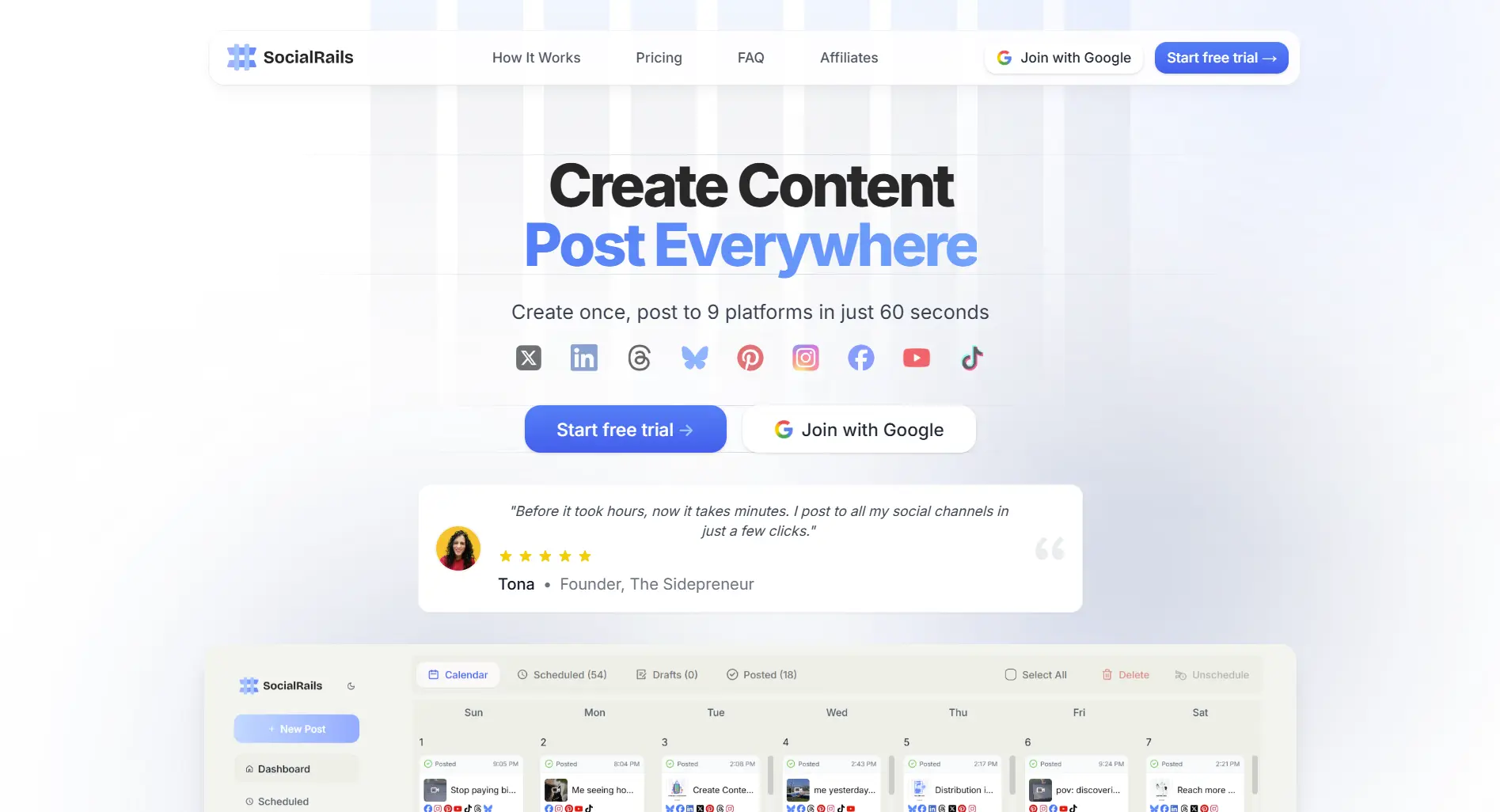
1. SocialRails, Best for Design + Scheduling in One Tool
Price: $29-99/month flat
If the reason you use Canva is to post content, SocialRails combines visual content creation with scheduling to 9 platforms, so you don't stack Canva + a separate scheduler.
Best for: Social media managers, small businesses, agencies who want design + publishing without two subscriptions.
Try SocialRails free →2. Figma, Best Free Alternative
Price: Free / Professional $15/editor/month
Figma isn't a direct Canva clone, but for UI, slides, and marketing graphics, its free plan is more than enough.
What you get:
- Free plan with 3 files and unlimited viewers
- Real-time collaboration
- Component and variant system
- Massive community template library (FigJam, slide decks, social templates)
- Plugins for almost anything (icon libraries, AI generation, exports)
Where it falls short: Steeper learning curve. Not template-first like Canva; you're expected to design more from scratch.
Best for: Designers, teams who already live in Figma, anyone who wants a real free tier.
3. Adobe Express, Best for AI Design
Price: Free / Premium $9.99/month
Adobe's Canva rival. Firefly-generated images and text effects are included on the paid plan and integrate with the Adobe ecosystem.
What you get:
- Firefly generative AI (images, text effects)
- Video + animation templates
- Brand kits with fonts, colors, logos
- Schedule to social (limited platforms)
- Cheaper Premium ($9.99) than Canva Pro
Where it falls short: Template library is smaller than Canva's. Fewer community templates.
Best for: Anyone who wants generative AI design at a lower monthly price than Canva Pro + Creative Cloud.
4. VistaCreate, Best for Print + High Volume
Price: Free / Pro ~$13/month
VistaCreate (formerly Crello) matches Canva's template-first approach with a slight edge for print and bulk.
What you get:
- 70,000+ templates
- Print design and direct print ordering via Vistaprint
- Animated design objects
- Basic background remover on free plan
Where it falls short: UI is less polished than Canva's. Smaller community.
Best for: Businesses that print a lot (flyers, business cards) or need volume without paying Canva Pro prices.
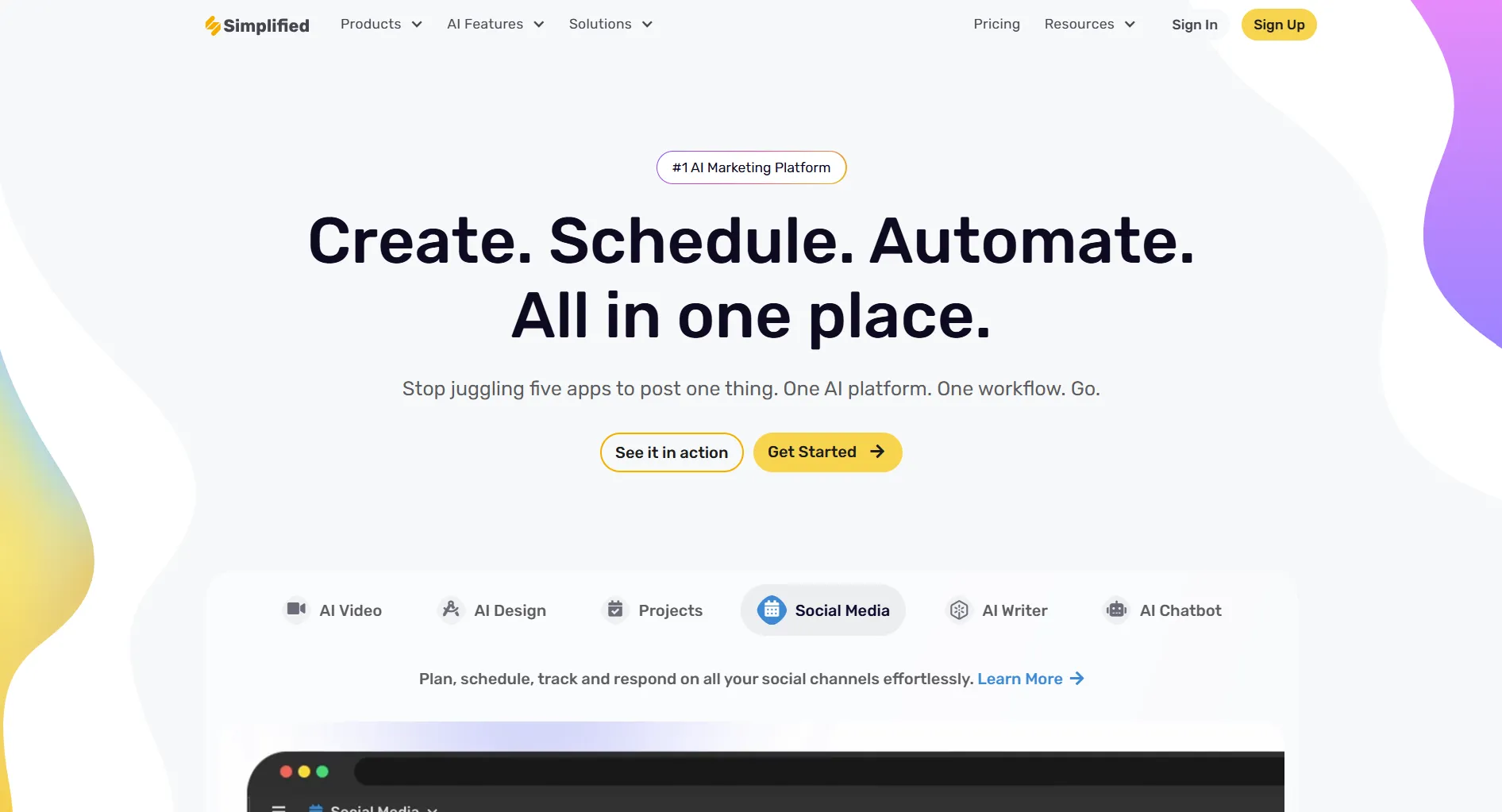
5. Simplified, Best All-in-One
Price: Free tier / Pro from ~$24/month
Simplified bundles design, AI writing, video editing, and social scheduling in one tool.
What you get:
- Design editor with templates
- AI writer with prompts
- Video editor
- Social media scheduler
- Free tier (limited quota)
Where it falls short: Jack-of-all-trades. Design quality isn't quite Canva's level; AI writing isn't quite Jasper's.
Best for: Small teams who want one subscription instead of Canva + Jasper + Buffer.
6. Pitch, Best for Presentations
Price: Free / Pro $25/user/month
If most of your Canva usage is slides, Pitch is purpose-built and far more polished for presentations.
What you get:
- Slide editor built for teams
- Real-time collaboration
- Smart templates with live data
- Generous free plan
- Presenter view, recording, analytics
Where it falls short: Not a general-purpose design tool. No social media templates or print exports.
Best for: Startups, sales teams, and anyone whose main Canva use is decks.
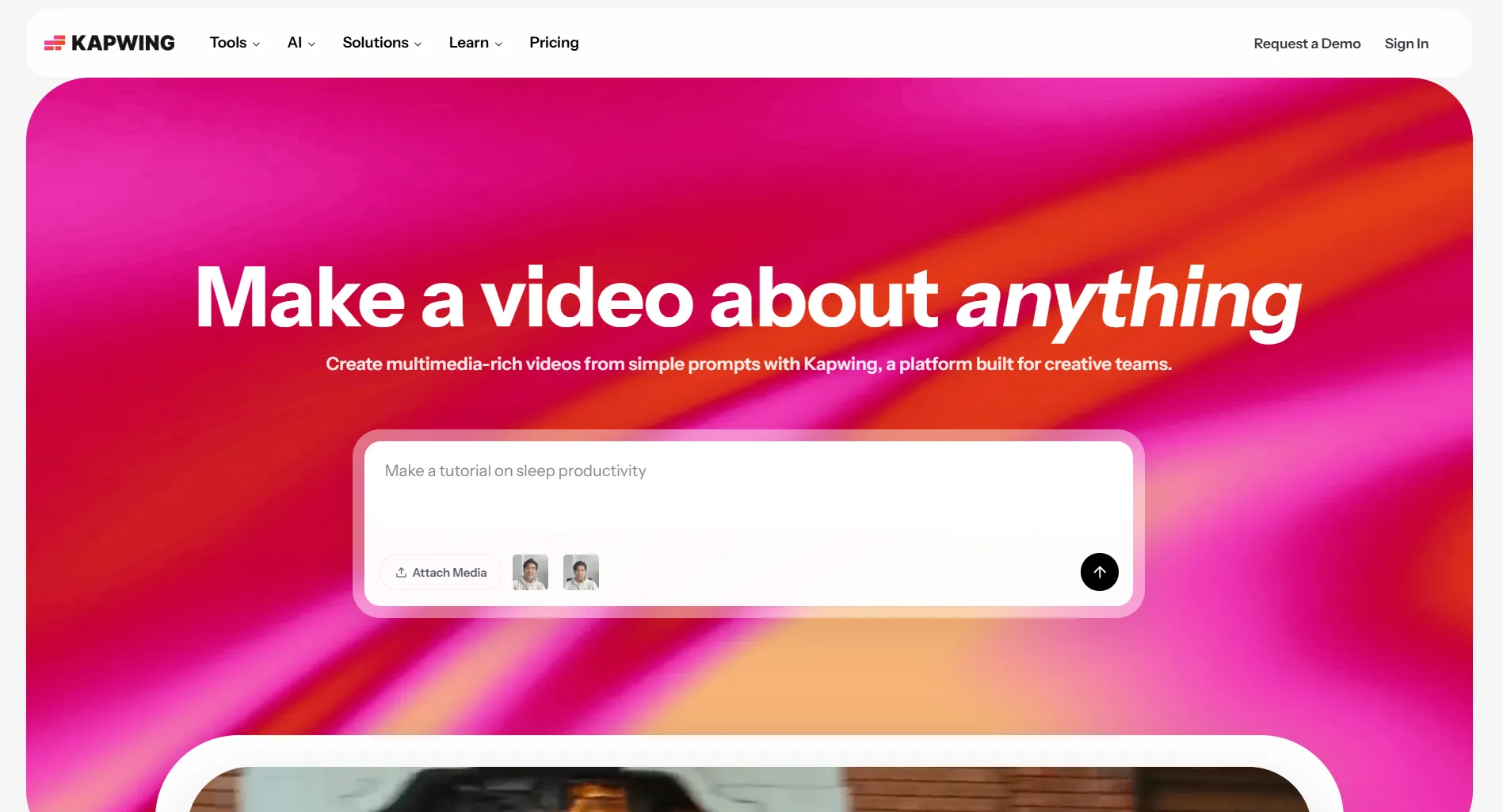
7. Kapwing, Best for Video + Quick Edits
Price: Free / Pro $16/month
Kapwing is a browser-based video editor with design and social-first templates.
What you get:
- Video editing with auto-subtitles
- Meme and short-form video templates
- Collaborative editing
- Export to social-native sizes
- Decent image editing
Where it falls short: Not as strong on static graphics. Free tier adds a watermark.
Best for: Creators who spend more time editing videos than static posts.
8. Adobe Photoshop, Best for Pro Design
Price: $22.99/month (Photography plan $9.99/month)
If Canva's output doesn't meet your quality bar, Photoshop is the professional floor.
What you get:
- Full pixel-level control
- Industry-standard tool for print, web, photo
- Generative Fill (Firefly-powered)
- Integrates with Illustrator, Lightroom, InDesign
Where it falls short: Steep learning curve. No templates out of the box. Overkill for most social posts.
Best for: Agencies, designers, brands where polish matters more than speed.
You're a solo creator who mostly uses Canva for short-form video and social posts. Which alternative pays for itself fastest?
💡 Tip: Think carefully before selecting your answer!
Price Comparison Summary
Which Alternative Should You Pick?
How to Switch from Canva
- Export designs. Download your Canva designs as PNG, JPG, PDF, or MP4. Re-usable templates can be exported individually.
- Save brand assets. Download your brand kit (logos, colors, fonts) so you can recreate it in the new tool.
- Move your team. If on Canva Teams, export shared folders first.
- Cancel Canva. Go to Account Settings → Billing → Cancel Subscription. Pro access continues to the end of the billing cycle.
- Rebuild templates. Most replacements let you import images but not
.canvafiles, so expect to recreate your most-used templates once.
For more comparisons, see Canva vs Hootsuite, Canva vs Simplified, or Canva vs Buffer.
Related reads:
- Canva Pricing Guide 2026
- Canva Review 2026
- Best Canva Social Media Templates
- Best AI Tools for Social Media
- Best Tools for Content Creators
FAQ
What is the best free alternative to Canva?
Figma's free plan is the strongest free design tool and includes real-time collaboration. For template-heavy design, Adobe Express has a solid free tier. For social media specifically, SocialRails offers a free trial with design templates plus publishing.
Is Adobe Express better than Canva?
For AI-generated content, Adobe Express wins because Firefly is included. For sheer template volume and community content, Canva still leads. Adobe Express Premium ($9.99/month) is cheaper than Canva Pro ($15/month) on monthly billing.
Which Canva alternative is best for social media?
SocialRails ($29/month) is the best fit for most social media managers. It combines 350+ video templates with scheduling and publishing to 9 platforms, so you replace both Canva and a separate scheduler.
Is Canva worth it in 2026?
For casual design, the free plan is genuinely useful. Canva Pro at $15/month is worth it if you use the brand kit, Background Remover, and Magic Studio features regularly. If you mostly post to social, bundling design + scheduling into one tool (like SocialRails at $29/month) tends to come out cheaper than Canva Pro plus a scheduler.
Can I switch from Canva without losing my designs?
Yes. Export your designs as PNG, JPG, PDF, or MP4 before canceling. Your exports are yours to keep. What you can't export is the editable .canva source, so your most-used templates may need to be recreated once in the new tool.
Is Figma really a Canva replacement?
For UI, web graphics, and slides, yes. For template-first marketing posts and print design, Canva is still faster out of the box. Figma's strength is flexibility; Canva's strength is speed.
Which Canva alternative is cheapest for teams?
For small teams, Figma's free plan with paid editors ($15/month per editor) is usually the cheapest real design collaboration. For social-first teams, a flat subscription like SocialRails ($29/month total, not per user) is often cheaper than Canva Teams once you're at 3+ seats.
Does any Canva alternative have scheduling built in?
Yes. SocialRails includes design templates and scheduling to 9 platforms. Simplified bundles design plus scheduling, though with fewer platforms.
Create content, post everywhere
Create captions, images, and videos with AI. Schedule to 9 platforms in seconds.
Start your free trial
Looking at other options too? Check the full alternatives index.
Open the hubWas this article helpful?
Let us know what you think!